

Case Study: Accelerating Digital Adoption through Visual Education##Executive SummaryAllianz, a global leader in insurance, launched the "My Allianz" mobile application to streamline customer service and empower policyholders with self-service tools. However, the migration from traditional phone support to digital self-service required overcoming user hesitation and perceived complexity. Advids partnered with Allianz to produce a comprehensive, 2D motion graphics training video. This visual guide was designed to dismantle adoption barriers by transforming complex insurance procedures—such as digital certificate validation and claim document submission—into a seamless, friendly, and easy-to-follow visual narrative.
The Challenge: Overcoming the Friction of Digital MigrationThe primary challenge was not the technology itself, but user behavior. Insurance processes are traditionally viewed as bureaucratic and paper-heavy. While the "My Allianz" application simplified these tasks, the sheer number of features (Registration, E-Certificates, Police Verification, Payments, Driver Management, Renewals, and Inspections) was overwhelming for new users.
Allianz needed a solution that would:
- Demystify the Application: Prove that using the application is faster than a phone call.
- Ensure Accuracy: Demonstrate specific workflows (like validating insurance with a police officer) without error, as these are legal compliance matters.
- Protect Privacy: Show realistic user data entry without exposing any actual Personal Identifiable Information (PII) of real customers.
The Advids Solution: The User Interface Simulation StrategyAdvids deployed the Clarity & Engagement Framework, a specialized workflow for IT and software training content. Rather than using dry screen recordings which can be visually cluttered and hard to scale, Advids recreated the entire application environment using high-fidelity vector illustrations.
This "Simulated Reality" approach allowed the Advids production team to:
- Curate the Eye: Highlight specific buttons and fields using motion scaling and color pulses, ensuring the viewer never gets lost.
- Abstract the Noise: Remove non-essential status bars and notifications that appear in real screen captures.
- Seamlessly Blend Worlds: Transition fluidly from the digital screen to "real-world" scenarios (like a police stop) using a unified visual language.
!
00:02: The video opens with a high-end particle resolve of the Allianz steering wheel logo, immediately establishing trust and brand authority.
Client Profile* Client: Allianz
- Industry: Insurance and Asset Management
- Region: Global (Case Study focus on Regional Deployment)
- Goal: Increase mobile application download rates and reduce call center volume.
The Branded Workflow: Advids Clarity & Engagement FrameworkThis project utilized Module 2: 2D Motion Graphics/Explainer Videos, focusing on clarity, brand adherence, and fluid kinetic movement.
Project at a Glance| Category | Details |
| --- | --- |
| Video Type | IT Software Training / Application Walkthrough |
| Visual Style | 2D Vector Motion Graphics, Corporate Blue Palette |
| Project Duration | 8 Weeks |
| Primary Deliverable | 1 Main Tutorial Video (03:52) |
| Collaboration Stack | Slack (Real-time Comms), Google Drive (Asset Management), Vimeo Review (Feedback) |
Production Timeline* Week 1: Discovery & Scripting: Analysis of the application features and drafting the modular script (Script_MyAllianz_Full_Rev3.docx).
- Week 2: Visual Strategy: Defining the "Blue World" aesthetic and character design.
- Week 3-4: Asset Creation: Full reconstruction of the application User Interface in vector format (
Allianz_UI_Vector_Kit_V4.ai). - Week 5: Animatics: Rough timing of voiceover sync and scene transitions (
Animatic_Full_Flow_V2.mp4). - Week 6: Motion Design: Keyframe animation of UI interactions and character movements.
- Week 7: Feedback & Refinement: Adjusting pacing and logo hierarchies based on stakeholder review.
- Week 8: Final Mastering: Sound design, background score mixing, and final render (
Master_MyAllianz_Training_Final.mp4).
The Production Deep Dive###Phase 1: The Vector Reconstruction Strategy (Goal: Functional Fidelity)To avoid the pitfalls of screen recording—such as low resolution on zoom-ins or accidental disclosure of private data—Advids chose to rebuild the application from scratch using Vector Illustration Software.
The Process:
The Advids design team took screenshots of the live application and traced them into scalable vector graphics. This allowed us to sanitize the data (using generic names like "John Perera") and idealize the layout. We created a "Clean UI" kit (Allianz_UI_Vector_Kit_V4.ai) where buttons were slightly larger than life, and text was optimized for readability on mobile screens.
!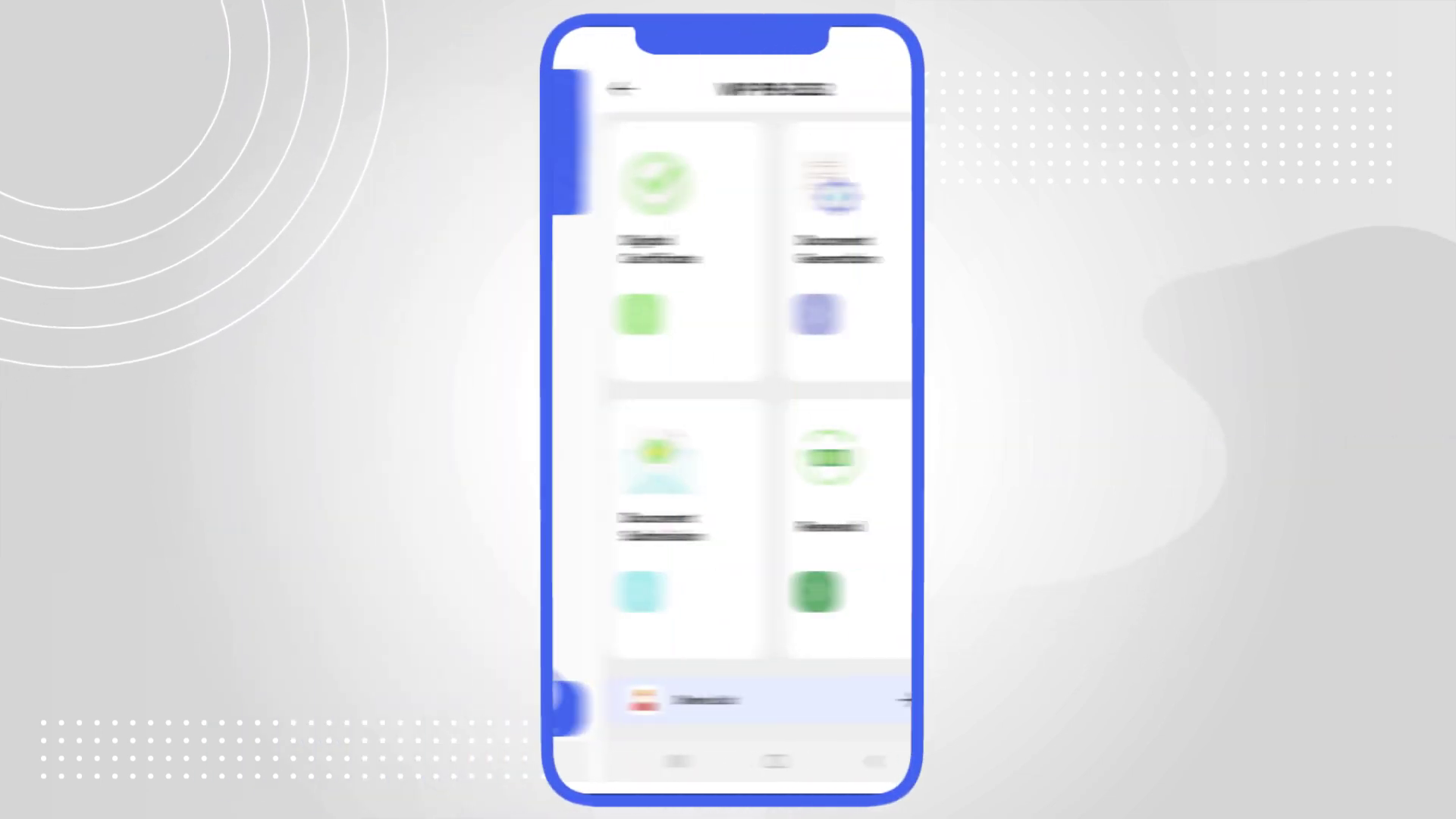
00:47: The reconstructed dashboard User Interface. By using vector assets, the icons remain crisp, and the layout is simplified to focus solely on the core modules.
Phase 2: The Critical Juncture – Visualizing the Police ScenarioThe Challenge: One of the application's unique selling points is the "Digital Certificate," which allows users to show proof of insurance to a police officer directly from their phone. The client needed to depict this interaction without it feeling stressful or negative.
The Constraint: A realistic depiction of a police stop could induce anxiety in the viewer. Furthermore, the transition from the abstract phone screen to a physical street scene had to be seamless to maintain the video's flow.
The Solution: Advids implemented a "Scenario Abstraction" technique. We designed a friendly, stylized police officer character consistent with the vector art style of the icons. We used a "match cut" transition where the blue background of the application dashboard expanded to become the sky of the street scene. This connected the digital solution (the app) directly to the real-world resolution (the police check), framing the application as a tool for safety and ease.
!
01:22: The transition to the stylized police validation scenario. The consistent visual language unifies the digital app and the physical interaction.
Phase 3: Kinetic Typography and Input SimulationFor an IT training video, timing is critical. When the voiceover instructs the user to "Enter the OTP," the visual animation must match the pacing of the spoken word. Advids utilized advanced easing functions in the 2D Animation Suite to simulate natural typing and tapping rhythms. We avoided robotic, linear movements, opting instead for snappy, responsive motion that mimicked the feel of a high-performance native application.
Communication Highlight: Refining the Brand AestheticFeedback Loop: Balancing Brand Integrity with Narrative Flow
During the review of Style_Frame_Set_C_V4.png, a discussion arose regarding the "Pay Now" sequence.
- Client Feedback (via Vimeo Review): "The 'PayHere' logo on the payment gateway screen at 02:00 feels too small compared to the Visa and Mastercard logos. It is a key partner, and we need equal visual weight."
- Advids Strategic Response: "Understood. We will adjust the logo hierarchy in the composite (
Comp_Payment_Screen_V3.aep). We will also add a subtle 'success' animation particle effect around the transaction confirmation to visually reward the user for completing the payment."
This collaborative refinement ensured that partner relationships were respected while enhancing the user experience visualization.
Synergy Analysis: Technology meets Creative DirectionThis project exemplified the synergy between technical precision and creative storytelling.
- Technology: The use of Vector Illustration tools allowed for infinite scalability and data sanitization, solving the privacy and resolution issues inherent in screen recording.
- Human Expertise: Advids' motion designers injected "life" into static menus. By understanding the psychology of User Experience, the team used motion (bounces, slides, scales) to guide the viewer's focus, turning a passive viewing experience into an active learning session.
Outcomes and Strategic LearningsThe final video successfully transformed a complex technical manual into an engaging 3-minute visual journey.
- Functional Clarity: The video clearly demonstrated the document submission process, reducing confusion about photo upload requirements.
- Brand Consistency: The strict adherence to the vector art style ensured the video felt like a seamless extension of the Allianz brand universe.
- Educational Efficiency: By condensing eight complex workflows into a single narrative, Allianz provided a "one-stop-shop" resource for user onboarding.
![IMG ASSET 4]
03:15: The document submission simulation. The clean design emphasizes the 'Upload' action, making the task appear simple and manageable for the user.
Next Step: Would you like to explore how the Advids Clarity & Engagement Framework can be adapted for your internal employee software training or customer onboarding programs?
Final Video
Author & Editor Bio

