
Google
Classroom
Pedagogical
Innovation
Studio
Dynamic Education with
Engaging Motion Graphics


Personalized Feedback Drives Student Learning Progress
This innovative platform transforms student engagement offering instant feedback for every question. Learners build confidence and understanding preventing misconceptions from impacting their overall academic journey. It empowers students with immediate support.
The intuitive design ensures a seamless user experience for all students. Clean visuals and clear interface elements enhance focus and comprehension. Adaptive resources are easily accessible fostering independent problem-solving skills effectively.
Automated Insights Elevate Teaching Efficiency
This intelligent system delivers crucial class-wide trends and individual student performance data. Educators quickly identify areas where students collectively struggle tailoring lesson plans with precision. This invaluable visibility enhances instructional effectiveness.
The clear dashboard design presents complex data simply and beautifully. Diverse interface showcases intuitive navigation and engaging visual cues. Precision in tracking student understanding empowers teachers to guide every learner successfully.

Client Brief
Google Classroom approached Advids to create a video that clarifies how their platform simplifies educator workflows through automated assistance. They needed to address teacher burnout by demonstrating smart time management tools. The primary goal was to drive adoption among district leaders seeking scalable classroom management solutions.
Video Creation Approach
Orchestrating the technical baseline required the Advids team to synchronize existing brand guidelines with new motion assets. We engineered a visual framework for Google Classroom centered on integrated teaching tools to establish immediate functional clarity. This initial phase grounded the strategy in pedagogical efficiency rather than simple utility.
Across the interface, we calibrated a clean white canvas where vibrant purple accents highlight the Add to Classroom button. This specific UI element anchors the viewer within the digital ecosystem where assignments and student feedback reside. Intelligent workspace simulations provide clarity for educators managing diverse classroom environments without cluttering the screen.
Rhythmically, the edit follows a steady progression that reduces mental fatigue for the viewer. Machine learning visualisations guide the eye toward core features through purposeful kinetic typography. High speed content automation ensures the narrative remains urgent yet accessible for administrators evaluating new technology for their schools.

What are the steps in making a AI video creative?
- Research & Analysis
- Script Writing
- Character & Style Sheet
- Storyboard Development
- Voice Over Recording
- Animating Stage
- Sound Effects & Music
- Translation & Foreign Voice (If needed)
- Delivery & Formats
Scope of Work
Visual conceptualization, character rigging, fluid motion graphics, bespoke UI animation, dynamic text integration, expert sound design, compelling narrative editing, precise color grading.
Production Timeline
3 to 4 weeks
Budget
$ 1200 to $ 2000
Industry Vertical
Primary Industry: Education Technology
Sub Industry: Learning Software
Industries: Educational technology platforms, E-learning solutions development, Interactive learning software, Classroom management tools, Digital pedagogical innovation, Student engagement systems, Academic assessment tools
Video Objective
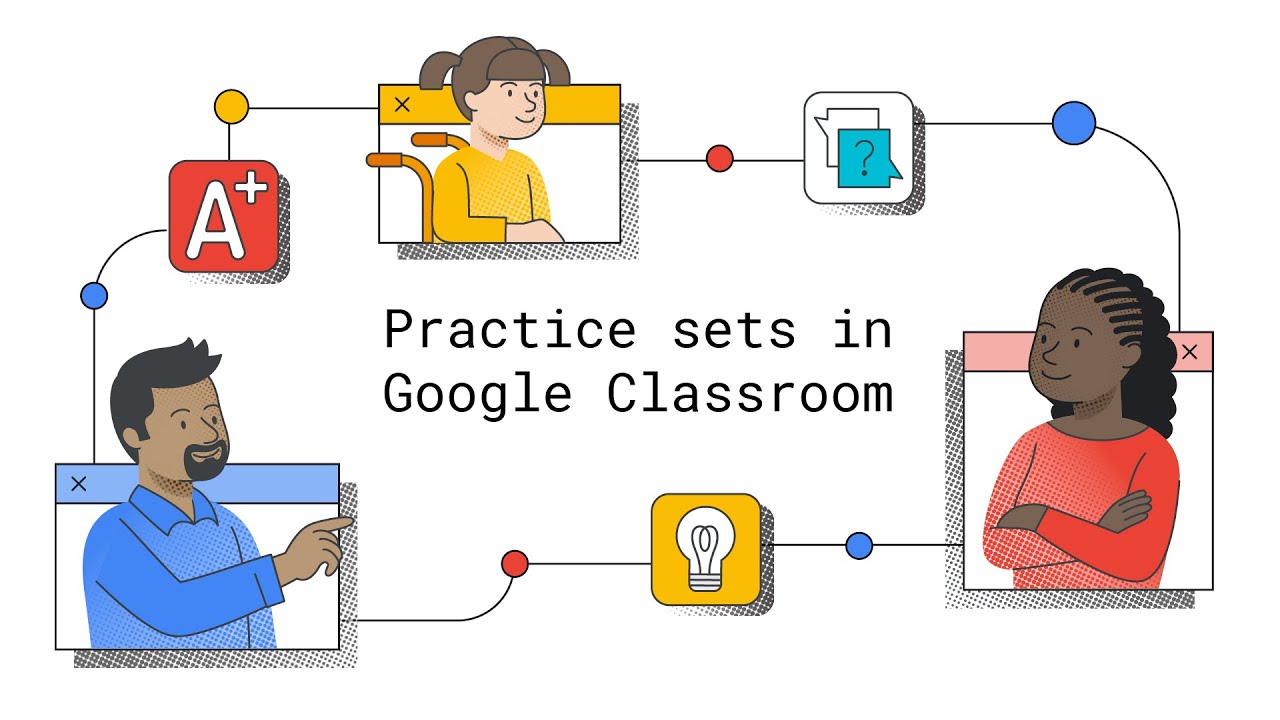
Effectively introduce Practice Sets feature to educators and students demonstrating core benefits.
“Advids was a pleasure to work with. They responded quickly to our communications, offered plenty of suggestions for improving our video project, and quickly made edits when needed.”
Dylan Hill
Creative Director at Smartfirm
Independent B2B Video Production Assessment
4.33/5 (762 Verified Client Audits)
Video Production Techniques

Let’s Talk!
Please fill out the form below and
we’ll get in touch.