
Logi
Options+
App
Interface
Interaction
Explainer
Studio
Streamline Device Setup
With Compelling Video
Unlock device potential through intuitive customization
This video brilliantly demonstrates how the Logi Options+ App empowers users to personalize their Lift mouse. It showcases effortless customization, boosting productivity and optimizing every interaction. Users gain seamless control tailoring their device for peak performance across all applications. This innovation transforms daily tasks into highly efficient experiences.
The visual design and user experience of the Logi Options+ App shine throughout the video. Its sleek interface and clear customization options are aesthetically pleasing. Every visual element emphasizes intuitive functionality, ensuring users easily personalize settings. This thoughtfully crafted design elevates the overall user journey for an exceptional interaction.
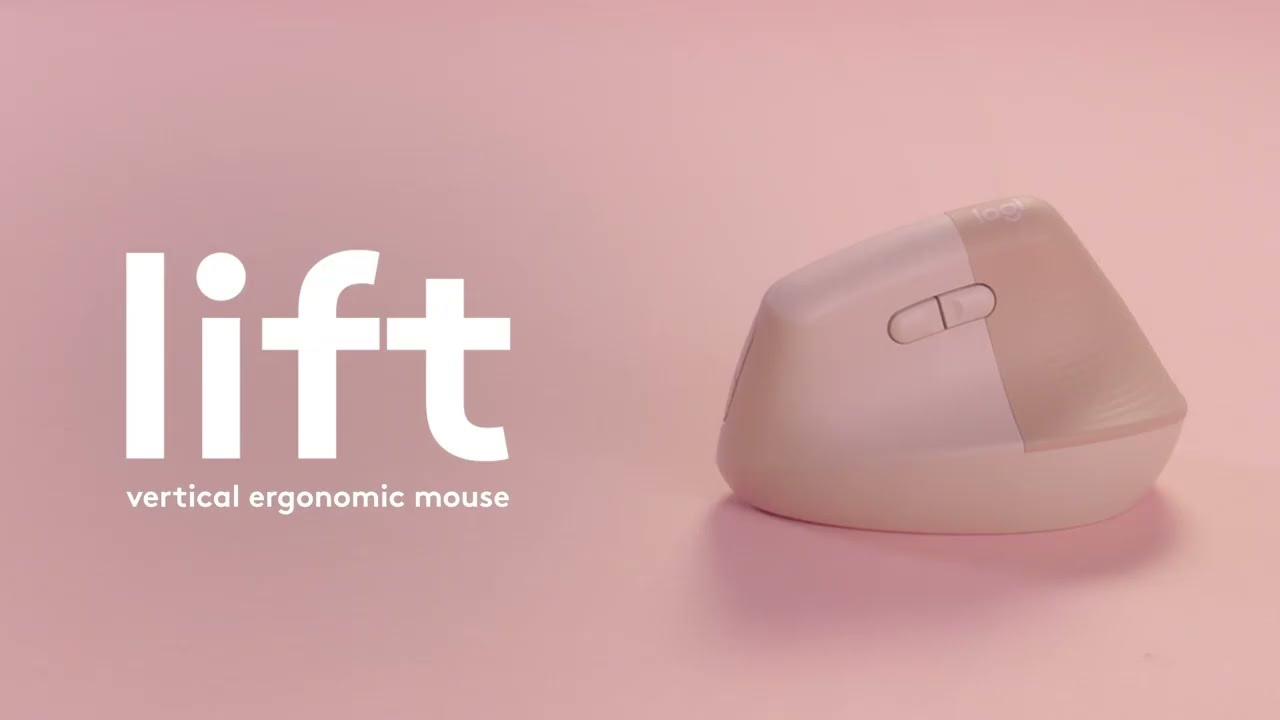
Dynamic UI walkthroughs animated
Dynamic UI walkthroughs add immense value by clearly illustrating complex software interactions. This technique transforms abstract concepts into easily digestible visual steps. It guides users through each customization option with precision ensuring complete understanding. Such clarity empowers users making their journey with the Logi Options+ App truly seamless.
The team's expertise in design exploration is evident in every animated frame. Various approaches were meticulously crafted to achieve optimal visual outcomes. This dedication to intuitive aesthetics ensures that each UI element and flow feels natural. Advids commitment to visually stunning and effective content shines through advanced animation techniques.

Client Brief
Logi approached Advids to create a Device setup guide video for the Logi Options Plus App. The objective involves helping users navigate complex hardware configurations to maximize productivity. By simplifying the onboarding process, the brand aims to drive higher retention and active engagement across their entire ecosystem of peripherals.
Video Creation Approach
Calibrating the initial visual roadmap required a deep audit of hardware capabilities to align with brand standards. Advids engineered a technical framework for the Logi Options Plus App to serve as the definitive peripheral management software tutorial. We synchronized existing design assets with precise technical requirements to establish a clear architectural foundation for production.
Designers constructed a spatial UI environment where hardware renders interact with digital overlays to map user intent. We focused on the smart actions automation menu to demonstrate how complex macros translate into single clicks. By showing the tool working within Adobe Creative Cloud and Microsoft Office environments, the narrative proves professional custom hardware configuration extends beyond basic settings.
Through rhythmic audio cues, the production team reinforces every on-screen interaction to lower the mental effort required for learning. Our team choreographed the motion timing to ensure viewers absorb specific peripheral synchronization steps without feeling overwhelmed by technical data. This structured approach routes the viewer toward a successful installation while building long term confidence in the software environment.

What are the steps in making a Device setup guide video?
- Research & Analysis
- Script Writing
- Character & Style Sheet
- Storyboard Development
- Voice Over Recording
- Animating Stage
- Sound Effects & Music
- Translation & Foreign Voice (If needed)
- Delivery & Formats
Scope of Work
User interface animation, seamless screen capture integration, dynamic motion graphics design, sophisticated visual effects compositing, professional sound design mixing, expert color correction and grading, precise video editing, impactful graphic overlay creation, custom text animation, music synchronization.
Production Timeline
3 to 4 weeks
Budget
$ 1200 to $ 2000
Industry Vertical
Primary Industry: Technology
Sub Industry: Software
Industries: Consumer electronics, productivity software development, human interface devices, digital user experience, personal computing peripherals, ergonomic tech solutions, smart office accessories.
Video Objective
Clearly demonstrate app customization enhancing Logitech Lift user productivity and experience.
“They understood how to make the material engaging, even when it was more educational in nature. A respected journal accepted ADVIDS's video, which also received positive feedback from physicians.”
Paula Adduci
Principal at Adduci Studios
Independent B2B Video Production Assessment
4.33/5 (762 Verified Client Audits)
Video Production Techniques

Let’s Talk!
Please fill out the form below and
we’ll get in touch.