
CDW ServiceTrack · eProcurement portal · SaaS demo video
SaaS Demo Video for CDW ServiceTrack: One Title per Purchasing Job
CDW UK needed its customers to see ServiceTrack, its customer information and procurement portal, as the one place to order, track and report. Advids built a SaaS demo video that gives each purchasing job its own title and its own portal screen, from "Maintain a bespoke catalogue" to "Real-time notifications" and "Reporting functionality", then sums the portal up as Orders, Inventory and Spend.
Last updated
CDW · ServiceTrack
- Client
- CDW UK
- Product
- ServiceTrack, CDW's customer information and procurement portal
- Made for
- CDW customers who buy IT, from SMEs to multinationals
- Format
- 2D motion graphics SaaS demo video with on-screen text
- Style
- Real portal screens on laptop mockups, set on white or over office, warehouse and city backdrops
- Length
- 1:26
- Production timeline
- 3 to 4 weeks
- Budget
- $1,200 to $2,000
The problem: one procurement portal, many buyers, each after a different job
ServiceTrack is, in CDW's own words, "a single point of access for your organisation and interaction with CDW". That one portal holds a custom catalog, repeat orders, purchasing compliance, delivery status, stock and spend reports, and accounts for several CDW entities in several languages and currencies.
A purchasing manager, a finance lead and an IT buyer each look for something different in that list. A screen-by-screen tour would lose all 3. The video had to let each viewer find their own job in a few seconds, read it, and see the real screen behind it.
How the ServiceTrack demo moves from catalog to spend, scene by scene
Every feature is named in a short on-screen title, so the video works with the sound off. Select a time to play that scene above.
| Time | On screen | What it does |
|---|---|---|
| "Discover the value of ServiceTrack", then "End to end eProcurement solution" beside the CDW logo. | Names the product and its category before any feature. | |
| "Complete visibility and management of your purchasing operations" over an office, the CDW ServiceTrack logo, then "With intuitive features and powerful functionality to suit the needs of your business". | States the promise the rest of the video has to prove. | |
| "Maintain a bespoke catalogue" and the product list on a laptop on white, then "simplify repeatable orders" beside the "Bundles" screen and "ensure compliance with purchasing processes", both over a warehouse. | Covers the ordering jobs a purchasing team repeats most. | |
| "Real-time notifications" with 3 statuses: "Shipping ready", "In transit", "Dispatched". Then "Providing a continuous stream of live information across your entire operation". | Shows delivery tracking with the labels a buyer will see. | |
| Dashboard charts, then "Reporting functionality": "Graphical format", "Granular information", "Extracts tool", beside a "Top Customer Stock" bar chart. | Gives finance and IT leads the reporting they need. | |
| A login box over a city skyline, then "Manage multiple CDW entities" across a "multi-language multi-currency" platform. | Answers the multinational buyer's question about scale. | |
| ServiceTrack line over a warehouse, Orders, Inventory and Spend icons lit in turn, then "That can be accessed" "anywhere, using any device". | Sums every feature up as 3 things the buyer manages. | |
| An eProcurement call to action, the CDW ServiceTrack logo on a laptop, then "To learn more about ServiceTrack, contact your CDW account manager today." on the laptop screen. | Closes on the brand and the next step. |
Storyboard: the frames that carry the ServiceTrack SaaS demo video
Key frames from the finished video, in order. Select a time to play that moment above.
Product and category are named before any feature. 
The promise is framed around the buyer's purchasing work. 
The first job gets a title of its own, in the buyer's words. 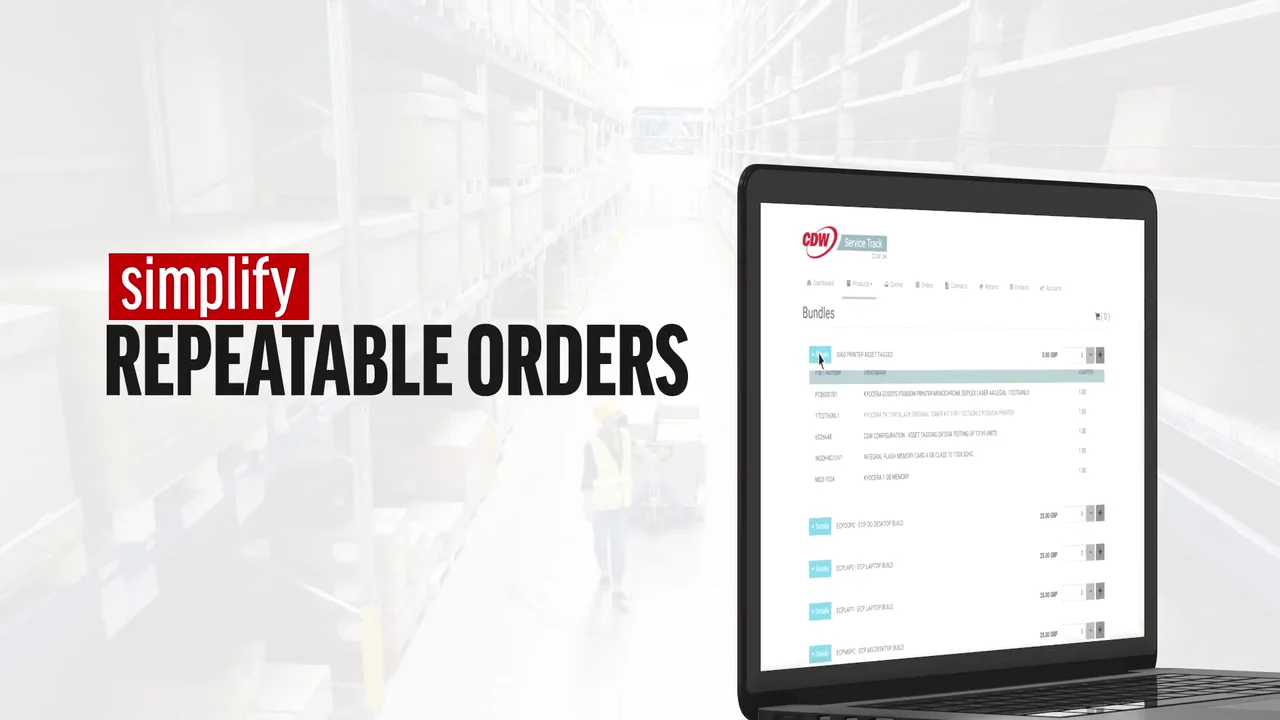
Repeat ordering is shown on the real Bundles screen. 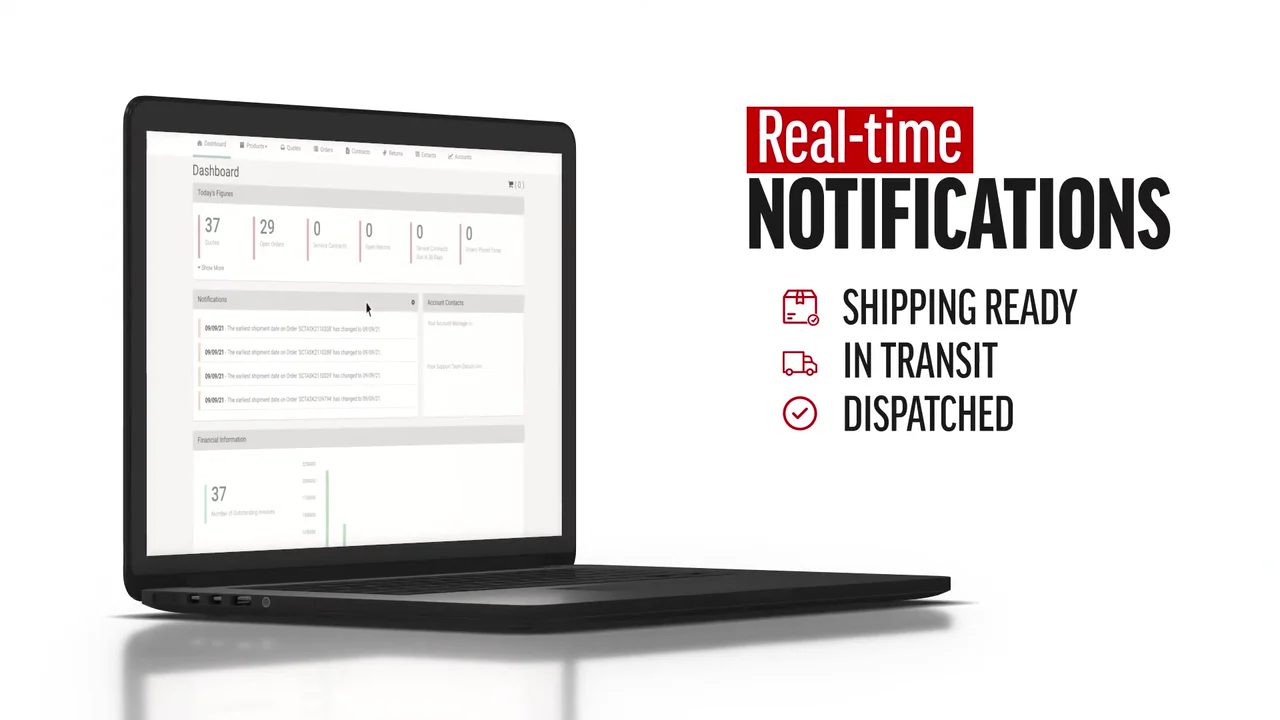
Tracking is proved with the status names a buyer will see. 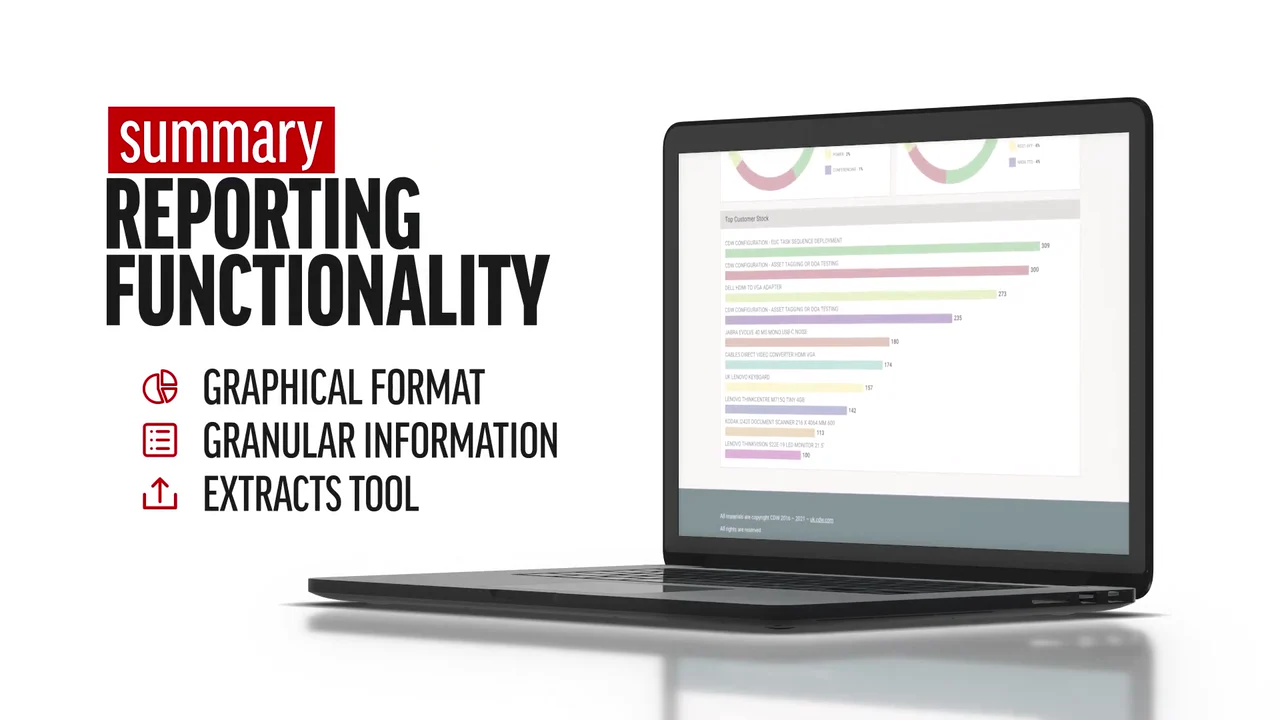
Each reporting option sits beside the portal's own chart. 
The multinational buyer gets a section over a city skyline. 
Languages and currencies answer the next scale question. 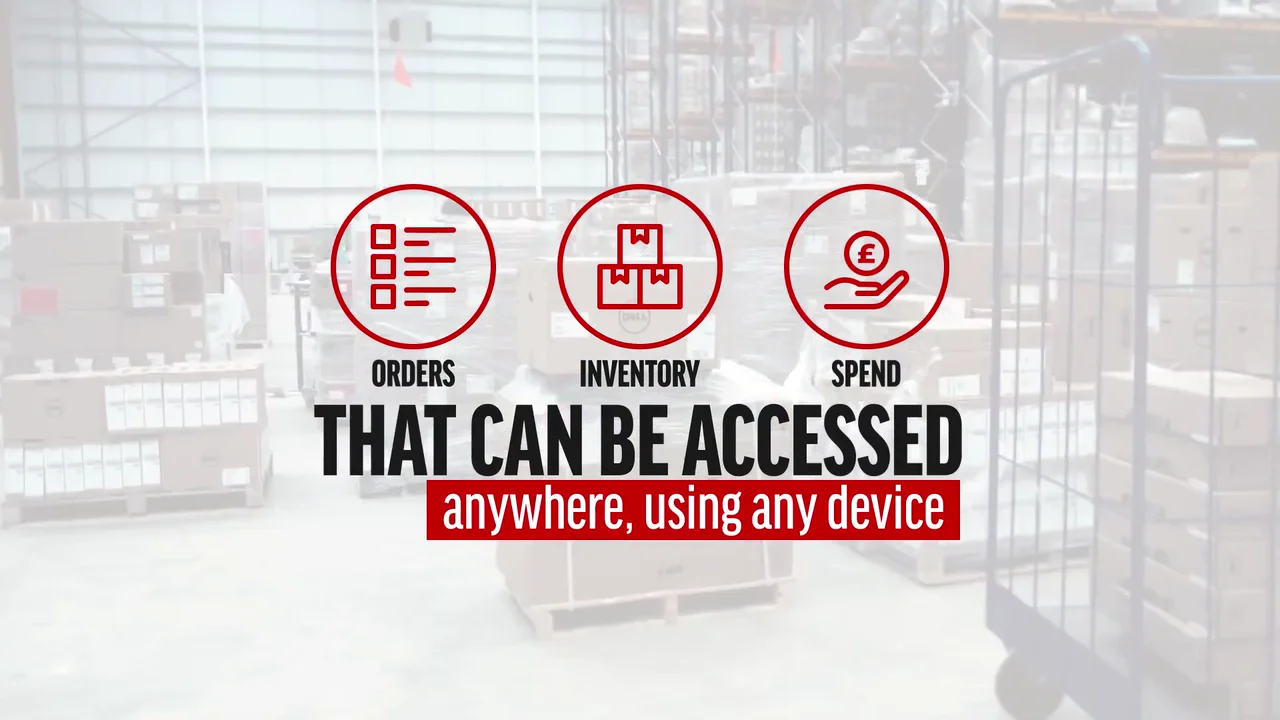
Every feature is summed up as 3 things the buyer manages. 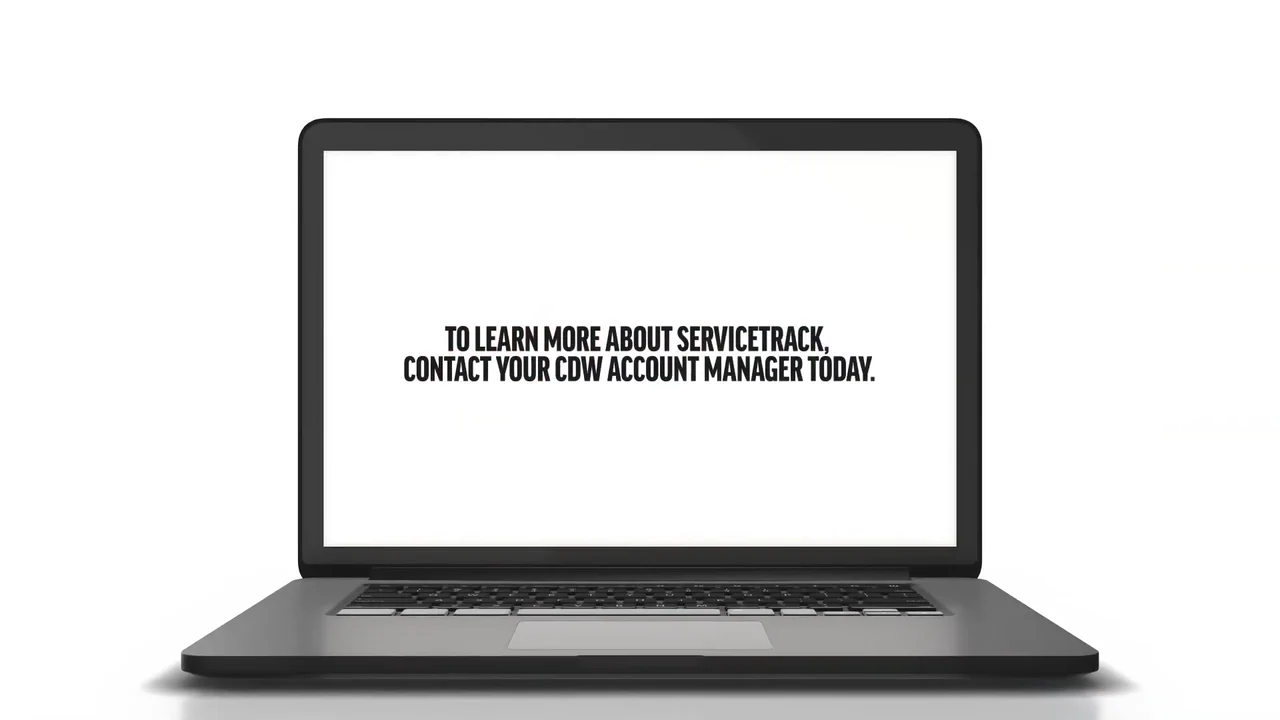
The close names one person to contact.
4 decisions behind the ServiceTrack SaaS demo video
Decision 1
Name each job in a verb the buyer uses
From 0:24 the titles read as tasks: "Maintain a bespoke catalogue", "simplify repeatable orders", "ensure compliance with purchasing processes". Each one comes with a portal screen on a laptop.
Copy it: Rewrite your feature list as verbs your buyer does at work, and give each verb one screen.
Decision 2
Show the status labels, not the word "real-time"
At 0:38 "Real-time notifications" is followed by the actual statuses: "Shipping ready", "In transit", "Dispatched".
Copy it: Put your product's real status names on screen. A buyer recognizes them faster than a claim.
Decision 3
Keep the real screen behind every title
From 0:52 the titles "Graphical format", "Granular information" and "Extracts tool" sit beside the portal's own "Top Customer Stock" chart on a laptop.
Copy it: Capture your real UI with clean demo data, and let each title name what that screen proves.
Decision 4
Change the backdrop when the buyer changes
The promise plays over an office at 0:08, repeat orders and compliance over a warehouse at 0:30, scale over a city skyline at 0:58 for "Manage multiple CDW entities", and the Orders, Inventory and Spend summary over a warehouse floor at 1:14.
Copy it: Match each section's backdrop to the person or place that feature serves.
From ServiceTrack portal screens to a 1:26 demo
- Feature map. ServiceTrack's features were grouped into 4 buyer jobs: ordering, tracking, reporting and managing several entities.
- UI design. Portal screens, from the catalog to the "Top Customer Stock" chart, were prepared to read at video size on a laptop mockup.
- Text animation. Short titles in CDW red and black were animated to name each job, with status lists and report options building line by line.
- Element animation. The login box, notification statuses and the Orders, Inventory and Spend icons were animated in turn.
- Compositing. Laptops and titles were layered over office, warehouse and city backdrops, one per section.
- Color grading and edit. Office and warehouse backdrops were graded light and the city skylines dark, so the red titles and screens stay readable, then the sections were cut to time.
- Sound design. Sound was built to pace each title and screen change.
Scope of work:
Production took 3 to 4 weeks on a budget of $1,200 to $2,000. See the SaaS video production service for how a project like this is scoped.
Questions about the ServiceTrack SaaS demo video
Which ServiceTrack features does the SaaS demo video show?
In order: a custom catalog (0:24), repeat orders (0:30), purchasing compliance (0:34), "Real-time notifications" (0:38), "Reporting functionality" (0:50) and "Manage multiple CDW entities" (1:02). It ends on 3 icons: Orders, Inventory and Spend.
How does the video show delivery tracking without a long UI walkthrough?
At 0:38 the title "Real-time notifications" lists 3 statuses one after another: "Shipping ready", "In transit" and "Dispatched". The buyer sees the labels they will meet in the portal, in under 10 seconds.
Why does each ServiceTrack feature get its own title card?
The portal does many jobs, and each viewer cares about a few. Short titles such as "simplify repeatable orders" let a viewer spot their job at a glance, with the sound on or off.
How does the demo cover reporting for finance and IT leads?
From 0:50 the title "Reporting functionality" builds 3 options, "Graphical format", "Granular information" and "Extracts tool", beside the portal's "Top Customer Stock" bar chart.
How does the video speak to buyers with several offices or countries?
From 0:58 a login screen plays over a city skyline, then "Manage multiple CDW entities" across a "multi-language multi-currency" platform. It closes that point with "anywhere, using any device" at 1:18.
What did the ServiceTrack SaaS demo video take to make?
UI design, 2D motion graphics, text and element animation, compositing, color grading, sound design and the final edit. Production took 3 to 4 weeks on a budget of $1,200 to $2,000.
What Advids clients say
"ADVIDS maintained clear communication, provided regular progress updates, and delivered project milestones on time. The team delivered a professional marketing video that increased audience engagement."Carol Jiang, Product Marketing Specialist at MEAN WELL USA


Need purchasing teams to find their job in your platform within seconds?
Talk to Advids