
KDB.AI · Vector database · 2D motion graphics video
Software Animation Video for KDB.AI: A Vector Database Drawn in Line Art
KX needed developers to see what the KDB.AI vector database does, and a database has no screen worth showing. This 45-second software animation video draws the engine in yellow line art instead: cubes break into "Billions of Vectors", a point links to its neighbors for similarity scoring, and 4 feature cards lead to "Sign up today at kdb.ai".
Last updated
KDB.AI · Vector database
- Client
- KX
- Product
- KDB.AI vector database
- Made for
- Developers building natural language processing and generative AI search applications
- Format
- 2D motion graphics software animation video
- Style
- Yellow and white line art on near-black, in the colors of the KDB.AI logo
- Length
- 0:45
- Production timeline
- 3 to 4 weeks
- Budget
- $1,200 to $2,000
The problem: a vector database has nothing to look at
KX launched KDB.AI with 4 features in its YouTube description: relevance, comparison, time awareness and real-time performance, built "on KX's strong history of temporal capabilities". Each of them happens inside the engine. A screen recording would show a query box and a list of results, the same as any other vector database.
The developers this was made for already know the vocabulary: vectors, similarity, indexing. What the video had to give them in 45 seconds was a picture of each idea, short enough to read at a glance, and a clear next step at the end.
How 45 seconds draw the KDB.AI pitch, card by card
Every line on screen is short, white or yellow on near-black, and paired with one diagram. Select a time to play that scene above.
| Time | On screen | What it does |
|---|---|---|
| "Introducing" at 0:02, then "The Smarter Database for AI." at 0:04, white and yellow type on a plain dark background. | Names the category and the claim before any detail. | |
| Line art folds into cubes inside a brain outline drawn as linked yellow dots: "Build Intelligent Apps" at 0:08, then the camera moves in on dashed cubes under "That Scale Across" at 0:10. | Starts the first sentence of the pitch with what the developer builds. | |
| The cubes break into yellow dots that fill the screen: "Billions of Vectors". | Ends the sentence on scale and turns data into something countable. | |
| "Using Advanced Similarity Scoring": one point with dotted lines to the points around it. | Draws similarity as distance to neighbors. | |
| "And Powerful Indexing": 3 stacked graph layers with a yellow path dropping from layer to layer, then "To Drive the Fastest Semantic Search" over a search bar at 0:22. | Shows how a search narrows down, then lands the second sentence on the outcome. | |
| "Relevant" ("Improve temporal and semantic context") as a search bar branching to result boxes, then "Time-Aware" ("Analyze search by moments in time") as a line on a time axis. | Turns the first 2 features into diagrams, including the temporal one KX leads with. | |
| "Comparable" ("Relate like-to-like search results") as 2 linked cubes, then "Real-Time" ("Search and index with unmatched speed") as cubes flowing into index rows. | Finishes the 4 features in the same card layout. | |
| "Sign up today at kdb.ai" from 0:34, then the KDB.AI logo builds at 0:38 with "vector database" under it. | Gives one action and one address, then closes on the brand. |
Storyboard: the frames that carry the KDB.AI software animation video
Key frames from the finished video, in order. Select a time to play that moment above.
The category and the claim come first, in 5 words. 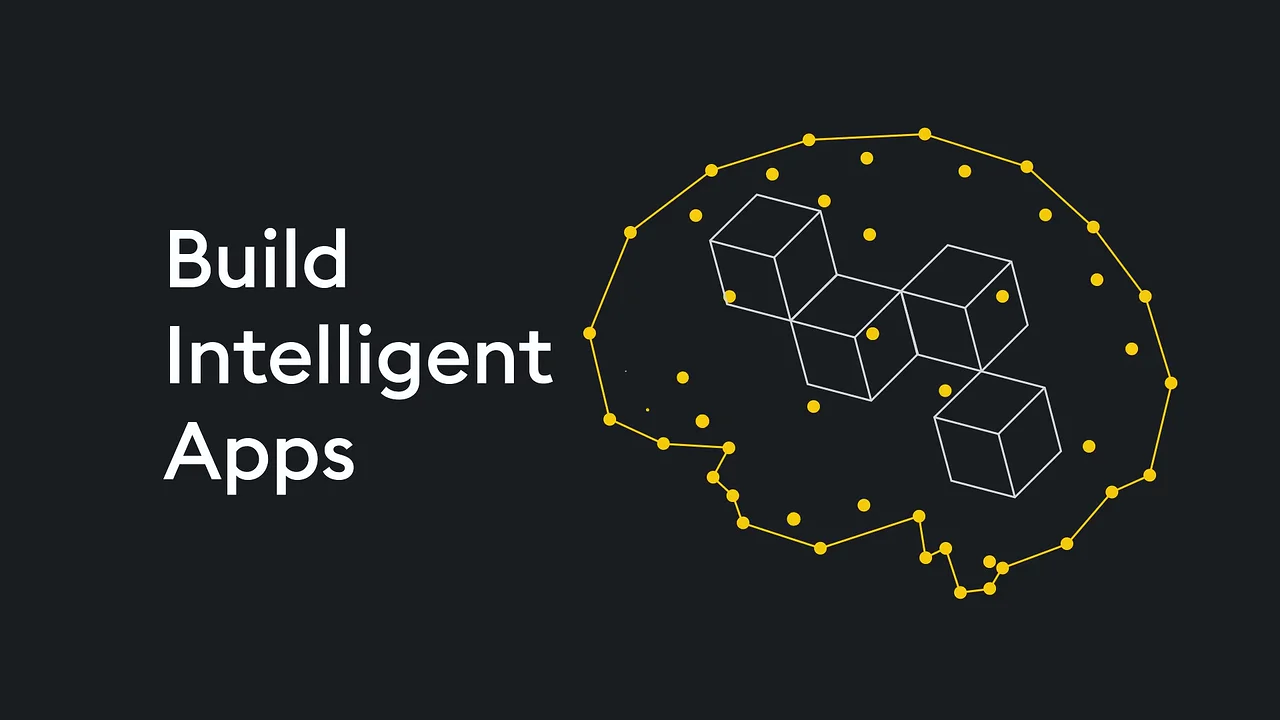
The first clause pairs what the developer builds with a picture of intelligence. 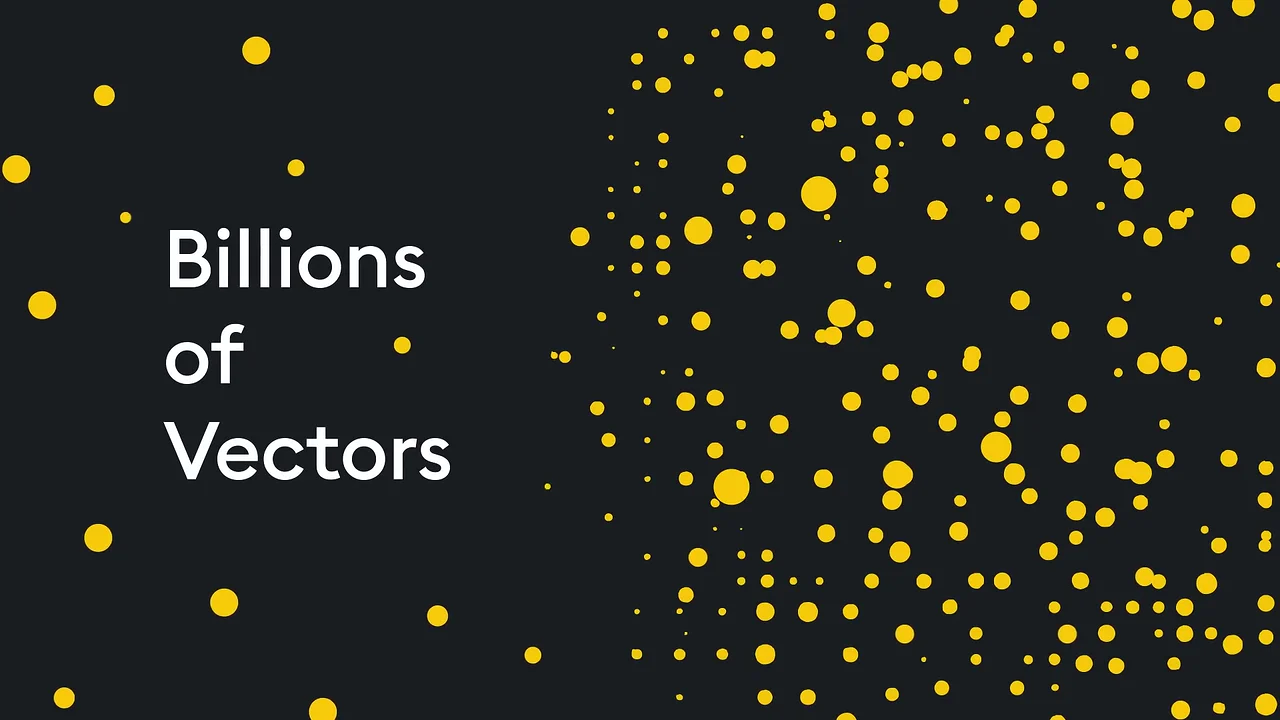
Scale becomes something countable: a screen full of dots. 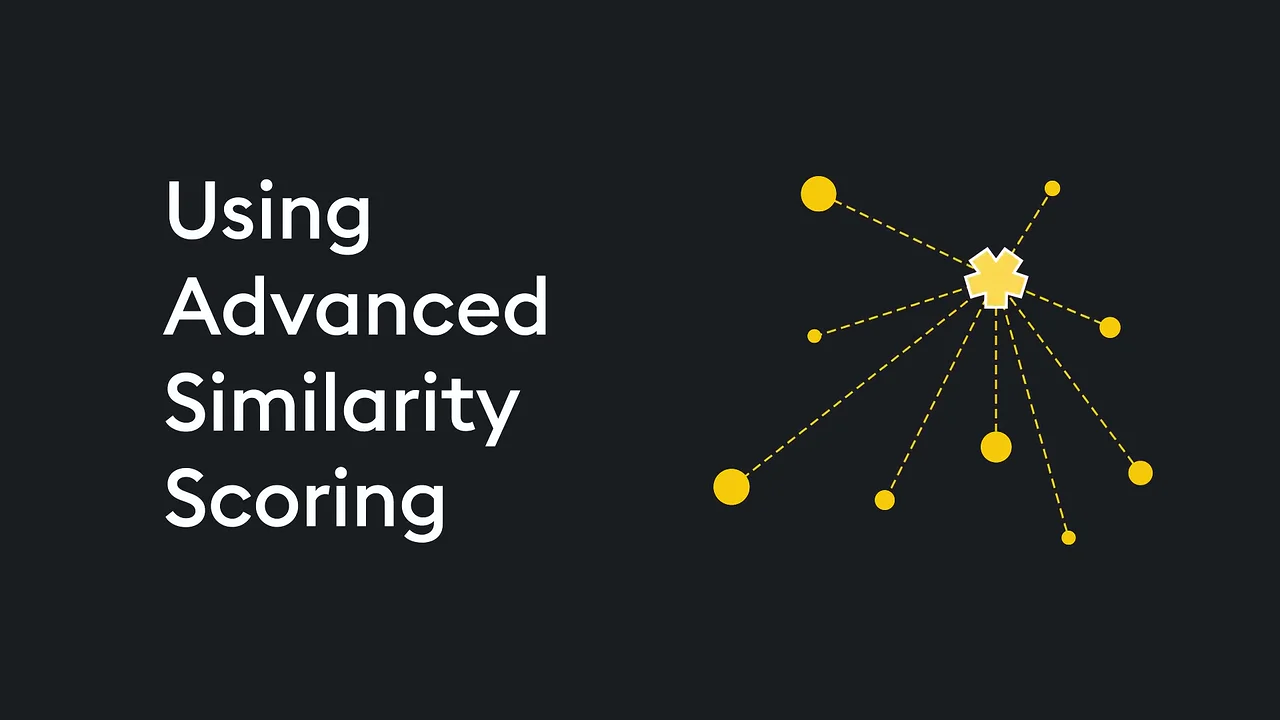
Similarity is drawn as one point scored against its neighbors. 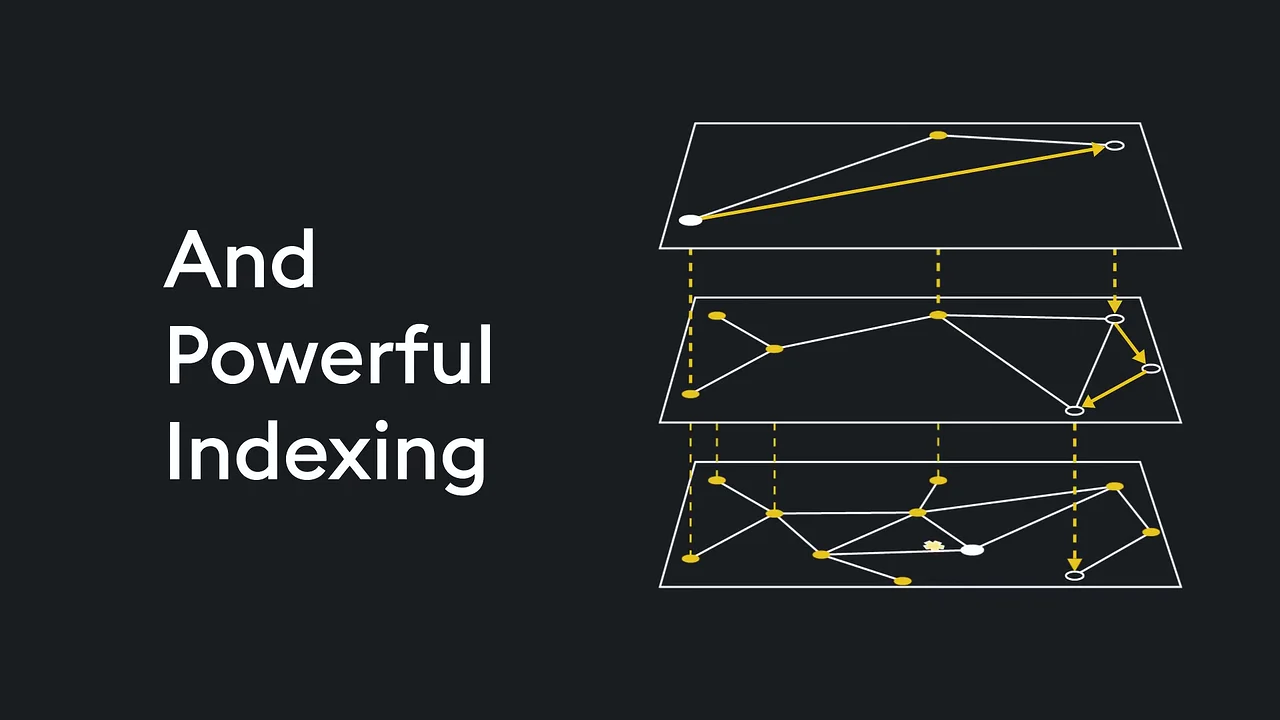
Indexing is a path that drops through layers to the nearest match. 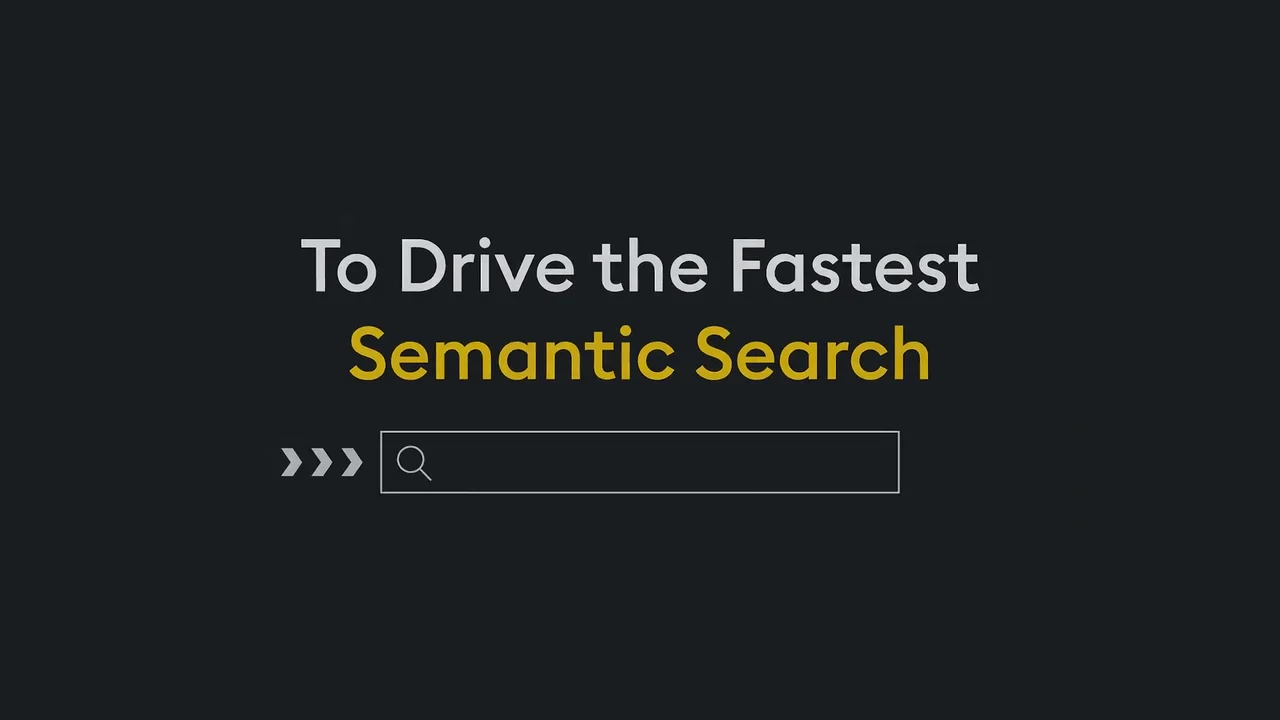
The second sentence lands on the outcome, over a search bar, the closest thing to an interface in the video. 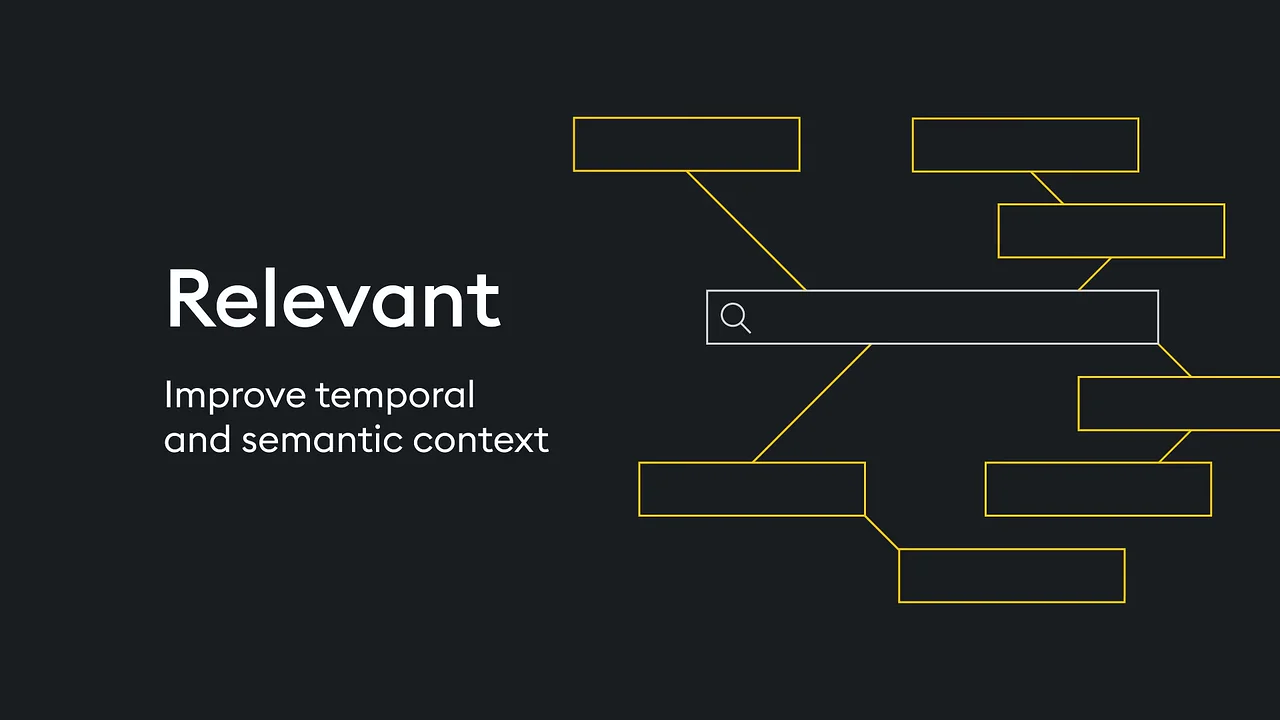
The first feature card sets the layout the other 3 reuse. 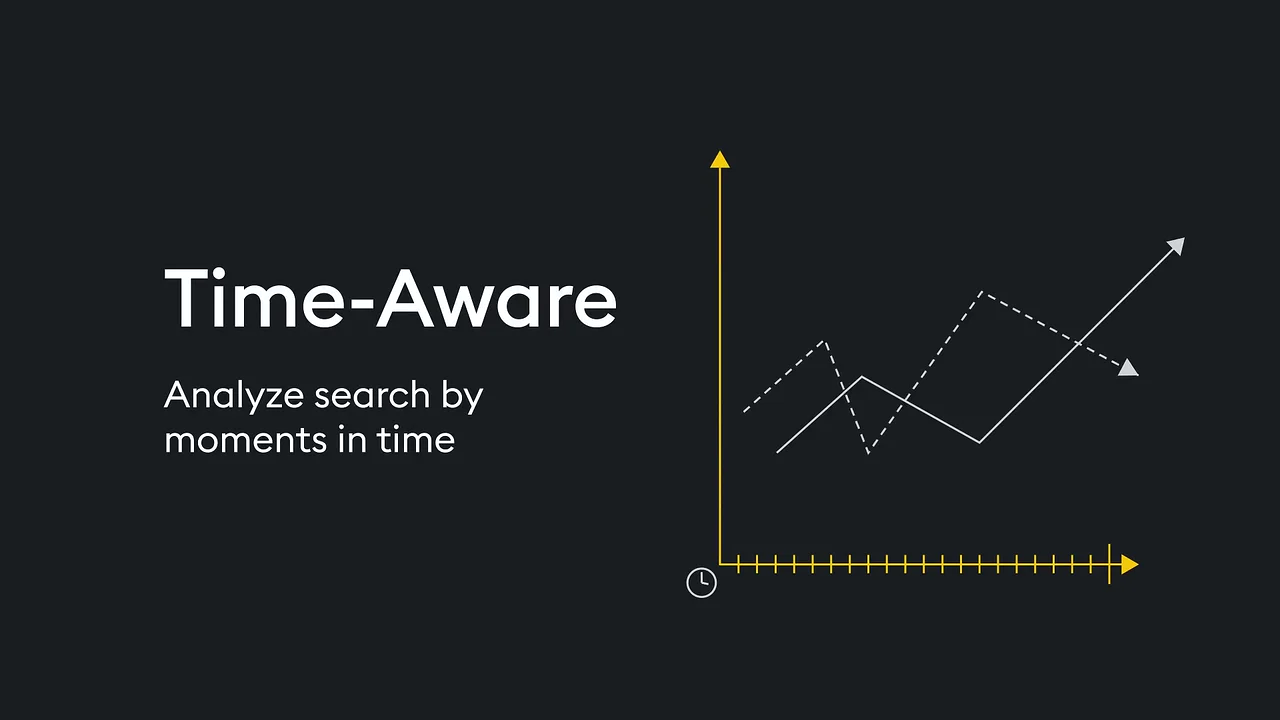
The temporal feature gets a time axis, the one idea KX leads with. 
One action and one address close the pitch. 
The logo names the category one last time.
4 decisions behind the KDB.AI software animation video
Decision 1
Split each sentence across 3 cards
"Build Intelligent Apps" / "That Scale Across" / "Billions of Vectors" runs from 0:08 to 0:14, then "Using Advanced Similarity Scoring" / "And Powerful Indexing" / "To Drive the Fastest Semantic Search" from 0:15 to 0:22.
Copy it: Write your pitch as 2 sentences, then cut each into clauses with one picture apiece, so no card holds more than 6 words.
Decision 2
Draw the engine, not the interface
Similarity scoring at 0:16 is a point with dotted lines to its neighbors. Indexing at 0:18 is 3 stacked graph layers with a path dropping through them.
Copy it: If your product works behind an API, draw what it does to the data instead of recording a screen that looks like every competitor's.
Decision 3
One template for 4 features
From 0:23 to 0:32, "Relevant", "Time-Aware", "Comparable" and "Real-Time" each get the same card: a word, one line under it and a diagram on the right.
Copy it: Fix a card layout for your feature list, so the viewer reads what changes and not the layout.
Decision 4
End on the address the description repeats
At 0:34 the screen reads "Sign up today at kdb.ai", the same action and address as the YouTube description's "Sign up today: https://kdb.ai".
Copy it: Close on one action with the exact URL, and use the same words in the video, the description and the landing page.
From the KDB.AI feature list to 45 seconds of line art
- 2 sentences, 4 features. The script was set as 2 sentences split into 6 cards, then the 4 features from KX's launch list, each with a 1-line description.
- Vector assets. Cubes, dot fields, neighbor links, stacked index layers, a search bar and a time axis were drawn as vector line art in the KDB.AI yellow.
- Motion graphics. Each diagram was animated to change into the next: line art to cubes, cubes to dots, dots to a scored point.
- Feature card template. One layout (word, line, diagram) was built and reused for "Relevant", "Time-Aware", "Comparable" and "Real-Time".
- Compositing and effects. Text, diagrams and the faint background grid were composited, with the logo build at the end.
- Sound and finish. Sound design, voiceover integration, editing, color grading and final rendering closed the project.
Scope of work:
Production took 3 to 4 weeks on a budget of $1,200 to $2,000. See the SaaS video production service for how a project like this is scoped.
Questions about the KDB.AI software animation video
Why does the KDB.AI video split its pitch across so many cards?
Each card carries one clause and one picture. "Build Intelligent Apps", "That Scale Across" and "Billions of Vectors" are one sentence shown from 0:08 to 0:14, so the viewer reads 3 words at a time.
How does the video picture similarity scoring and indexing?
At 0:16 "Using Advanced Similarity Scoring" shows one point with dotted lines to the points around it. At 0:18 "And Powerful Indexing" shows 3 stacked graph layers with a yellow path dropping between them.
What are the 4 features shown at the end of the KDB.AI video?
From 0:23: "Relevant" ("Improve temporal and semantic context"), "Time-Aware" ("Analyze search by moments in time"), "Comparable" ("Relate like-to-like search results") and "Real-Time" ("Search and index with unmatched speed"). They match the 4 features in KX's YouTube description.
Why is there no product screen in the video?
The features happen inside the database, so the video draws them: dots for vectors at 0:14, stacked layers for indexing at 0:18 and a time axis for "Time-Aware" at 0:26. The closest thing to an interface is a search bar, first seen at 0:22.
What does the video ask the viewer to do?
One thing: "Sign up today at kdb.ai" at 0:34, before the KDB.AI logo closes the video. The YouTube description points to the same address for the KDB.AI Cloud Starter Edition.
How long did the KDB.AI video take, and what did it cost?
Production took 3 to 4 weeks on a budget of $1,200 to $2,000, covering vector asset creation, motion graphics, compositing, visual effects, sound design, voiceover integration, editing and color grading.
What Advids clients say
"Transitioning legacy systems to our API-first SaaS was our main focus, and the team made this complex architecture extremely easy for banking executives to comprehend."Kristen Lilly, Head of Brand at ClearBank


Need developers to see what your backend does?
Talk to Advids