
Dell
Instructional
Device
Video
Production
Troubleshooting Guides Visualized
with Animation

Empowering User SelfHelp for Audio Resolution
This video empowers users to confidently resolve microphone issues independently. It simplifies complex troubleshooting steps reducing support queries and enhancing user autonomy. Clear guidance ensures quick effective solutions improving overall device performance and communication clarity.
The orientation video employs a pristine aesthetic and intuitive visual design. Crisp animated sequences and screen captures guide users seamlessly. This refined approach delivers an exceptional user experience fostering confidence in Dell device management.

Guided Visual Steps Simplified
The video's guided visuals transform complex processes into easily digestible steps. This approach significantly reduces user frustration enabling swift issue resolution. It showcases a commitment to accessible support through brilliant visual communication.
Our team meticulously crafted each animation and graphic overlay. Extensive design exploration ensured optimal clarity and user engagement. This precise visual execution highlights our expertise in creating highly effective instructional content.

Client Brief
Dell approached Advids to create a comprehensive video guide for their optimizer software. Facing the challenge of user confusion regarding complex performance settings, the project aimed to simplify configuration tasks. This initiative drives higher software adoption rates while ensuring customers maximize their hardware efficiency through clear visual guidance.
Video Creation Approach
Calibrating the initial project parameters required a deep dive into the software architecture to ensure technical accuracy. Advids synchronized internal design teams with brand stakeholders to map the user journey. Establishing a strategic foundation allowed for the precise translation of complex functions into a navigable visual format for Dell through an App Orientation Video.
Motion designers engineered a modular interface animation that mirrors the actual software layout to build user familiarity. The narrative focuses on the energy toggle switch within the battery module to demonstrate immediate hardware impact. Hybrid work environments serve as the backdrop, proving how software onboarding sequences adapt to various professional settings while maintaining peak performance across diverse physical locations.
Through rhythmic pacing and deliberate spatial layout, the final composition reduces the mental effort required to navigate technical menus. Sound designers choreographed subtle audio cues to reinforce key UI interactions, ensuring users remain focused on critical tasks. Digital interface walkthroughs provide a clear roadmap for long-term hardware maintenance, resulting in a significant decrease in support requests and enhanced user proficiency.
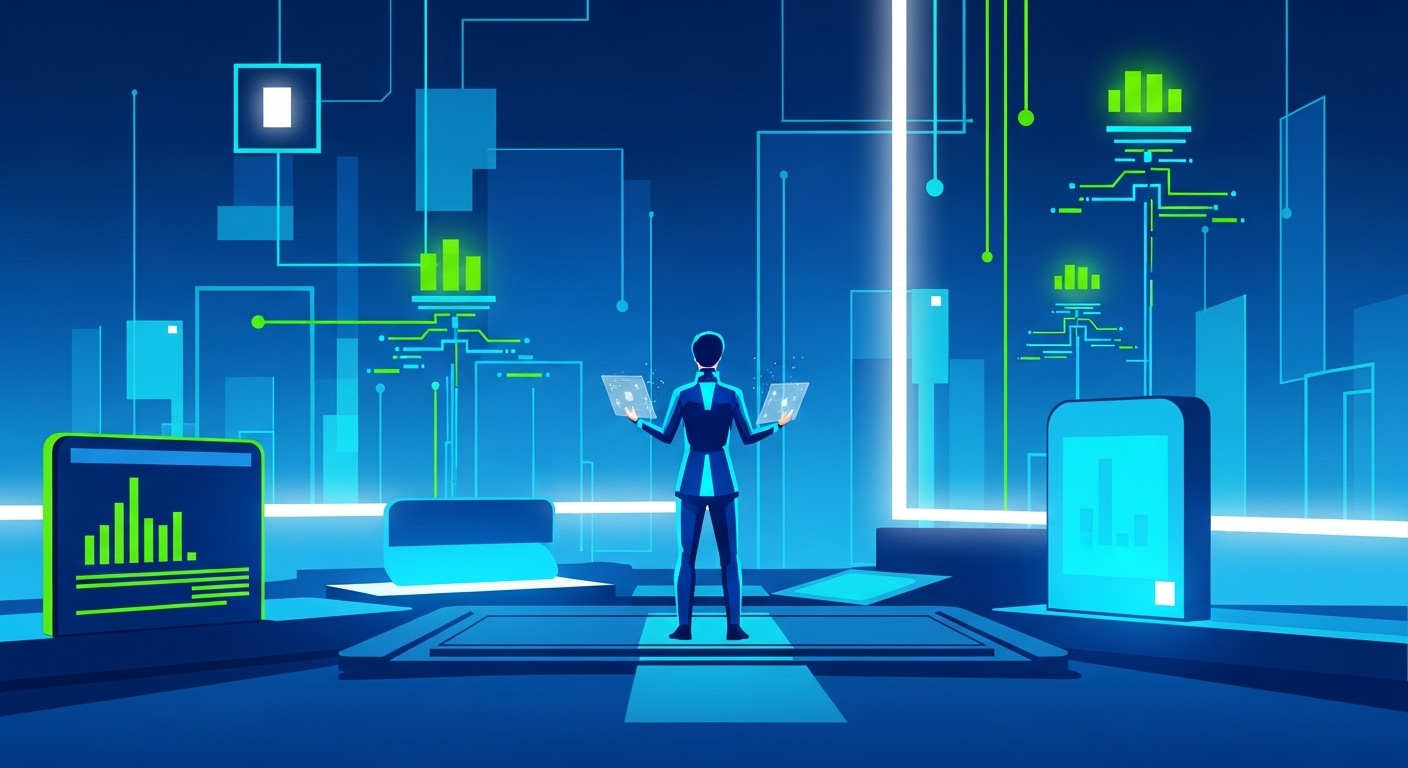
What are the steps in making a App Orientation Video?
- Research & Analysis
- Script Writing
- Character & Style Sheet
- Storyboard Development
- Voice Over Recording
- Animating Stage
- Sound Effects & Music
- Translation & Foreign Voice (If needed)
- Delivery & Formats
Scope of Work
Animation production, screen recording, graphic overlays, motion graphics, video editing, sound design, color grading, final compositing
Production Timeline
3 to 4 weeks
Budget
$ 1200 to $ 2000
Industry Vertical
Technology Solutions, Consumer Electronics, IT Support Services, Software Guidance, Digital User Experience
Video Objective
To simplify microphone troubleshooting for Dell users through clear intuitive video guidance.
“I was really impressed with how process oriented and accommodating they were at every step of the way.”
Danielle Hrin Kuek
Head of Marketing at Wilhelmsen Group
Independent B2B Video Production Assessment
4.33/5 (762 Verified Client Audits)
Video Production Techniques
Let’s Talk!
Please fill out the form below and
we’ll get in touch.