
Dell
Thermal
Management
Visualization
Production
Enhanced system insights
with clear animation


Dell software optimizes performance prevents overheating
This presentation brilliantly illuminates how Dell's integrated software solutions proactively prevent system overheating. It empowers users to maintain peak performance and extend device longevity effortlessly. The clear guidance ensures optimal system health and continuous productivity.
The video's streamlined design showcases Dell's software interfaces with exceptional clarity. Its intuitive aesthetics guide users through essential maintenance steps effectively. This visually engaging approach transforms complex tasks into a seamless and highly user-friendly experience.

Clear Visuals Guide Maintenance
The 2D animation style brilliantly simplifies intricate maintenance procedures into easily digestible steps. This visual technique enhances understanding and recall, ensuring users confidently implement best practices. It effectively translates complex technical advice into practical actions.
Our team's expertise shines through the video's tasteful design and meticulous execution. Diverse animation approaches were explored to achieve maximum visual impact and intuitive clarity. This reflects our commitment to delivering visually stunning effective content for every presentation.

Client Brief
Dell Technologies approached Advids to create a compelling visual narrative addressing complex hybrid infrastructure challenges. The project aimed to clarify technical capabilities for IT decision makers while driving high-level engagement through a strategic video presentation. This collaboration focused on maximizing market share by demonstrating superior system reliability.
Video Creation Approach
Engineering a comprehensive visual strategy required Dell Technologies to provide specific hardware schematics and performance data for the PowerEdge server line. Advids synchronized these technical specifications with brand identity standards to establish a precise creative baseline. This initial phase ensured every graphical asset maintained absolute alignment with corporate messaging goals.
Inside the technical core, designers choreograph intricate 3D internal component views alongside translucent cooling fan animations. These detailed hardware renders demonstrate adaptability across diverse data center environments and remote edge locations. Through dynamic sequence mapping, interactive digital walkthroughs clarify complex system architecture for global enterprise audiences.
Rhythmically, the production team calibrated fast-paced percussive audio cues to maintain viewer attention throughout the narrative arc. Rapid-fire visual transitions reduce mental fatigue by breaking down dense specifications into digestible segments. By refining the final motion flow, cinematic product demonstrations solidify brand authority and accelerate the procurement cycle.
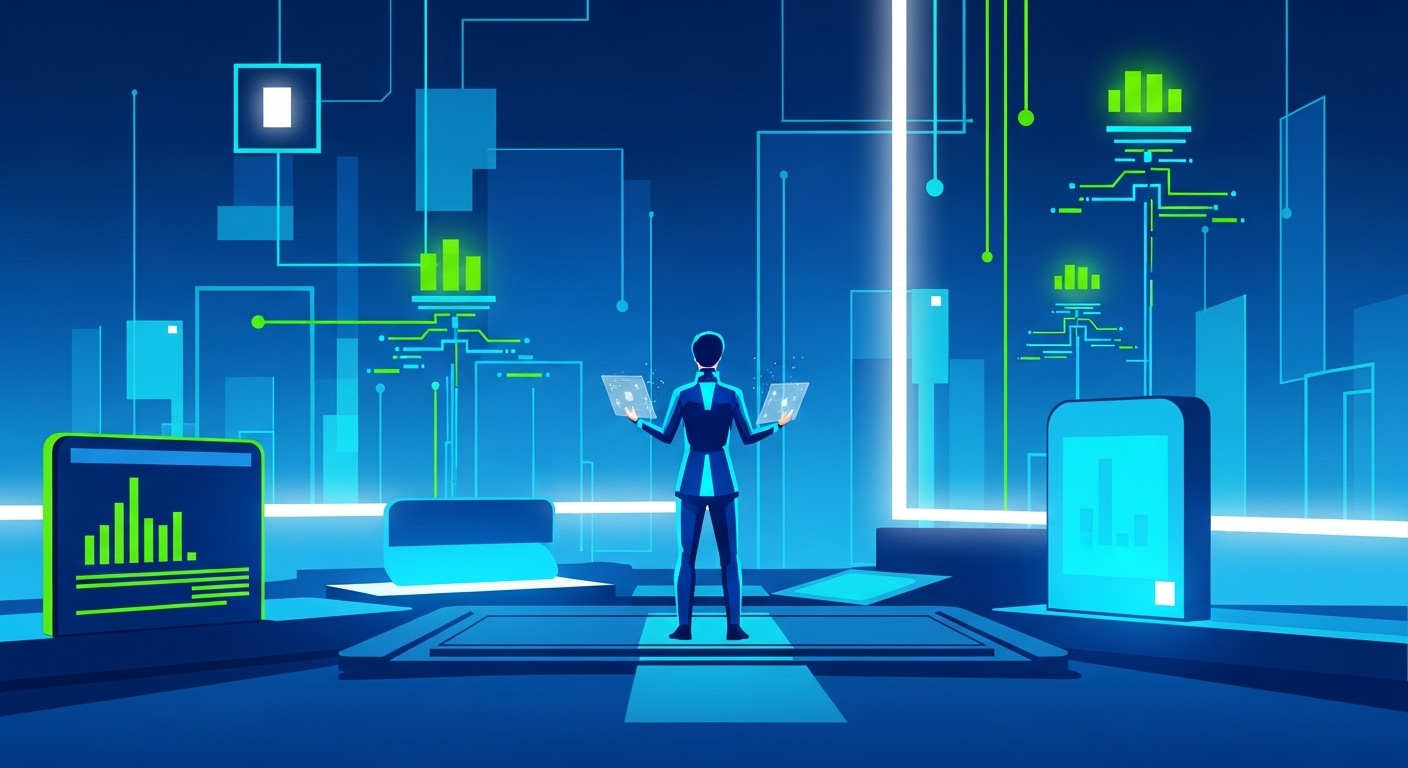
What are the steps in making a Video presentation?
- Research & Analysis
- Script Writing
- Character & Style Sheet
- Storyboard Development
- Voice Over Recording
- Animating Stage
- Sound Effects & Music
- Translation & Foreign Voice (If needed)
- Delivery & Formats
Scope of Work
2D asset design, motion graphics creation, scene animation, visual effects, sound design, voiceover integration, color grading, final editing
Production Timeline
3 to 4 weeks
Budget
$ 1200 to $ 2000
Industry Vertical
Computer Hardware Manufacturing, Information Technology Support, Consumer Electronics Sector, Digital Device Management, Tech Product Maintenance
Video Objective
Educate users on optimizing device performance and preventing common hardware issues effectively.
“Advids is a very reliable partner to work with. They deliver on time with a great quality.”
Hamelin Régis
CTO at BLUMORPHO
Independent B2B Video Production Assessment
4.33/5 (762 Verified Client Audits)
Video Production Techniques
Let’s Talk!
Please fill out the form below and
we’ll get in touch.