
Legrand · Structured cabling · 3D explainer video
Explainer Video for Legrand LINKEO C: Cabling Proved to Installers
Legrand needed installers to believe that LINKEO C is faster to fit than the cabling they already use. Advids built the system in 3D from CAD files and let the hardware make the case: a toolless connector that locks on screen, "1 min 10 per termination", and a rack an installer can check at a glance.
Last updated
Legrand · LINKEO C
- Client
- Legrand
- Product
- LINKEO C structured cabling, from patch panel to RJ45 sockets, cables and cords
- Made for
- Installers and IT teams building company networks
- Format
- 3D product explainer video with on-screen text
- Built from
- Legrand CAD files
- Length
- 1:58
- Production timeline
- 3 to 4 weeks
- Budget
- $1,200 to $2,000
The problem: installers don't buy adjectives
Legrand describes LINKEO C with 3 promises: quick to install and maintain, performance up to Cat. 6A, and a 25-year warranty. Every cabling brand says something similar, so the words alone change nothing for an installer choosing what to fit on the next job.
Installers judge a system with their hands: how a connector locks, how long a termination takes, how a rack looks when the job is done. The video had to show those 3 things, close enough to check.
How the video proves each claim, scene by scene
On-screen text carries every claim, so the video works with the sound off. Select a time to play that scene above.
| Time | On screen | What it does |
|---|---|---|
| Legrand logo, then 3 titles over 3D close-ups: "Unique innovative design", "Fast to install", "Performance". | Sets the 3 claims the video has to prove. | |
| Product name "LINKEO C, Build connection", then "More efficient, unique design". | Names the product once the promise is set. | |
| The connector builds itself around a yellow cable: "Toolless", "Effortless", "Safely locked". | Proves the design claim on the part itself. | |
| "Fast to install and maintain" and "1 min 10 per termination" over a cable being terminated. | Turns "fast" into a figure. | |
| Rack scenes: "Simply pre-position and pre-hold your panels", "Validate your installation at a glance", "Or quickly change it", "Optimised cable management". | Walks through the installer's own tasks. | |
| Light trails carry the signal to devices, then "Performance up to Cat. 6A" and connector variants labeled by category. | Proves the performance claim. | |
| A full patch panel, then "End-to-end connectivity": a wall socket and a cable into a device. | Shows the whole system, panel to desk. | |
| "LINKEO C, a complete system from patch panels to RJ 45 sockets", the 3 claims again, "Build connection". | Repeats the promise and closes on the brand. |
Storyboard: the frames that carry the LINKEO C explainer video
Key frames from the finished video, in order. Select a time to play that moment above.
The promise: "Unique innovative design" is the first of 3 claims. 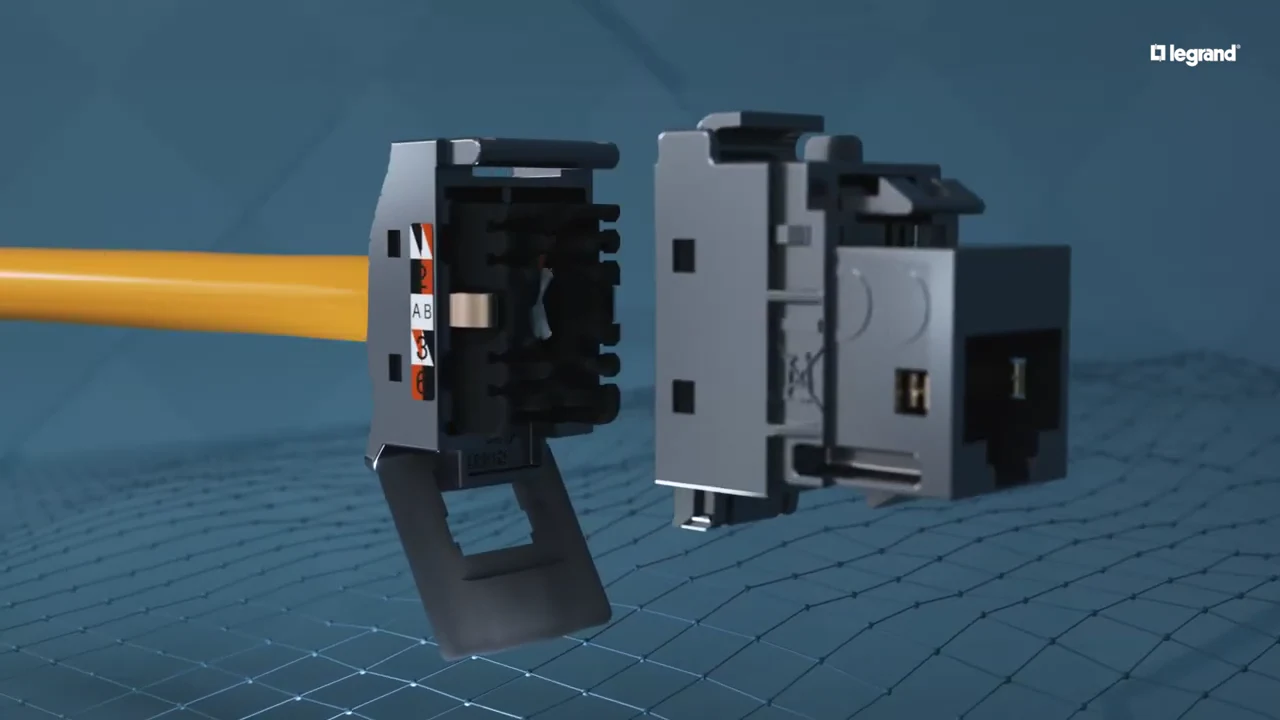
The connector builds itself around the cable, part by part. 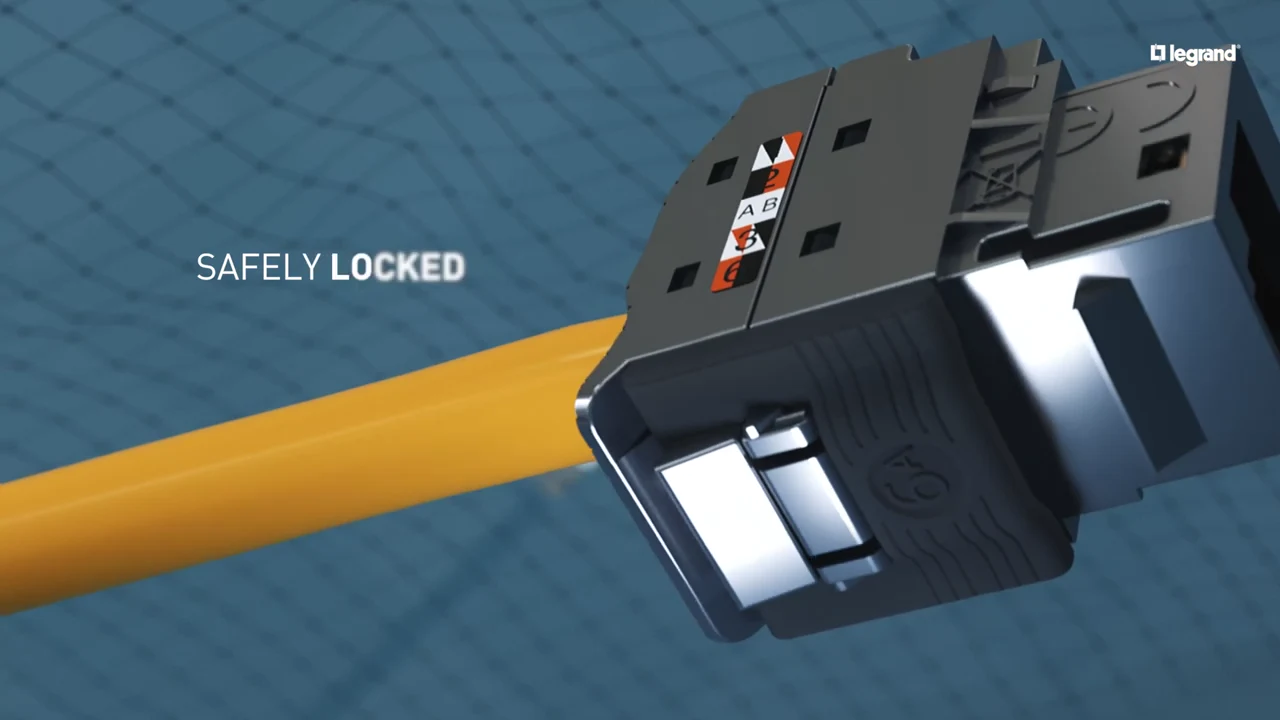
"Safely locked": the toolless lock closes on screen. 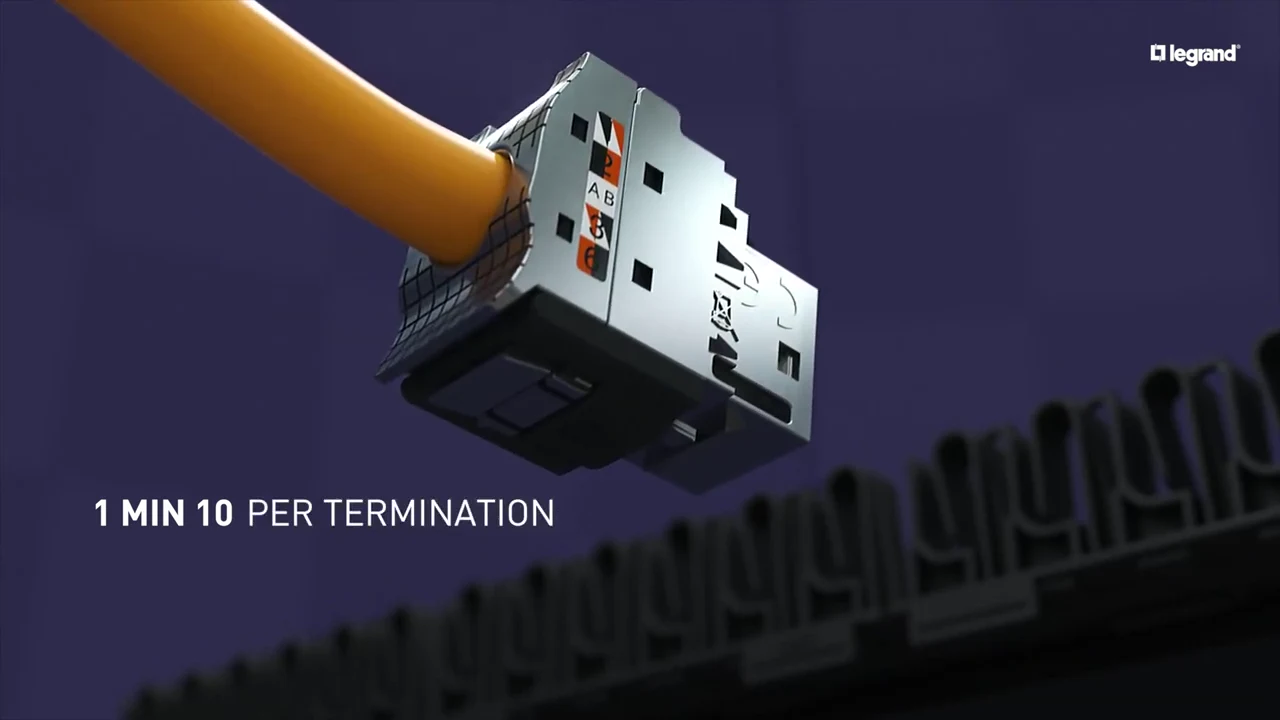
"1 min 10 per termination" turns "fast" into a number. 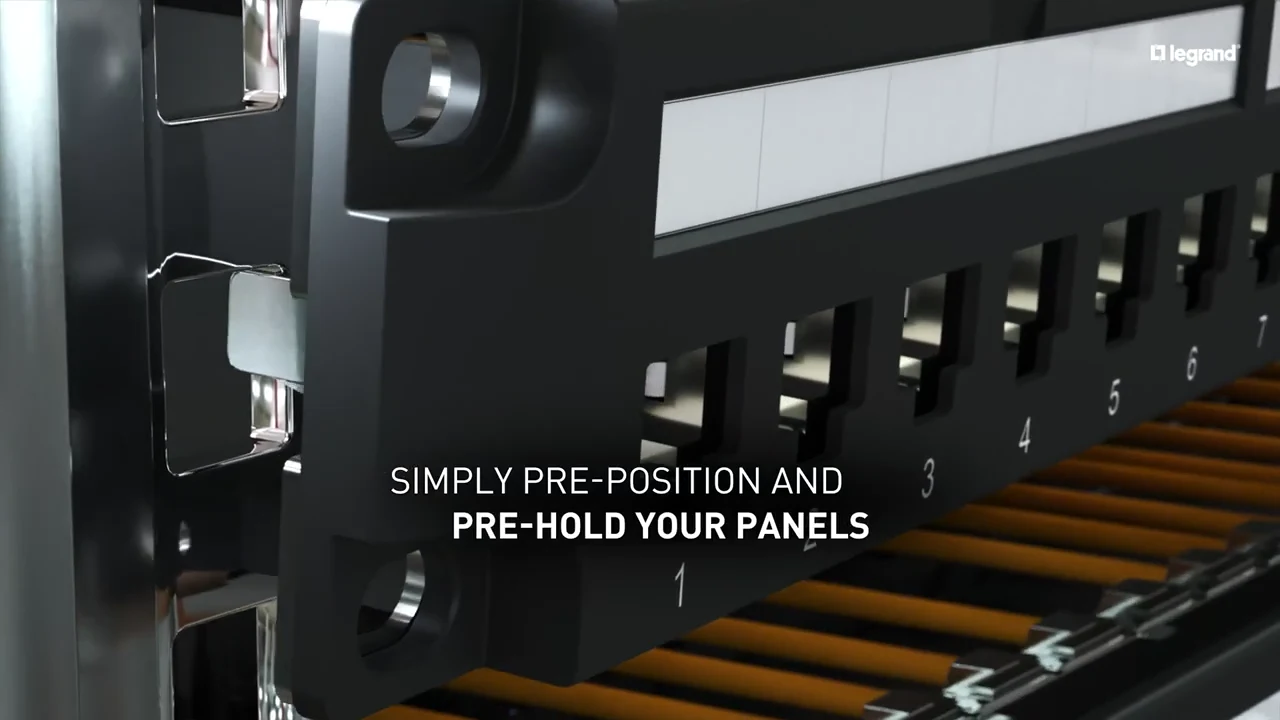
The installer's first task: pre-position the panels. 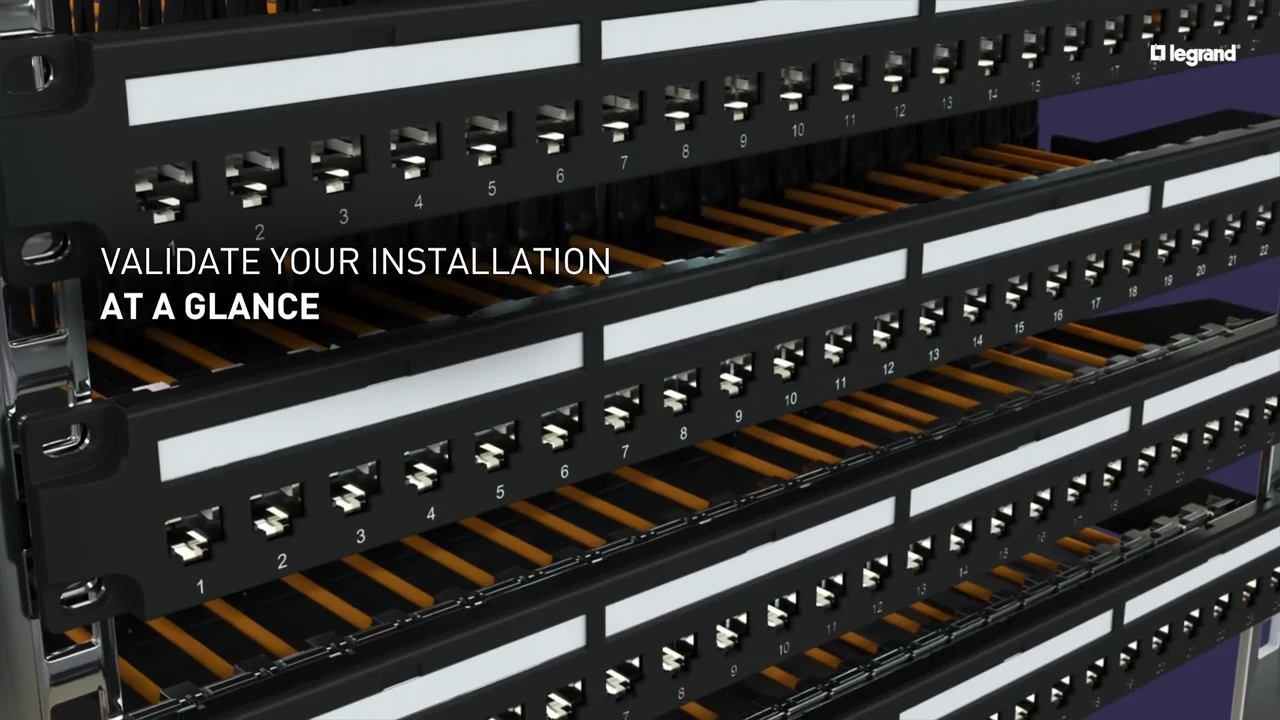
The second task: check the install at a glance. 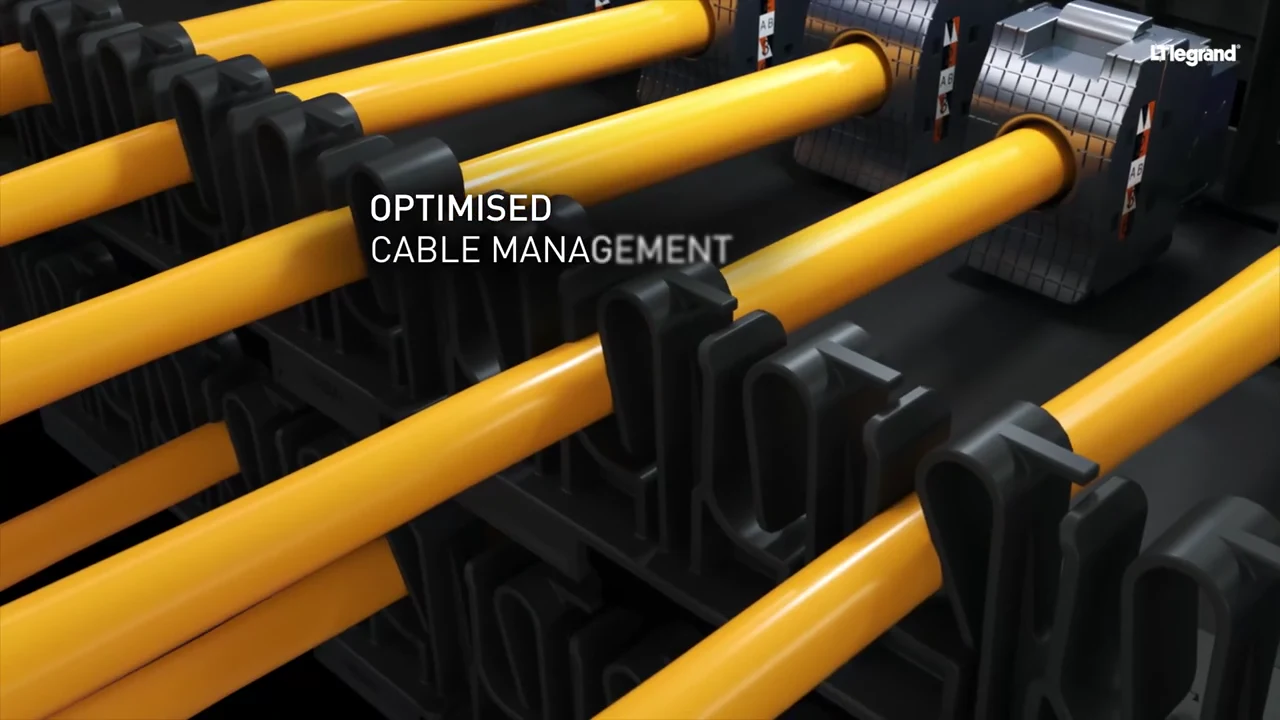
A finished rack: "Optimised cable management". 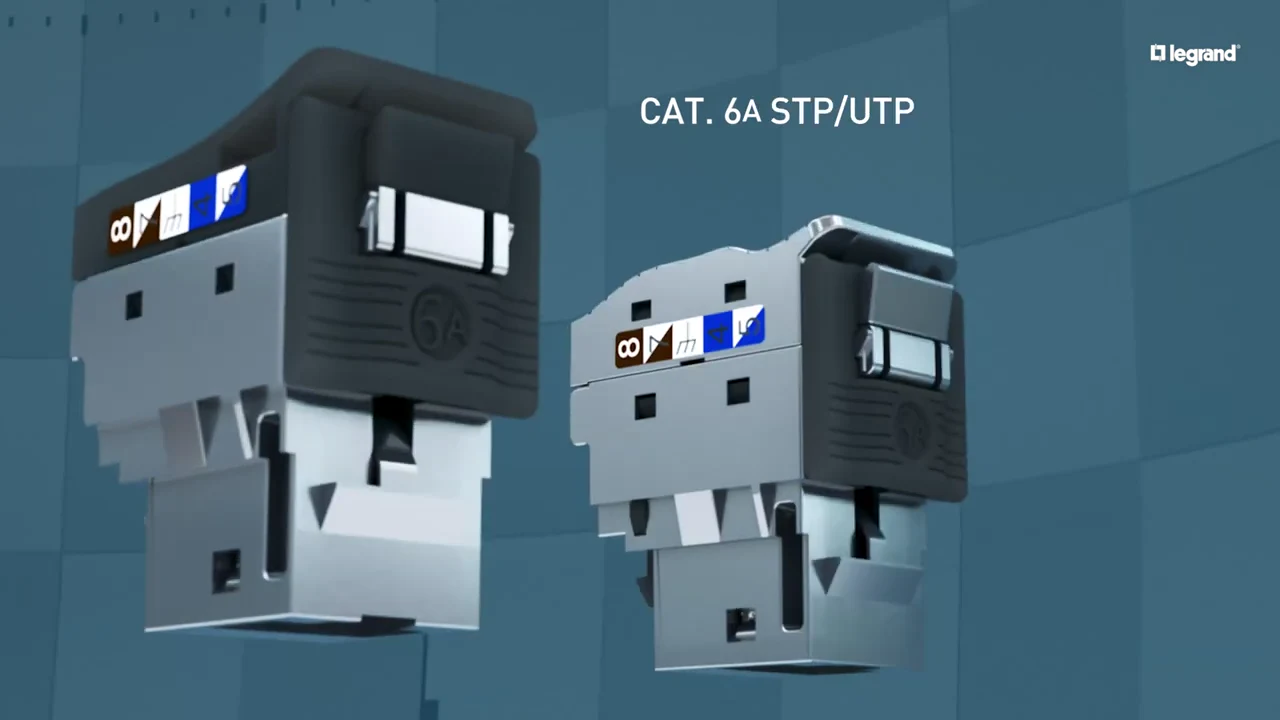
The performance claim on the parts: Cat. 6A connectors, labeled. 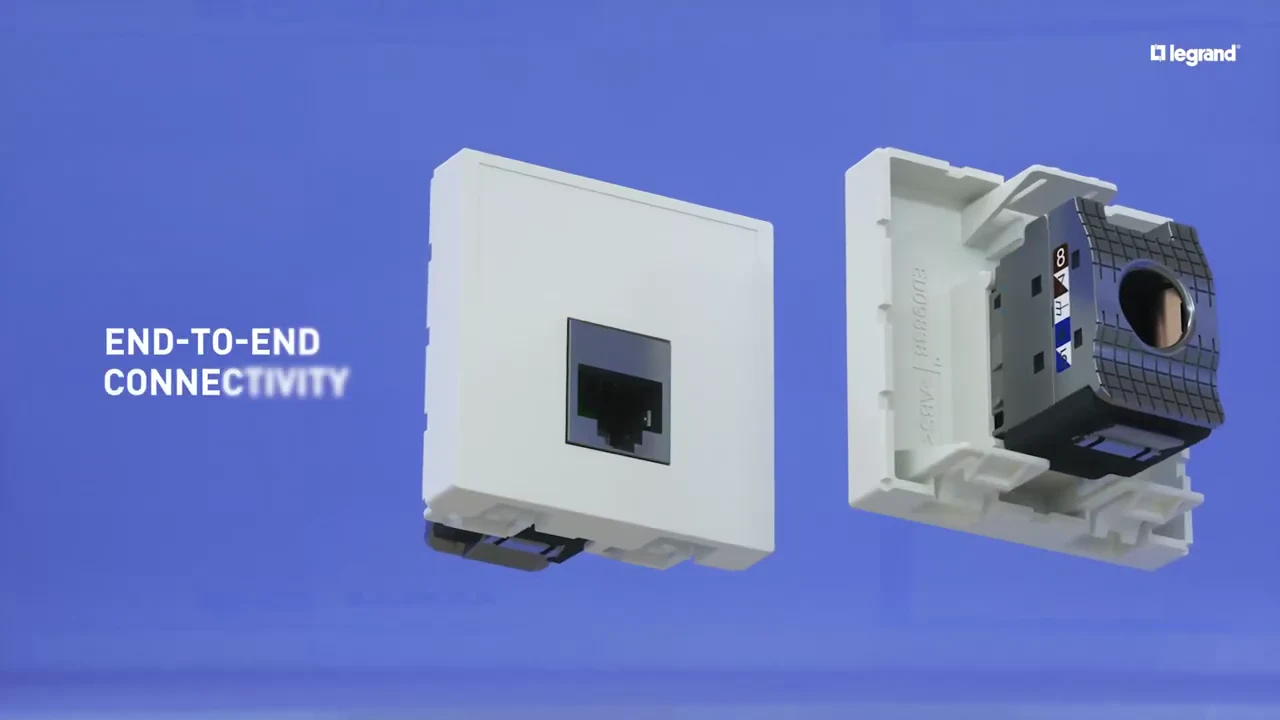
"End-to-end connectivity", from panel to wall socket. 
The close: one system from patch panels to RJ45 sockets.
4 decisions behind the LINKEO C explainer video
Decision 1
Open and close on the same 3 claims
The titles at 0:03 ("Unique innovative design", "Fast to install", "Performance") return word for word at 1:43. Every scene between them proves one of the 3.
Copy it: Pick 3 claims before the script. Open on them, prove each in turn, and end on the same words.
Decision 2
Put a number on "fast"
At 0:36 "Fast to install" becomes "1 min 10 per termination", a figure an installer can time on site.
Copy it: Swap each adjective in your script for a number your buyer can test.
Decision 3
Follow the installer, not the factory
From 0:42 the rack scenes follow the order of a real install: pre-position the panels, validate at a glance, change a port.
Copy it: List your buyer's tasks in order and give each one a shot.
Decision 4
Open the connector with CAD
Because the video was built from Legrand's CAD files, the toolless lock can be shown from the inside at 0:16, something a camera cannot do.
Copy it: If the selling point is inside the product, plan a 3D build from engineering files.
From Legrand CAD files to final render
- CAD conversion and cleanup. Legrand's engineering files for the connector, patch panel and wall socket were converted into clean 3D models.
- 3 claims, 3 proofs. The script was locked to Legrand's own promises: design, speed and performance, each with a scene that proves it.
- Installer storyboard. Proof scenes were ordered like an install: terminate the cable, fit the rack, check the panel, connect the desk.
- Close-up materials and light. Textures and lighting were set so the lock, the labels and the port numbers read clearly in close-up.
- Animation. Assembly, locking, rack and signal-path scenes were animated.
- Render and on-screen text. Shots were rendered, then the claim titles, figures and light trails were composited.
- Sound design. Sound was built to pace each scene change.
Scope of work:
Production took 3 to 4 weeks on a budget of $1,200 to $2,000. See the 3D video production service for how a project like this is scoped.
Questions about the Legrand explainer video
How does the LINKEO C explainer video show the toolless lock?
From 0:16 to 0:32 the connector parts close around a yellow cable in 3D, under the titles "Toolless", "Effortless" and "Safely locked". The lock sits inside the part, so the video opens it up instead of showing only the outside.
Why does the video say "1 min 10 per termination" instead of just "fast"?
Every cabling brand says "fast". At 0:36 the title "Fast to install and maintain" becomes "1 min 10 per termination", a time an installer can check on their next job.
Which installer tasks does the rack sequence show?
Four, in the order of a real install: "Simply pre-position and pre-hold your panels" (0:44), "Validate your installation at a glance" (0:47), "Or quickly change it" (0:50) and "Optimised cable management" (0:55).
How does the video back up the Cat. 6A performance claim?
Light trails carry the signal from the panel to devices, then the title "Performance up to Cat. 6A" appears at 1:10. From 1:16 the connector range is shown with its labels, from "Cat. 6 STP/UTP/FTP, 1 Gbit/s" to "Cat. 6A STP/UTP".
Why do the same 3 claims open and close the Legrand video?
"Unique innovative design", "Fast to install" and "Performance" appear at 0:03 and again at 1:43. Every scene between them proves one of the 3, so the close reads as a summary of what the viewer has just seen.
What did it take to build the LINKEO C video from CAD files?
Legrand's engineering files were converted and cleaned into 3D models, then textured, lit, animated, rendered and composited, with sound design last. Production took 3 to 4 weeks on a budget of $1,200 to $2,000.
What Advids clients say
"Advids have done several videos for us now, they are extremely accommodating, efficient and easy to work with. They have a good process in place which enables you to feedback easily."Nina Smith, Marketing Manager at PDI


Need installers or engineers to trust your hardware?
Talk to Advids