
Introduction: Visualizing the Nervous System of Enterprise AI
We stand at a pivotal moment in the evolution of machine learning. The industry has moved beyond the initial excitement of experimentation and is now facing the rigorous demands of operationalization. For CTOs and VPs of Engineering, the challenge is no longer just about building accurate models; it is about building resilient, scalable factories that can produce them reliably. The future of MLOps is not just about code—it is about the seamless orchestration of complex, invisible processes.
However, a significant chasm remains between the abstract potential of data science and the concrete reality of production engineering. This disconnect is the primary reason why 80% of AI projects fail to deliver meaningful production value. Superior algorithms cannot survive inferior orchestration. When the infrastructure is invisible, trust erodes, compliance becomes a bottleneck, and "silent failures" plague the deployment lifecycle.
This guide presents a strategic framework for visualizing the ML pipeline not as a "black box," but as a transparent, observable, and governable infrastructure. With the MLOps market projected to reach USD 16.6 billion by 2030, the ability to communicate your platform's stability is a massive competitive advantage.
By leveraging these 30 "Gold Standard" visual styles—from minimalist vector abstractions to photorealistic mechanical analogies—you can reduce cognitive load and articulate value to skeptical stakeholders. This is how you bridge the physical/digital divide and position your platform as the inevitable infrastructure of the future.
1. Minimalist Flat 2D Vector
TOFU | Brand Awareness

Companies using similar video content -
DVC – Data Version Control – Versions code and data simply.
LakeFS – Git-like version control for data lakes.
Kedro – Builds reproducible, modular data science pipelines.
2. Low-Poly 3D Modeling
TOFU | Category Creation

Companies using similar video content -
Feast – Open-source feature store for real-time ML models.
Featureform – Virtual feature store for defining ML features.
3. Abstract 2D flat vector organic
TOFU | Market Education

Companies using similar video content -
Pachyderm – Automates data transformation with versioning and lineage.
Iguazio – Iguazio MLOps Platform – Automates end-to-end ML pipelines with real-time capabilities.
5. Abstract 3D AI Visualization
TOFU | Shaping Brand Perception

Companies using similar video content -
Google Vertex AI – Vertex AI – Unified platform for building, deploying, and managing AI models.
H2O.ai – H2O AI Platform – Open-source AI platform for building and deploying ML models.
6. Bold Kinetic Typography
TOFU | Demand Gen

Companies using similar video content -
Google Vertex AI – Vertex AI – Unified platform for building, deploying, and managing AI models.
H2O.ai – H2O AI Platform – Open-source AI platform for building and deploying ML models.
7. Hybrid: Iso 2D + Data Vis
MOFU | Product Differentiation

Companies using similar video content -
Modzy – Deploys, connects, runs, and monitors ML models.
Hopsworks – Open-source platform for developing and operating ML models.
8. Isometric 3D Workflow
MOFU | Feature Education

Companies using similar video content -
Dataiku – Dataiku DSS – Everyday AI platform for data science, ML, and analytics.
Katonic – Katonic MLOps Platform – Automates the cycle of intelligence with MLOps platform.
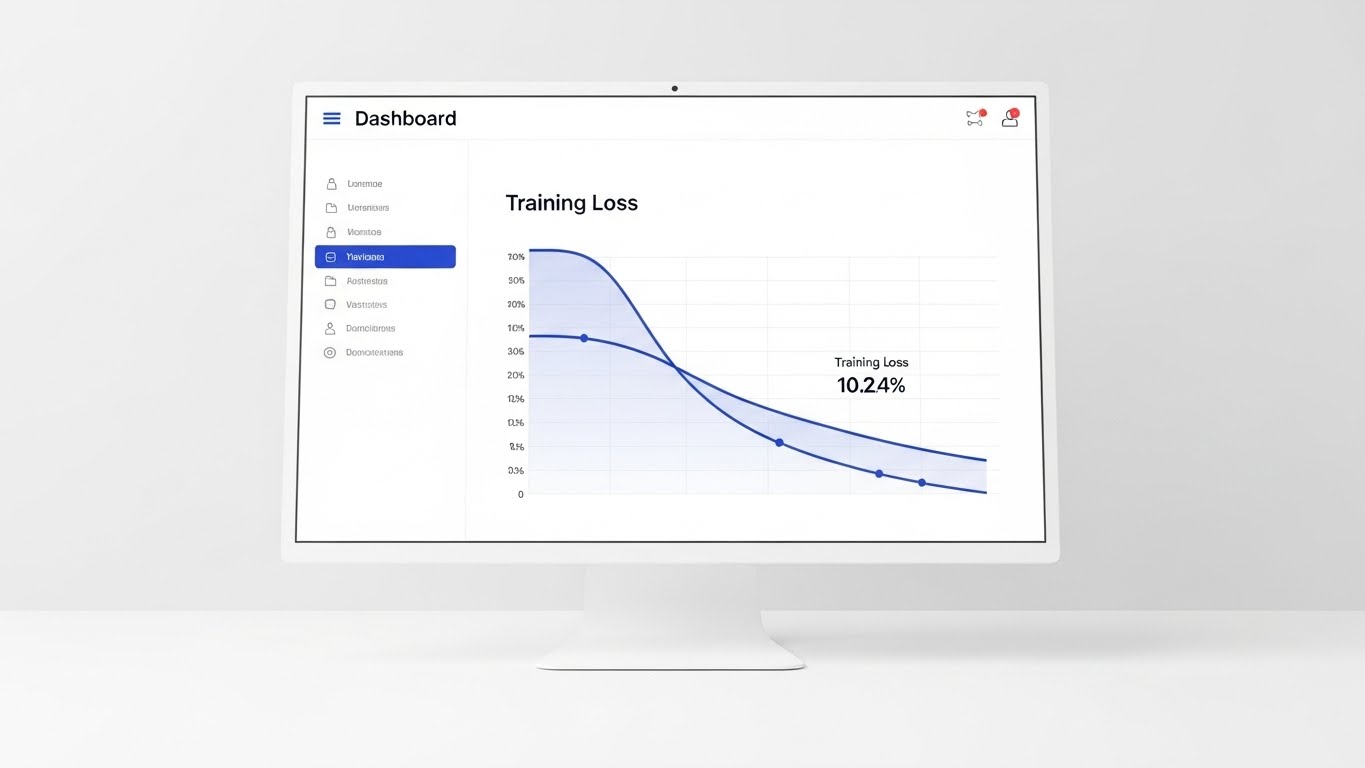
9. Clean UI Workflow (Light Mode)
MOFU | Feature Education
Companies using similar video content -
Kubeflow – Orchestrates scalable ML workflows on Kubernetes.
Apache Airflow – Orchestrates complex data and ML pipelines as DAGs.
Argo Workflows – Container-native workflow engine for Kubernetes orchestration.
10. Photorealistic 3D Renders
MOFU | Building Trust

Companies using similar video content -
MLFlow – MLflow – Open-source platform for tracking, packaging, and deploying models.
Weights & Biases – Tracks experiments, versions data, and manages ML models.
11. Dynamic Data Visualization
MOFU | ROI Justification

Companies using similar video content -
AWS SageMaker – Amazon SageMaker – Manages end-to-end ML lifecycle, from build to deploy.
Microsoft Azure Machine Learning – Comprehensive MLOps platform for automating ML workflows.
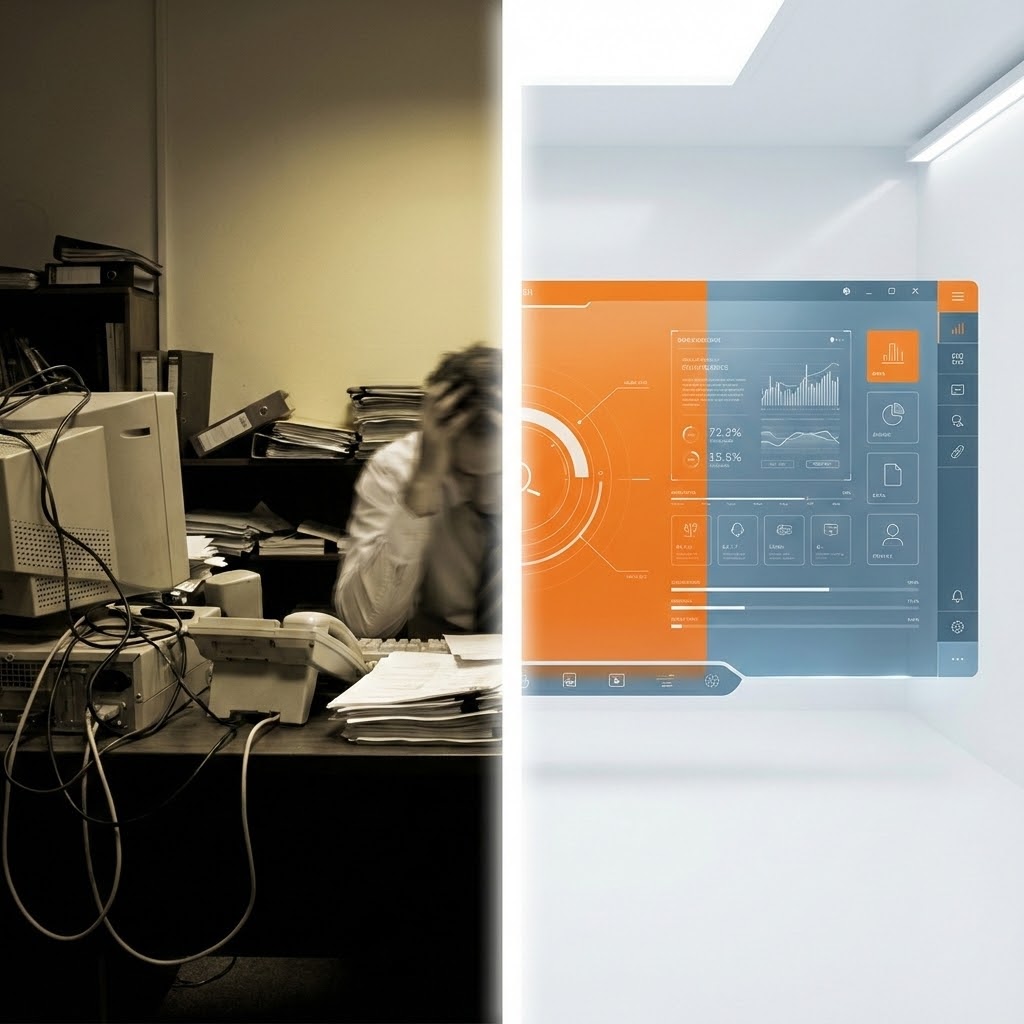
12. Split Screen: Optimized Reality and UI
MOFU | Competitive Displacement
Companies using similar video content -
Evidently AI – Monitors ML models for data and target drift.
Fiddler AI – Monitors, explains, and debugs AI models in production.
13. 3D X-Ray Visualization
MOFU | The Technical Buyer

Companies using similar video content -
Valohai – Automates ML experiments, pipelines, and infrastructure as code.
Neu.ro – MLOps platform integrating open-source and proprietary tools.
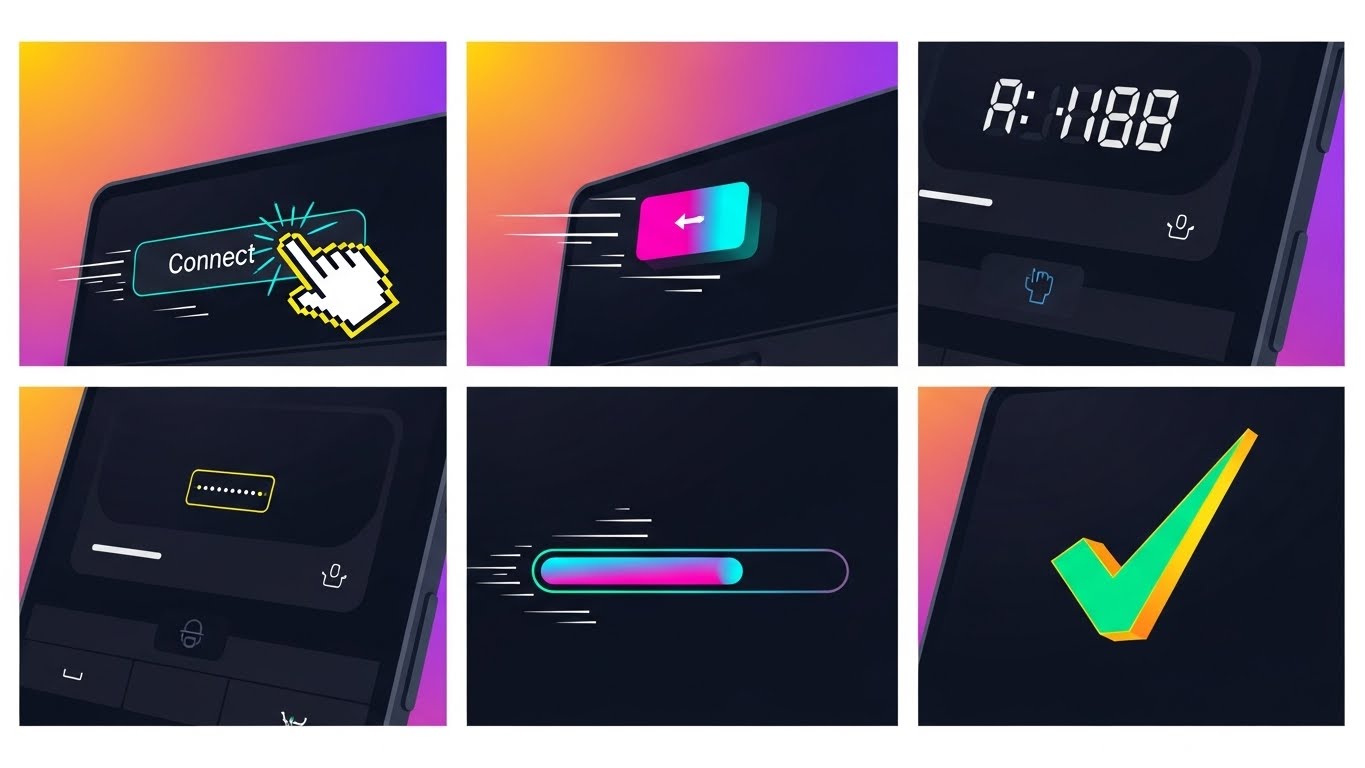
14. Rapid UI Feature Montage
MOFU | Sales Cycle Acceleration
Companies using similar video content -
Deepchecks – Validates data and ML models from research to production.
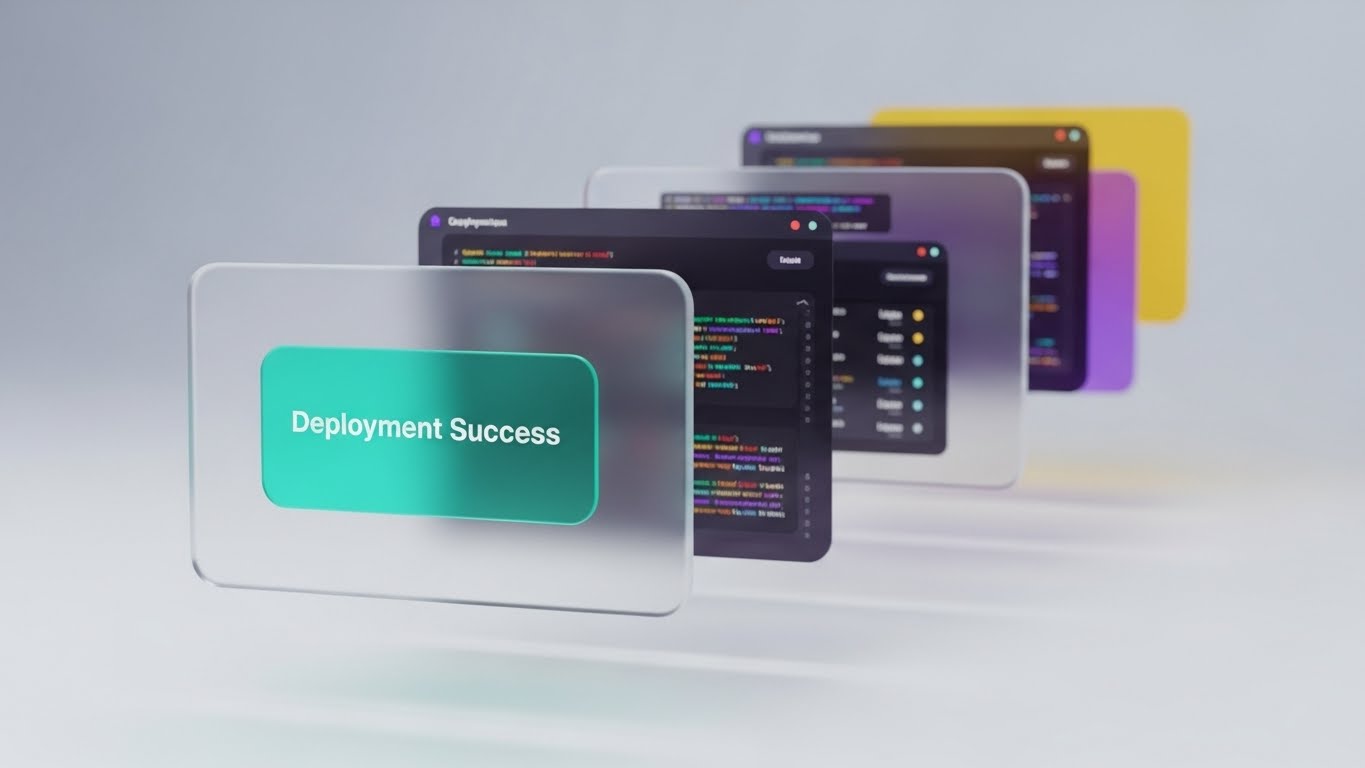
15. 3D Parallax UI Presentation
MOFU | Accelerating Time-to-Value
Companies using similar video content -
BentoML – Deploys and serves ML models as production APIs.
Modelbit – MLOps platform covering training, deployment, and lifecycle.
16. Dark Mode UI Showcase
MOFU | ABM Awareness

Companies using similar video content -
Nuclio – Serverless framework for data and compute-intensive workloads.
MindsDB – AI layer for databases, developing and deploying ML models.
17. Wireframe to Reality Transition
MOFU | Reducing Implementation Friction

Companies using similar video content -
Prefect – Orchestrates data and ML workflows with dynamic pipelines.
Metaflow – Manages data science workflows, scales to cloud.
18. Holographic UI over 3D Render
BOFU | Risk Mitigation

Companies using similar video content -
Ray – Scales AI and Python applications across clusters.
Polyaxon – Platform for reproducible and scalable ML/DL on Kubernetes.
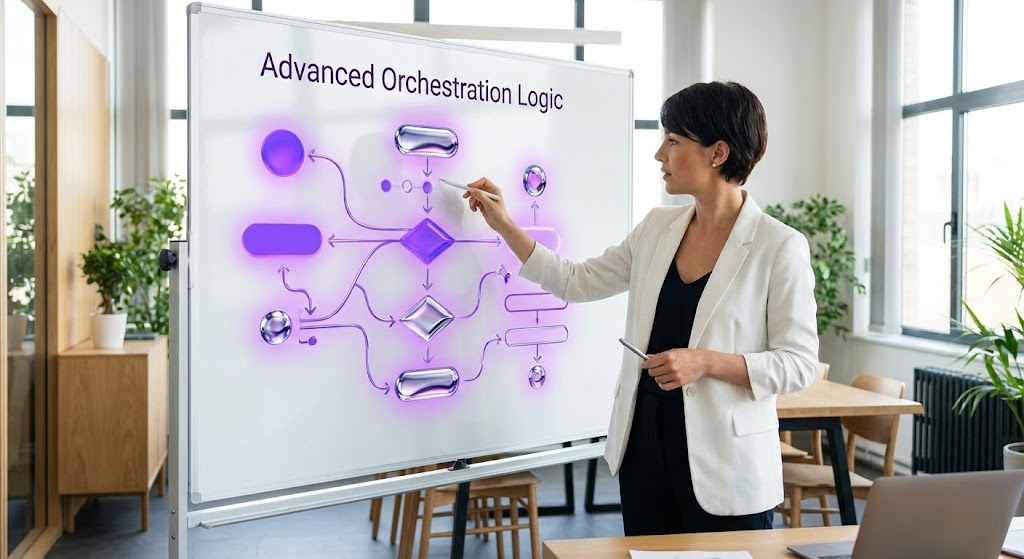
19. 2D Graphics Over Live Action
BOFU | Driving Deep Feature Adoption
Companies using similar video content -
DataRobot – Automates ML workflows, from data to deployment and monitoring.
TruEra – Drives model quality and performance through automated testing.
20. 2D Animation & UI Composition
BOFU | Driving Demo Requests

Companies using similar video content -
Arize AI – Observability platform for monitoring and troubleshooting ML models.
Superwise – Automated, enterprise-grade model observability platform.
21. Aspirational Stock Montage
Onboarding | Driving Freemium/Trials

Companies using similar video content -
Flyte – Orchestrates ML pipelines at scale with version control.
ClearML – End-to-end MLOps platform for experiment management and orchestration.
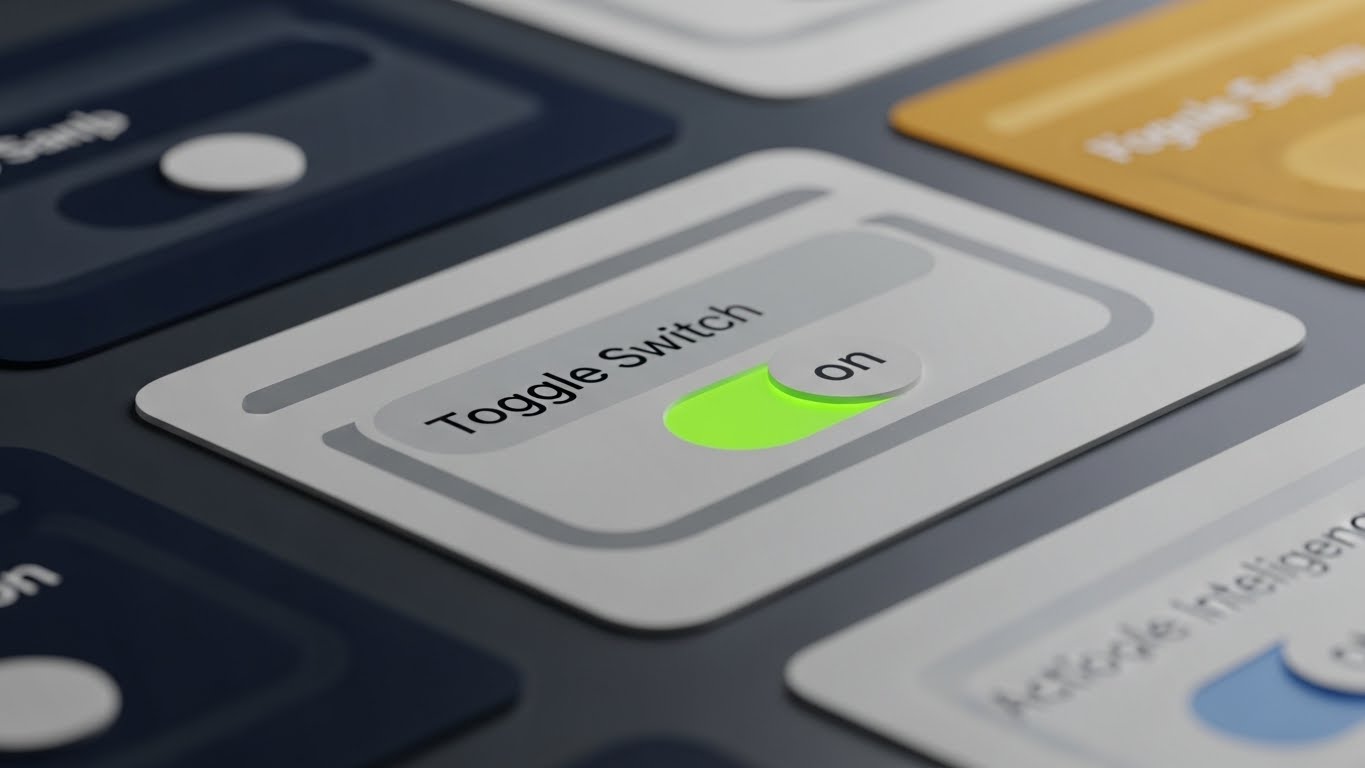
22. Macro UI Micro-Interactions
Onboarding | Self-Serve Onboarding
Companies using similar video content -
DagsHub – GitHub for ML, tracking data, models, and experiments.
23. Abstract 2D Motion Graphics
Retention | Website Visitor Re-engagement

Companies using similar video content -
Whylogs – Open-source standard for data logging and ML monitoring.
Opik – Evaluates, tests, and ships LLM applications with observability.
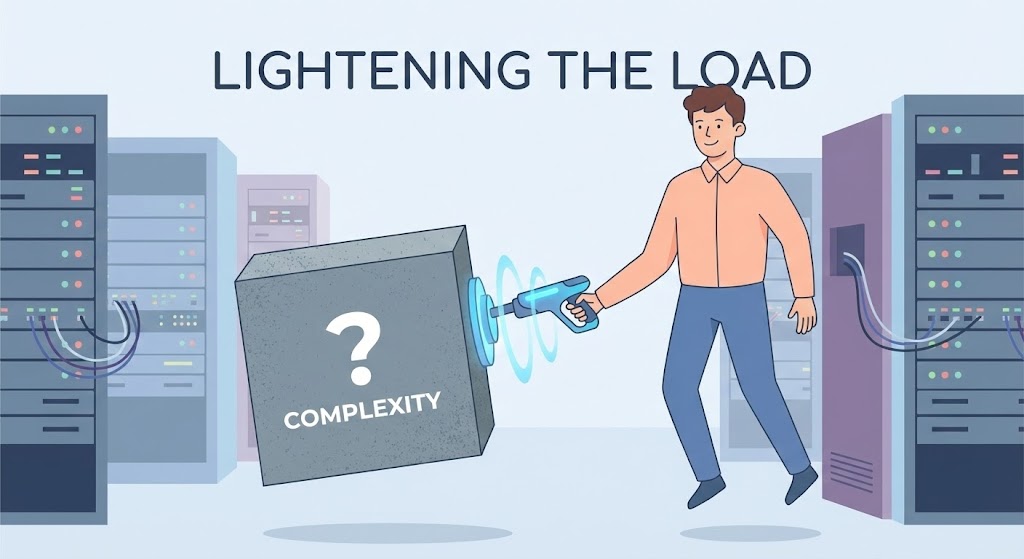
24. 2D Character-Driven Story
Retention | Objection Handling
Companies using similar video content -
Radicalbit – Open-source solution for monitoring AI models in production.
25. Hyper-lapse Stock Footage with Data
Retention | Reducing Churn

Companies using similar video content -
Knime – KNIME Analytics Platform – Creates and productionizes data science with intuitive environment.
26. Generative AI Cinematic Video
Expansion | Driving Upsell/Cross-sell

Companies using similar video content -
NannyML – Detects data drift impact on model performance.
27. Futuristic Neon/Light Mode
Expansion | Proactive Support/Announcements

Companies using similar video content -
Databricks – Databricks Lakehouse Platform – Lakehouse platform for data engineering, ML, and business intelligence.
28. Lifestyle Stock with UI Overlay
Expansion | Objection Handling

Companies using similar video content -
TrueFoundry – Simplifies ML/LLM deployment and scaling on Kubernetes.
29. Abstract 2D Ecosystem Map
Expansion | Thought Leadership

Companies using similar video content -
LynxKite – Graph data science platform for very large datasets.
30. Generative AI Realistic Character Video
Expansion | Driving Referrals & Advocacy

Strategic Knowledge Base: The Visual Operations Doctrine
To transform these 30 visual styles from a "library of assets" into a "competitive engine," we must apply a strategic framework. The following three segments outline how to deploy this visual language to drive adoption, efficiency, and ROI.
Strategic Alignment & Visual Architecture
The "Pre-Production" Strategy: Defining the Visual Operating System
Before a single pixel is rendered, the visual architecture must be aligned with the technical reality of your ML platform. Inconsistent visuals create "Cognitive Debt," confusing users and slowing adoption.
- The Cognitive Load Audit: Conduct an audit of your current training materials. Identify "Dense Zones"—text-heavy documentation that causes user drop-off. Map these zones to Simplification Styles (like Style 1: Minimalist Flat 2D) to mechanically reduce the effort required to understand the concept.
- Role-Based Visual Mapping: Different personas consume information differently.
- The Driver (DevOps): Requires High-Contrast, Dark Mode visuals (Style 16) that mimic their IDEs. They need density and precision.
- The Fleet Manager (CTO): Requires Isometric, High-Level views (Style 8) that show the "whole board" and resource flows.
- The Stakeholder (CFO): Requires Metaphorical, Result-Oriented visuals (Style 11) that translate compute cycles into currency.
- The "Glanceability" Standard: In operational environments, users don't have time to study complex diagrams. Design operational alerts and status visualizations (Style 22) to be understood in <500ms. If it requires reading, it’s too slow for a dashboard.
- Brand Voice Consistency: Your visual language must be as consistent as your code syntax. If your brand is "Enterprise Robust," avoid "Playful Cartoon" styles in critical error messages. Use a unified color palette (e.g., Teal for Success, Amber for Latency) across all 30 styles to build a subconscious visual vocabulary.
- The Advids Strategic Audit: Partnering with a specialized agency like Advids during this phase ensures that your visual strategy is not just "pretty" but "architecturally sound." We help define the "Visual Operating System" that ensures every asset, from a tweet to a whitepaper, reinforces the same core message of stability and speed.
- Legacy System Integration: Most enterprises run hybrid clouds. Use Split-Screen Styles (Style 12) to visually acknowledge the reality of legacy on-prem systems while highlighting the clean, modern interface of your SaaS overlay. This builds trust by showing you understand their messy reality.
- Accessibility in Global Teams: ML teams are global. Ensure that text-heavy styles (Style 6) are minimized in favor of universal visual metaphors (Style 2) that transcend language barriers. Motion graphics should rely on shape and flow, not just voiceover, to convey meaning.
- Standardization vs. Customization: When to use stock assets vs. bespoke visualization? Use standardized, polished stock for generic concepts like "Server Rooms" (Style 26), but invest in bespoke abstract 3D (Style 5) for your proprietary IP (your unique algorithm).
- The Cross-Departmental Bridge: Use visuals to unify terminology between Sales, Ops, and Support. When Sales says "Pipeline" and Ops says "DAG," use Style 7 (Hybrid Iso) to visually link the two concepts, ensuring everyone is looking at the same map.
- The Mobile-First Mandate: Even DevOps engineers check status on phones. Ensure all "Alert" and "Status" styles (Style 22, Style 25) are optimized for vertical 9:16 mobile screens for on-call situations.
Operational Adoption & Implementation
The "Deployment" Phase: Embedding Visuals into the Workflow
The best visuals fail if they aren't where the user needs them. This phase focuses on moving video out of the "Marketing Folder" and into the "Product Pipeline."
- Overcoming "Big Brother" Anxiety: ML orchestration often involves monitoring productivity or code quality. Use Empathy-Driven Styles (Style 19) to frame this monitoring as "Assistive" rather than "Punitive." Show the software helping the human, not replacing them.
- The Micro-Learning Shift: Replace the 50-page PDF manual with a library of 15-second Micro-Interactions (Style 14). Embed these loops directly into the tooltips of the software. When a user hovers over "Hyperparameter Tuning," a 10-second GIF should show them exactly what to do.
- Just-in-Time Support: Integrate Troubleshooting Visuals (Style 24) into your helpdesk chatbots. When a user types "Deployment Failed," the bot should serve a visual diagnostic flow, not just a text article. This reduces cognitive friction during high-stress moments.
- Gamification of Training: Use Dynamic Data Viz (Style 11) to visualize the user's progress through the onboarding curriculum. visual "Level Ups" or "Achievement Unlocks" can significantly increase completion rates for technical training certifications.
- Reducing Support Ticket Volume: There is a direct correlation between the clarity of your "Error State" visuals and support volume. If an error message is accompanied by a Visual Correction Guide (Style 9), the user can self-remediate, deflecting a costly Tier 1 support ticket.
- Remote Onboarding Velocity: For distributed engineering teams, use Screencast & Avatar Hybrids (Style 19) to conduct "Face-to-Face" onboarding at scale. This adds a human touch to the digital process, increasing trust and reducing the feeling of isolation.
- Standard Operating Procedures (SOPs): Transform rigid text SOPs into Visual Process Flows (Style 7). An animated flow chart showing the exact sequence of a "Rollback Procedure" is far less prone to interpretation errors than a numbered list.
- Feedback Loops: Use Interactive Video elements (similar to Style 20) where users can click to "Branch" the video based on their specific tech stack. This ensures they only see relevant information, keeping engagement high.
- Scalable Localization: When expanding to new regions (e.g., Japan, EMEA), strip text from your Isometric 3D (Style 8) assets and rely on color-coding and motion. This allows you to re-use the same high-value assets globally without expensive re-rendering.
- Leadership Communication: VPs need to justify spend. Equip your internal champions with Generative AI Cinematic (Style 26) clips. Give them the "Cool" assets to put in their board slides to make them look visionary.
Measuring Impact & Future-Proofing
The "ROI" Phase: Quantifying Value and Scaling Up
Visual communication is an investment. You must measure its return and prepare for the next evolution of media.
- Beyond "Views" – Actionable KPIs: Stop measuring "Video Views." Measure "Time-to-Competency" (how fast a new user deploys their first model) and "Feature Adoption Rate" (how many users engage with a new feature after watching the launch video). These are the metrics that matter to the C-Suite.
- The "Idle Time" Metric: Efficient UI visualization (Style 22) reduces the time users spend "hunting" for buttons. Quantify this. "Our new visual interface reduced average deployment configuration time by 40%." This is a hard ROI metric based on engineering hours saved.
- Compliance Velocity: In regulated industries (FinTech, HealthTech), speed of compliance is currency. Measure how quickly teams adopt new governance rules when they are communicated via Visual Metaphors (Style 3) versus text memos.
- Retention and Churn: High-quality visual onboarding reduces "Day 1 Churn." Monitor the correlation between users who engage with the Welcome Video Series (Style 21) and their 90-day retention rates. Visual clarity is a retention hook.
- The AI Visual Frontier: Prepare your asset library for Generative AI. By organizing your assets (like the styles in this guide), you build a training dataset for future tools that can auto-generate personalized onboarding videos for every user.
- Scalability of Assets: Build your visuals as "Components," not "Movies." A Modular visual strategy allows you to swap out a UI screen in a video without re-rendering the entire scene. This is critical for SaaS platforms that update weekly.
- The Advids Partnership: Scaling a visual language requires a long-term partner, not a one-off vendor. Advids acts as the custodian of your visual brand, ensuring that as your platform evolves from V1.0 to V5.0, your visual assets scale in complexity and quality without losing coherence.
- Benchmarking Success: Why "good enough" visuals are a competitive risk. If your competitor uses 3D X-Ray (Style 13) to show architecture and you use a flat screenshot, you lose the "Technical Superiority" battle before a line of code is reviewed.
- The ROI of Safety: In ML, "Safety" means Model Governance. Quantify the risk reduction. "Visualizing our approval workflow (Style 18) helped auditors reduce review time by 30%." This frames the visual budget as a "Risk Mitigation" investment.
- Final Call to Innovation: Treat your video and visual assets as Infrastructure, not content. Just as you refactor code to make it cleaner and faster, you must refactor your visuals to make them sharper and more effective. In the battle for attention and trust, the clearest signal wins.
Companies using similar video content -
SAS Viya – Cloud-native AI, analytic, and data management platform.
Author & Editor Bio



