
LogicLister · AI content platform · 2D product reveal animation
Product Reveal Animation for LogicListerAI: 6 AI Tools, 1 Screen Each
LogicLister needed to introduce LogicListerAI, one app that writes listings, product titles, articles, code, images and PDF answers, without it reading as a long feature list. This product reveal animation names the categories first, then gives each tool one labeled screen with a real output, and ends on "Try it For Free".
Last updated
LogicLister · LogicListerAI
- Client
- LogicLister
- Product
- LogicListerAI, an AI app for writing, product titles, images, code and PDF chat
- Made for
- Online sellers and creators who write listings and content
- Format
- 2D motion graphics product reveal video with on-screen text
- Style
- Tilted UI screens on a pale blue background, with a name card for each tool
- Length
- 0:53
- Production timeline
- 3 to 4 weeks
- Budget
- $1,200 to $2,000
The problem: an all-in-one AI app looks like a feature list
LogicListerAI does many jobs in one place. The YouTube description lists them: "Chat, Images, PDF and Code creation", and the homepage adds "Boost Sales with AI powered Listings." A buyer who meets 6 tools at once sees a menu, not a reason to sign up.
The homepage in the video also carries the line "ProductHunt Coming Soon", so this was a pre-launch reveal. It had to show what each tool makes, in under a minute, and end on one action: "Try it For Free".
How the reveal moves from 1 promise to 6 tools, scene by scene
Every claim is written on screen, so the video works with the sound off. Select a time to play that scene above.
| Time | On screen | What it does |
|---|---|---|
| The app icon with the name "Logiclister", then a blue ribbon sweeps in and a search bar types "Boost Sales with AI-powered Listings". | States the promise before any screen appears. | |
| The homepage: "ProductHunt Coming Soon", "Boost Sales with AI powered Listings.", "Try it for free". The words "AI writing" and "AI images" fly past, then "Never run out of ideas again." and "Create listings in one click". | Shows the real product and marks it as a launch. | |
| Full-screen text: "Unleash the power of AI across various categories like:" with "AI Writing", "Product titles", "Images", "Code Generation" and "and more..." swapping in. | Gives the viewer a map of the tools before the demo. | |
| The AI Writer grid with the card "AI writing" and "AI writing tailored for every need", the Products generator turning the seed words "Infant, Blanket, SnuggleBuddy" into a description, then the "Article Generator" writing a full article. | Proves the writing and listing claims with real screens. | |
| "AI Code Generator" with code filling a dark panel, then the AI Image Generator and a finished image of a deer fixing a car, under "AI Images" and "Generate high quality Images in seconds." | Shows an output for each tool, not an empty form. | |
| "Create PDFs like never before", then the AI PDF chat: the prompt "create a pdf about learning AI" returns "Title: An Introduction to Learning Artificial Intelligence" and a numbered table of contents. | Adds the PDF tool with its own title and screen. | |
| "Ignite your creativity with the limitless power of AI" beside the dashboard ("Welcome, Video."), then from 0:47 the end card: the LogicLister logo, "Try it For Free" and the address. | Closes on one action, held on screen for about 6 seconds. |
Storyboard: the frames that carry the LogicListerAI product reveal animation
Key frames from the finished video, in order. Select a time to play that moment above.
The promise gets the screen alone before any UI appears. 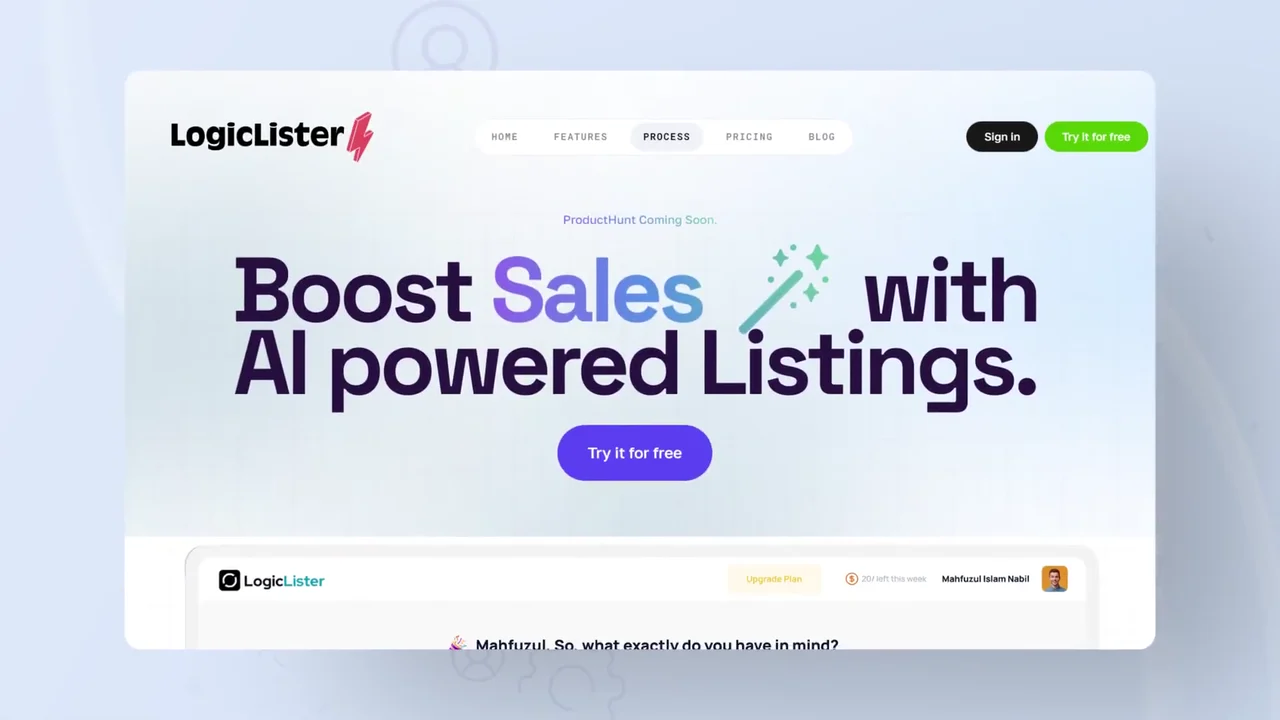
The real homepage repeats the line and marks the launch. 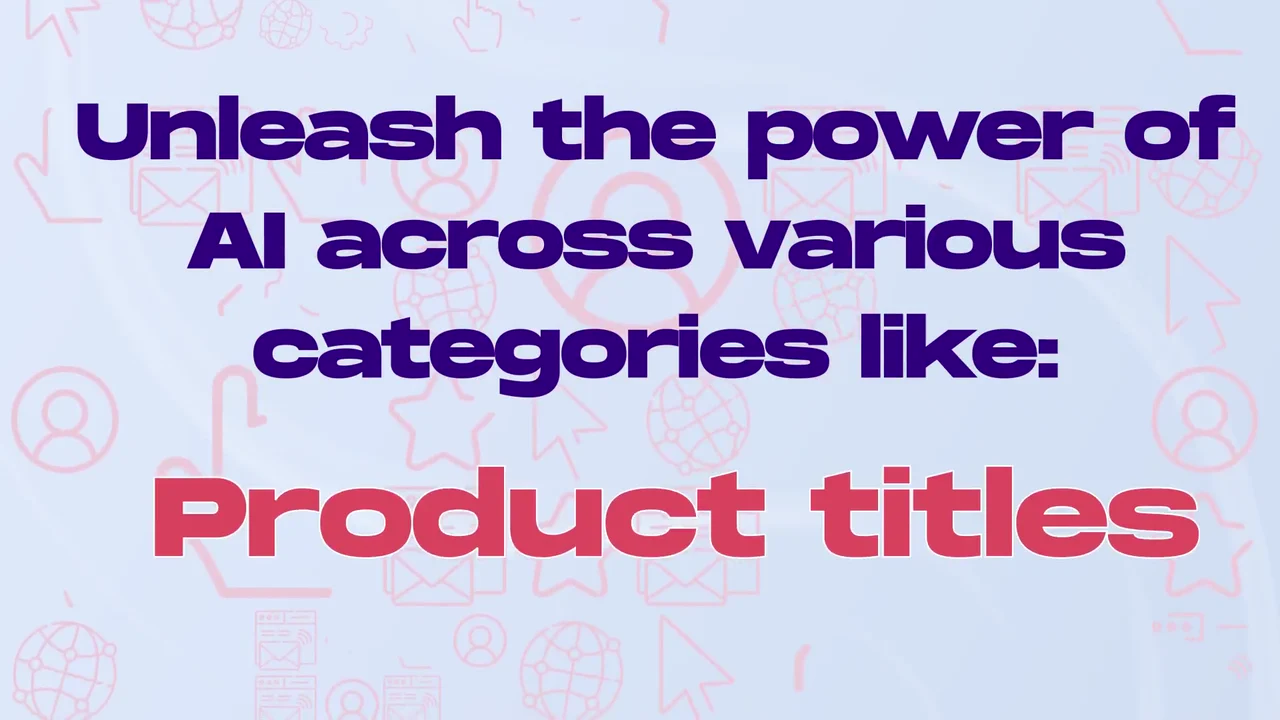
One card maps the categories before any tool is shown. 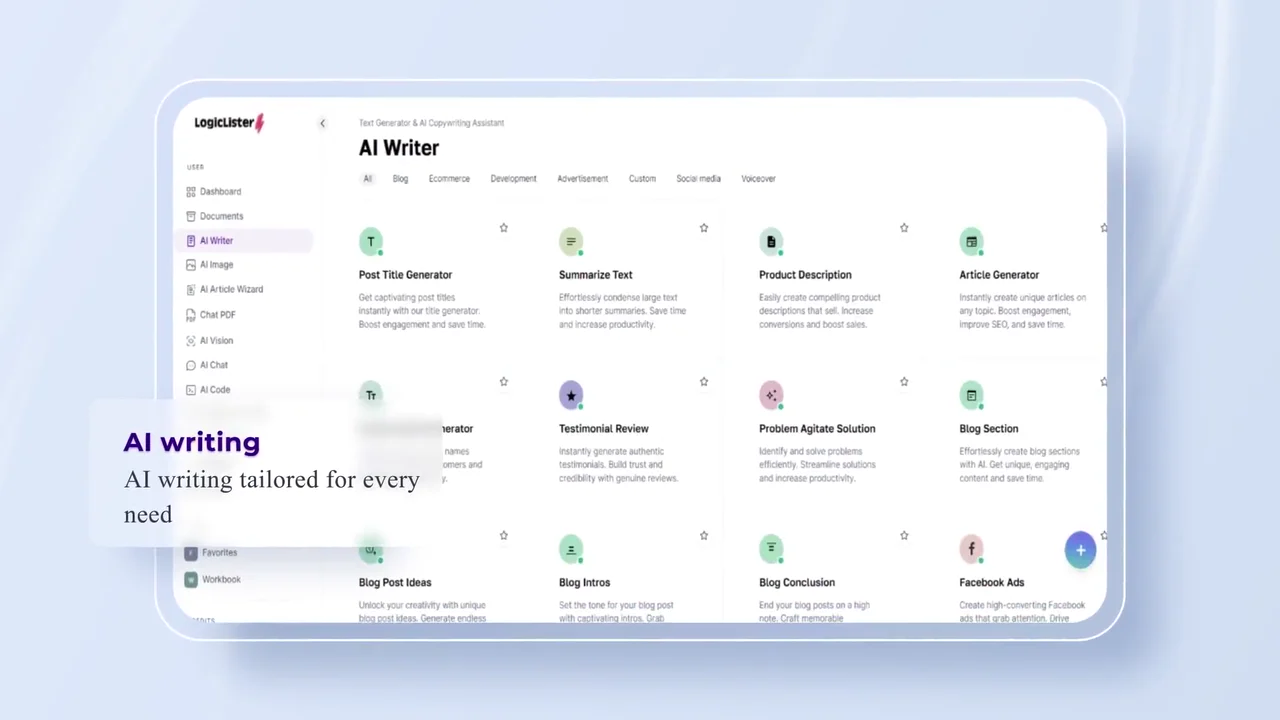
The writing category opens on its own screen and name card. 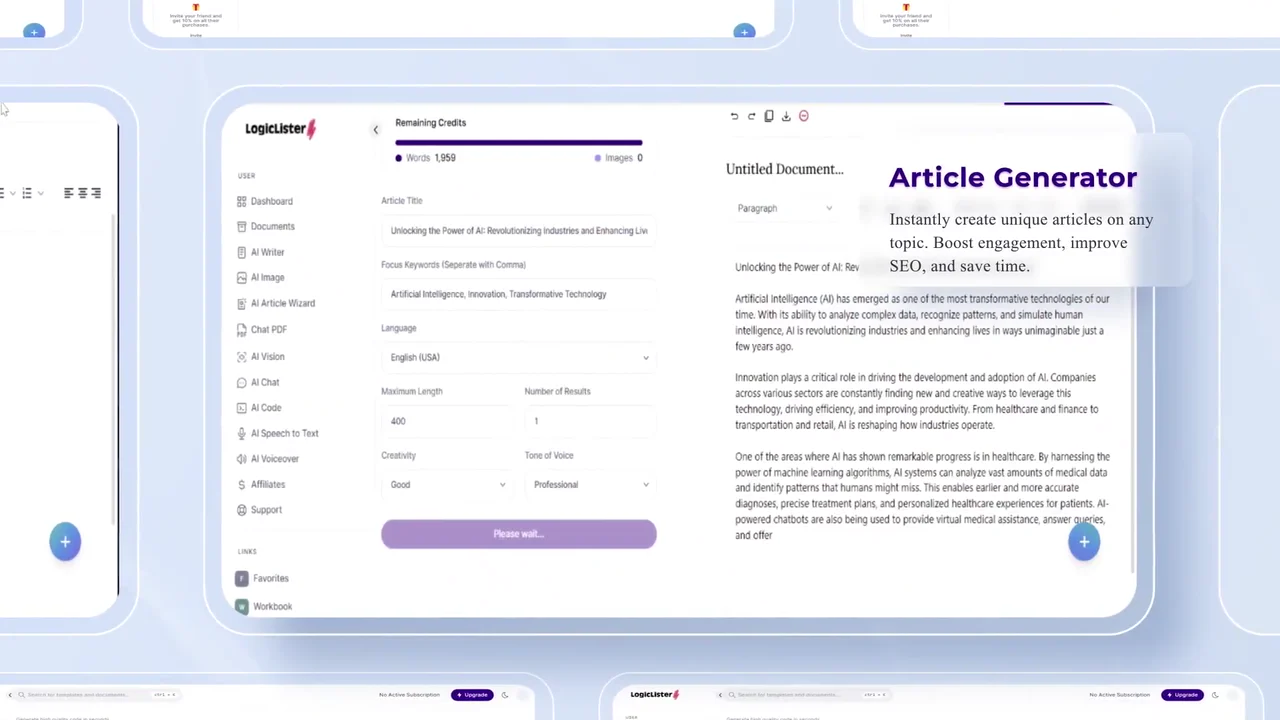
The Article Generator shows a finished article, not an empty form. 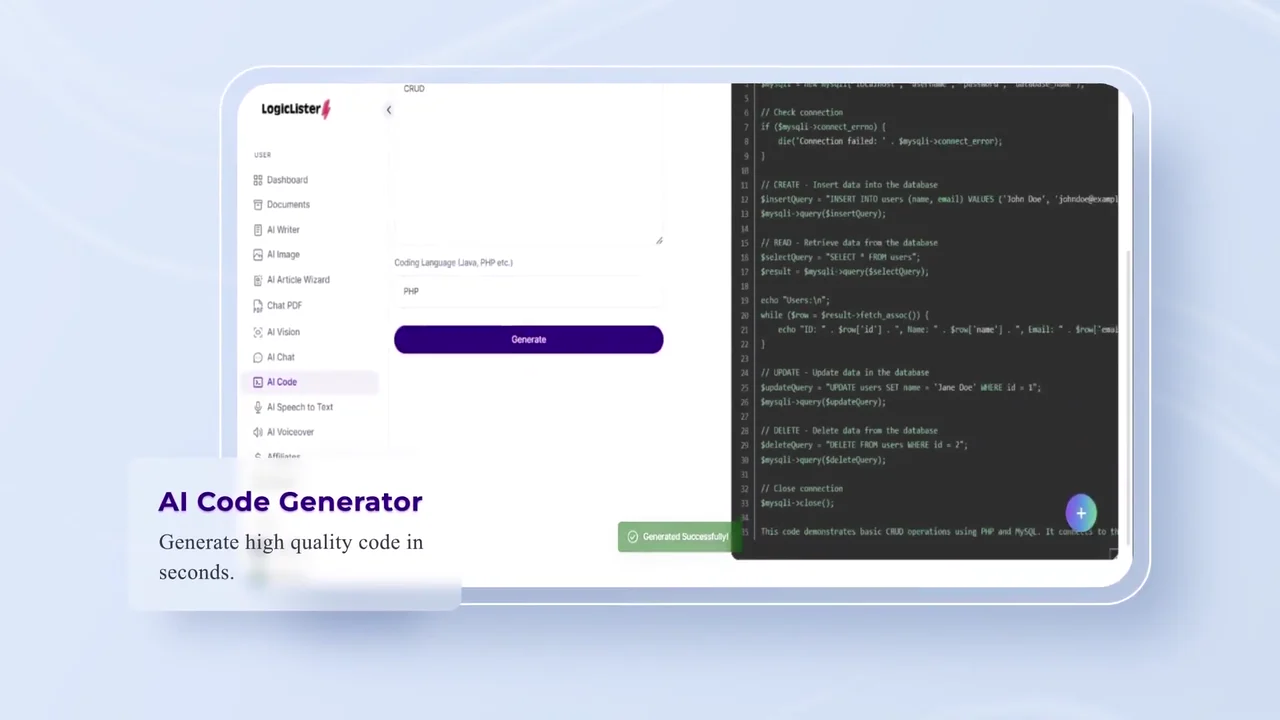
The code tool proves itself with a full block of working code. 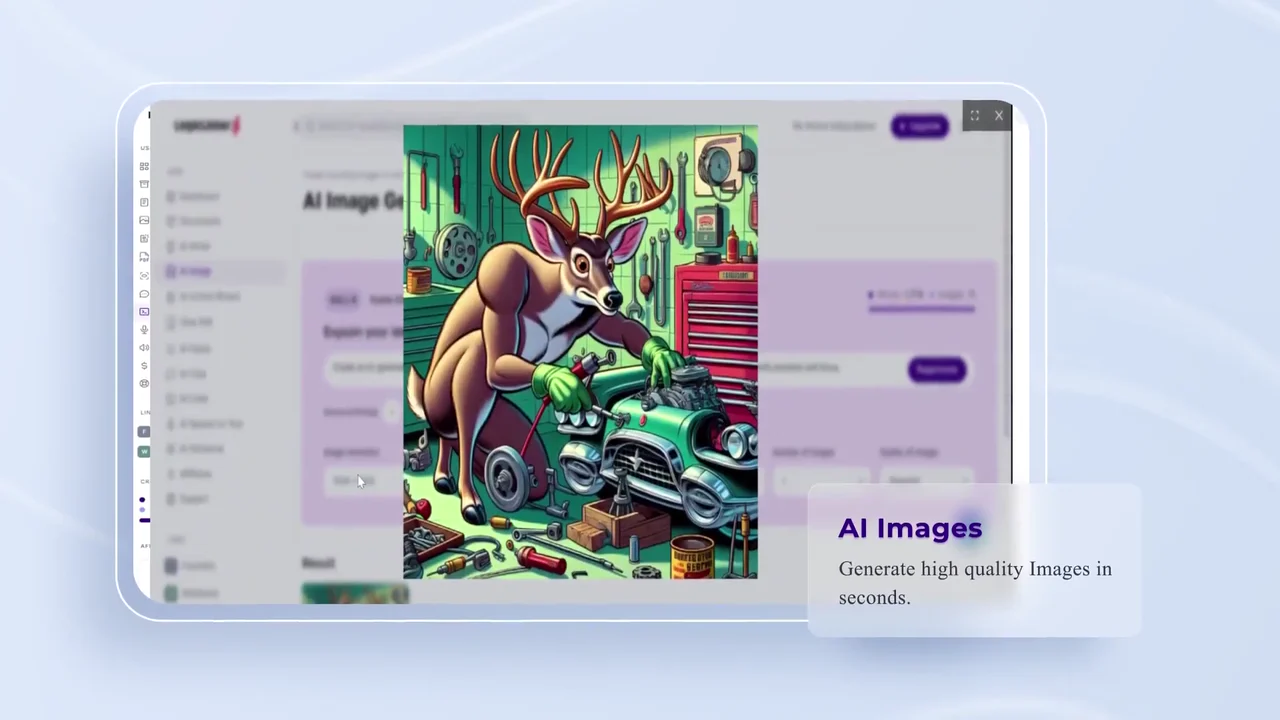
An odd, specific image result makes the image tool memorable. 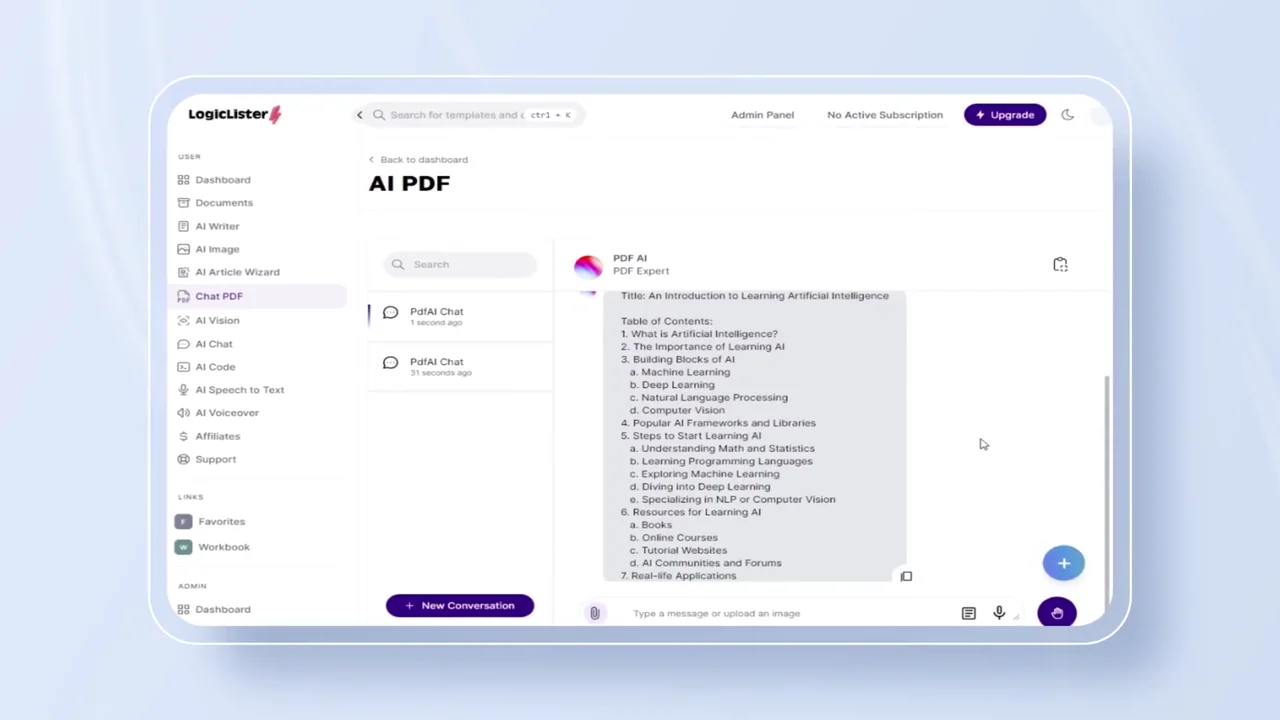
The PDF tool answers with a structured document outline. 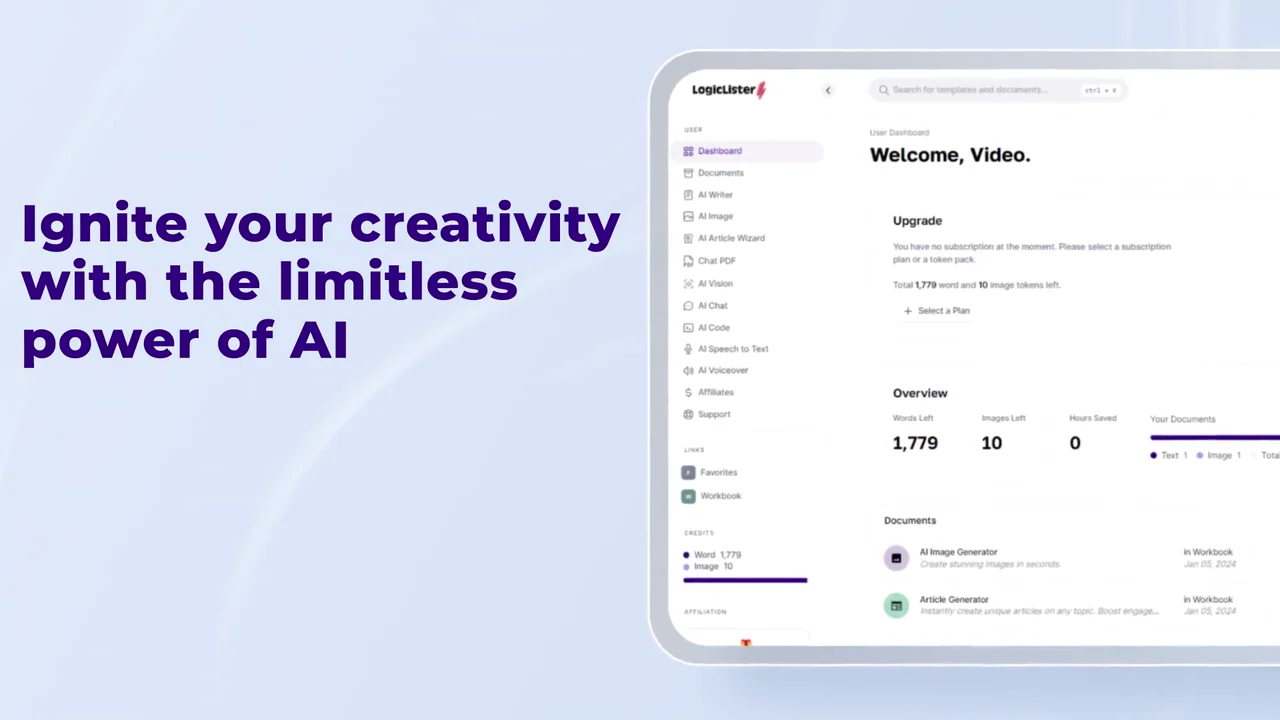
The closing line sits beside the dashboard where every tool lives. 
The end card leaves one action and the address.
4 decisions behind the LogicListerAI product reveal
Decision 1
Type the promise before the product
At 0:04 a search bar types "Boost Sales with AI-powered Listings" letter by letter. The homepage with the same line only appears at 0:07.
Copy it: Pick the one line you want remembered and give it the screen alone before any UI shows up.
Decision 2
Name the categories before the tools
From 0:14 to 0:19 one card, "Unleash the power of AI across various categories like:", swaps in "AI Writing", "Product titles", "Images" and "Code Generation". The tool screens then follow in that order.
Copy it: If your product does 5 or more jobs, list them on one card first so the demo has a map.
Decision 3
1 tool, 1 screen, 1 name card
Each tool gets its own screen and a small card: "AI writing" at 0:20, "Article Generator" at 0:27, "AI Code Generator" at 0:29, "AI Images" at 0:33.
Copy it: Write a 2 to 4 word name card for each feature and never share a shot between features.
Decision 4
Show what the AI makes
The video shows outputs, not empty prompts: code filling a panel at 0:29, a finished deer image at 0:33, a PDF answer at 0:38.
Copy it: For an AI product, script the result of each prompt, and pick results odd enough to remember.
From LogicListerAI screens to a 53-second reveal
- Screen selection. The homepage, AI Writer, Products generator, Article Generator, Code, Image and PDF tools and the dashboard were chosen, one per claim.
- Category script. On-screen lines were written to name the categories first, then title each tool in the same order.
- 2D assets and illustration. The app icon, the blue ribbon, the icon pattern in the background and the name cards were designed in 2D.
- UI element integration. Real LogicListerAI screens were placed on tilted panels so forms, outputs and labels read at small sizes.
- Motion graphics animation. The typed search bar, flying words, swapping category card and sliding panels were animated.
- Effects, grade and sound. Colored line effects, color grading and sound design were added, then the edit was cut to 53 seconds with the end card held last.
Scope of work:
Production took 3 to 4 weeks on a budget of $1,200 to $2,000. See the SaaS video production service for how a project like this is scoped.
Questions about the LogicLister product reveal animation
Why does the LogicListerAI reveal type its headline into a search bar?
At 0:04 a search bar types "Boost Sales with AI-powered Listings" over a blue ribbon. The promise lands on its own before the homepage at 0:07 repeats it, so the viewer reads the claim before the UI competes for attention.
How does the video fit 6 AI tools into 53 seconds?
It names the categories on one card from 0:14 to 0:19, then gives each tool a single screen and a name card: writing from 0:20, "AI Code Generator" at 0:29, "AI Images" at 0:33 and the PDF tool from 0:35.
What outputs does the LogicListerAI video show?
A product description generator writing from the seed words "Infant, Blanket, SnuggleBuddy" at 0:25, code filling a dark panel at 0:29, a finished image of a deer fixing a car at 0:33 under "Generate high quality Images in seconds.", and a PDF chat answer from 0:38.
Why does the "Unleash the power of AI" card come before the tool screens?
The card lists "AI Writing", "Product titles", "Images" and "Code Generation" before any demo. The viewer knows what is coming, so each tool screen after 0:20 reads as a step in a list rather than a new topic.
How does the product reveal animation end?
"Ignite your creativity with the limitless power of AI" sits beside the dashboard from 0:43, then the end card holds the logo, "Try it For Free" and the address from 0:47 to 0:53. One action, matching the "Try it for free" button on the homepage at 0:07.
What did the LogicListerAI reveal take to make?
2D asset design, custom illustration, UI element integration, motion graphics, effects, color grading and sound design. Production took 3 to 4 weeks on a budget of $1,200 to $2,000.
What Advids clients say
"We asked for a video for our software launch. The results have been above expectations and the communication process was very smooth. Already 2k views after 2 days."Romain Blaser, CEO at Haidi.io


Launching an AI app that does more than one job?
Talk to Advids