

Video Marketing

Showcasing ROI in AI Product Videos: From “Cool Tech” to “Must-Have”

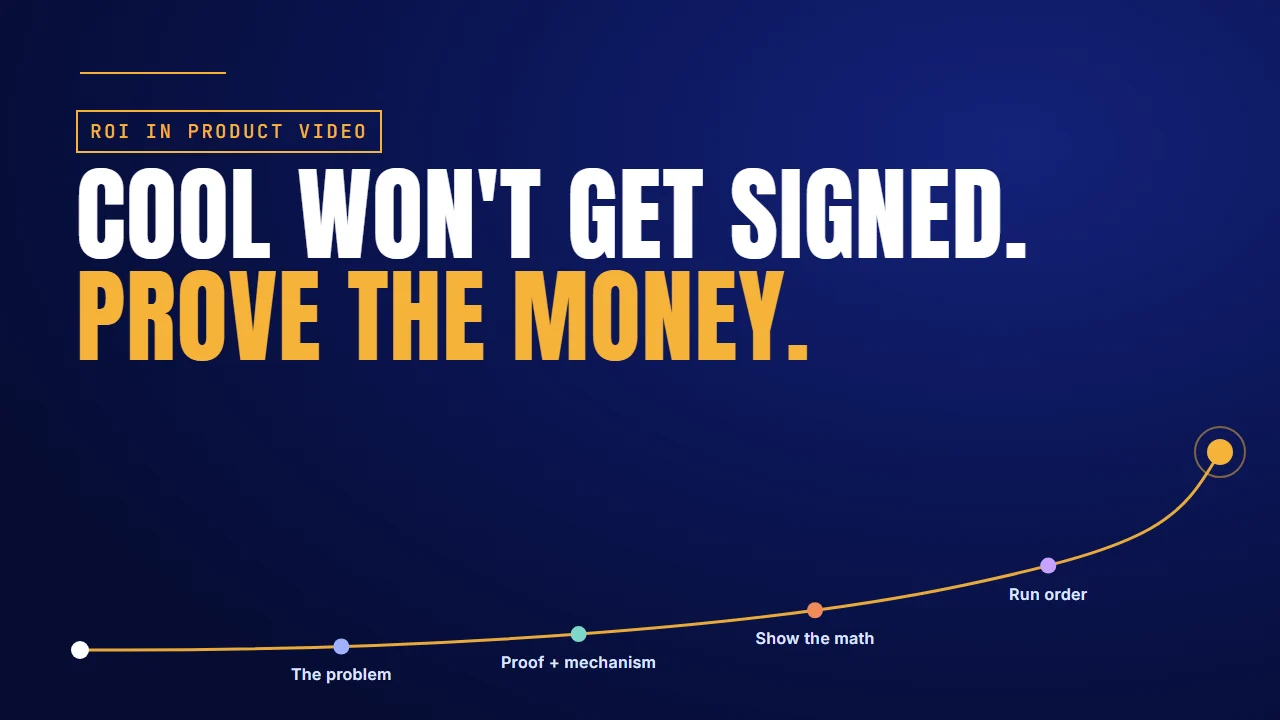
Cool won't get signed. Prove the money: ROI in AI product videos

Why it matters

“That’s really cool” is how AI deals stall

A prospect watches your AI demo, nods and says: “That’s really cool.” If you sell an AI product, you know what that usually means. The demo impressed them, and the budget is going somewhere else.

Cool doesn’t get signed. Must-have gets signed. The gap is rarely the technology. It’s whether your video proves the money. GitHub shows what that proof can look like. It didn’t just say Copilot makes developers faster. It ran a controlled experiment with Microsoft’s Office of the Chief Economist and published the numbers.

GitHub’s Copilot experimentWhat GitHub reported
Who took part95 professional developers, split at random into two groups
The taskWrite the same HTTP server in JavaScript
Time to finish1 h 11 min with Copilot, 2 h 41 min without
Speed55% faster (P=.0017, 95% confidence interval 21 to 89%)
Finished the task78% with Copilot, 70% without
Survey answer87% said it preserved mental effort on repetitive tasks

Two cautions. GitHub’s 55% comes from one controlled task, not all developer work, and GitHub sells Copilot. The 87% is what users said in a survey, not a measurement.

The short answer: open on what the problem costs today, show the mechanism that removes it, then land a measured result and turn it into money with math the buyer can check. Save “cool” for last. Each of the four sections below includes a video we made for a software client.

Building an ROI video for your AI product?

Talk to the Advids team about which proof to show and how to put the math on screen.

Let’s talk

The problem

Most AI videos prove the tech, not the money

Your video answers “what can it do?” The person signing asks “what does it save us?”

Most AI product videos are built to impress. The model thinks, the agent clicks, the output appears. That answers an engineer, not the budget meeting.

Alessandro Cutri, who runs paid acquisition for B2B tech companies, puts the order plainly: make the offer, then show proof that you can deliver on it. Most AI videos skip the proof and jump straight to the magic.

Eleken, a product design agency, makes the same point about usability. If users can’t figure out your product, they won’t use it. If they won’t use it, they won’t pay for it. So the buyer has to see the product in use, and see what that use is worth. The strongest value proposition videos answer in money.

FieldRoutes Marketing Pro: revenue on the first screen

FieldRoutes’ walkthrough for Marketing Pro, its email and direct mail tool for pest control companies, opens on one promise: full visibility into campaign performance. The first dashboard ends each row of metrics in a Revenue card. The first feature title is “Track revenue gains”, and the campaign table carries Cost and Revenue columns. See how we made it.

What works here:

  • Revenue sits on the first product screen, not in a report at the end.
  • The demo data is the buyer’s own trade: mosquito cross-sells, termite emails, postcards.

The move: Find the number your buyer reports to their boss and put it in your first product shot. Opens and clicks can follow.

Showing the money is a start. The buyer also needs to see why the number happens.

Proof + mechanism

Proof plus mechanism is what converts

A measured result, and the reason it happens. You need both.

Proof is a measured result. Mechanism is the reason it happens. Proof without mechanism sounds like luck. Mechanism without proof sounds like a pitch.

GitHub paired the two. The proof was the experiment: the Copilot group finished the same web server 55% faster. Then GitHub explained the mechanism. In its write-up, Copilot shoulders the boring and repetitive work, so developers keep their mental energy for harder problems. The survey points the same way: 87% said it helped them preserve mental effort on repetitive tasks.

The number tells the buyer it works. The mechanism tells them why it will work for their team too. Strong AI case study videos keep the two close on screen.

Crunchtime: the number, then the screen behind it

Crunchtime’s flat animation for Labor & Scheduling sets the problem in one taco shop. Two callouts count up to “15% OVERSTAFFED” and “23% UNDERSTAFFED”. Then the product’s own schedule grid, an Auto-Schedule Open Shifts menu and labor-law check marks answer the buyer’s questions one by one. Near the end, a red 35% labor-cost circle counts down to a green 25%. These are the figures the video shows, not results we measured. How we made it.

What works here:

  • Each number is followed by the screen that explains it, so no figure floats free.
  • The buyer’s three questions, on forecasting, compliance and cost, appear in the buyer’s own words before any answer.

The move: Put each number next to the product moment that causes it. If you can’t point to the screen behind a figure, the figure is a pitch.

A result and a reason still leave the buyer one step short: what it’s worth in money.

Show the math

A time saving isn’t a cost saving until you do the math

Your video has to do the last step for the buyer, on screen.

“Saves five hours a week” is a time saving. A CFO approves a cost saving. The video has to turn one into the other, line by line, so the buyer can swap in their own numbers. A CFO trusts a calculation they can check far more than a claim they can’t.

Here’s an illustration, with example numbers, not client data. Say your AI tool saves each support agent five hours a week, and the team has twenty agents.

Line (example numbers)InputRunning total
Hours saved per agent5 a week5 hours a week
Support agents× 20100 hours a week
Loaded cost per hour× $40$4,000 a week
Working weeks× 50About $200,000 a year
Low end, if savings run 3 to 7 hours3 hours, not 5About $120,000 a year

Be conservative. If customers save somewhere between three and seven hours, build the video on three. A CFO who catches one inflated number stops believing all the others.

Keep the mechanism in view as you go. Cut from the calculator back to the product doing the repetitive task, so the saving ties to something the viewer just watched happen. It’s the same logic as any return on marketing investment sum: inputs the reader can see and change.

EHSInsight: features turned into savings

EHSInsight’s explanation sums up its safety platform in three words, “TRACK”, “MANAGE” and “REPORT”. Then a stopwatch reads “SAVE TIME”, a trash can reads “NO MORE PAPER”, and “YOU SAVE MONEY” lands beside dollar bills. Shots of workers using tablets on site run between them. See how we made it.

What works here:

  • The translation step is on screen: what the software does becomes time, paper and money.
  • Cuts back to workers on the plant floor tie each saving to real use.

The move: Take the translation one step further. Show the calculation behind “you save money”, with inputs the buyer can check against their own team.

Now you have the cost, the mechanism and the math. The order you play them in matters as much as the parts.

Run order

Run the video in the buyer’s order

The cost of the problem, then the mechanism, then the proof and the math.

Open on what the problem costs today. Then show the mechanism. Then land the proof and the math.

Why that order? The cost of the problem is already sitting in the buyer’s budget. They feel it before you say a word about AI. Start there, and everything after it reads as the answer. Whichever of the types of demos you’re making, open on the bill, not the feature list. The same order works for AI walkthrough demos.

Proof comes after the mechanism: a result, a customer, a logo wall. CXL’s research on which proof buyers trust is worth reading before you choose. Save “cool” for last. Once the money makes sense, cool becomes a bonus instead of the whole pitch.

HR Acuity: the cost lands before the product does

HR Acuity’s explainer draws every employee as a card on a lane. One red card breaks away while real headlines appear around it, such as “$14M Discrimination lawsuit” and “Fortune 500 CEO Resigns”. Only then does the HR Acuity logo build and the lanes run straight again. A wall of customer logos lands near the end. How we made it.

What works here:

  • No product screen appears until the cost of one bad case is on screen.
  • The screens are short and redrawn: count tiles, a search panel, one analytics view.

The move: Open on a cost your buyer has already read about, then bring the product in as the fix. Put the proof after the mechanism, not before it.

Which proof you lead with depends on what you can prove today.

Where to start

Where to start

The short answer: start from the strongest proof you have today.

If you haveShow this proofSectionExample to copy
A controlled test or studyThe measured result, next to the mechanismProof + mechanismCrunchtime
Customer data on time savedThe calculation, line by line, at the low endShow the mathEHSInsight
Only usage data from the productThe money metric on the first screenThe problemFieldRoutes
A cost the buyer already feelsThe cost of the problem first, then the fixRun orderHR Acuity

Build the calculation as its own scene, and reps can reuse it in sales pitch videos with a prospect’s own numbers. We’ve made product videos for software teams such as FieldRoutes, Crunchtime, EHSInsight and HR Acuity. See the software teams we’ve made video for.

FAQ

Questions about ROI in AI product videos

How do you show ROI in an AI product video?
Pair a measured result with the mechanism behind it. Then turn the time saved into money on screen, with a calculation the buyer can check against their numbers.
Where should the cost calculation go in the video?
After the mechanism. Open on what the problem costs today, show how the product removes it, then build the calculation line by line and cut back to the product.
What counts as proof if we have no customer study yet?
A controlled test of your own, like GitHub’s Copilot experiment, or usage data from the product. Label it clearly and show the mechanism behind the number.
Should the video use best-case or conservative numbers?
Conservative. If customers save between three and seven hours a week, build the math on three. A CFO who catches one inflated number stops believing the rest.
How long should an ROI-focused product video be?
Long enough for three beats: the cost of the problem, the mechanism, and the proof with its math. Cut anything that serves none of them, including cool features.
Can the same ROI video work for sales calls and the website?
Yes, if the calculation is on screen with clear inputs. Reps can pause on it and swap in a prospect’s numbers, and the website version keeps the same structure.

About the author

About Jai Ghosh

Video Producer at Advids · LinkedIn

Jai Ghosh is a Video Producer at Advids, where he has planned and produced videos for B2B software and technology companies for 7 years. He works on product demos, explainer videos and brand videos, from the first script to the final cut, for clients from startups to enterprises.

Before Advids, Jai spent over 11 years in freelance media consulting, after starting out in digital journalism. He writes the Advids blog's breakdowns of product and demo videos, sorting real examples by the question each one answers for a buyer.

  • Focus: SaaS product demos, explainer videos and brand videos
  • Experience: 7 years at Advids, over 11 years in media consulting
  • Background: digital journalism

Connect with Jai Ghosh on LinkedIn

Sources

Sources