Zero Density · Broadcast graphics software · Interface video
Interface Video for Zero Density Lino: One Editor, 3 Graphics Workflows
Zero Density needed broadcast graphics teams to believe that Lino can run real-time motion graphics, pre-production graphics and virtual production graphics from one place. This interface video answers with the real editor and node graph on screen, one race car asset carried through all 3 jobs, and operators working the tool in a green-screen studio.
Last updated
Zero Density · Lino
- Client
- Zero Density
- Product
- Lino, a real-time motion graphics platform for broadcast
- Made for
- Broadcast, pre-production and virtual production graphics teams
- Format
- Screen capture, studio shots and motion graphics titles in one interface video
- Style
- Real Lino editor and node graph screens, a 3D race car asset, short on-screen titles
- Length
- 0:59
- Production timeline
- 3 to 4 weeks
- Budget
- $1,200 to $2,000
The problem: "one platform for every graphic" is easy to claim
Zero Density's own description of Lino makes a big promise: a single graphics platform for real-time motion graphics, pre-production graphics and virtual production graphics, with 3 gains: higher rendering and compositing quality, simpler asset creation and integration, and lower cost and complexity.
A broadcast graphics lead hears "one platform" from every vendor. What they need to see is the same asset working in each of the 3 jobs, and the actual screens their designers and operators would use. A logo reel or a feature list cannot show that. The video had to put the Lino interface itself on screen and run one asset through it.
How the Lino interface video proves one platform, scene by scene
Every claim sits on screen as a short title over a real shot, so the video reads with the sound off. Select a time to play that scene above.
| Time | On screen | What it does |
|---|---|---|
| A night aerial of a city and race track around a giant lit sphere wrapped in Lino branding: "We imagined the utopia of", then "A single graphics platform". The sphere dissolves onto a designer at a desk with the Lino editor open. | States the promise, then moves it straight onto a working desk. | |
| Screen capture of the editor in "Motion Design Mode", with Outliner, Sequencer and a race car scene: "Create assets once", then "Use across real-time motion graphics". | Shows where the asset is built and names the first workflow on the real interface. | |
| The same race car in a studio: "Pre-production graphics" over an operator's screen, then "Virtual production graphics" with the car composited onto a green-screen floor. | Puts the one asset into the other 2 workflows. | |
| The node graph, with tabs "Playout", "Nodegraph / Actions" and "Motion Design" and an "Unreal engine Render" node: "Control production graphics", then "From a single interface". | Shows the control layer behind the "single interface" claim. | |
| The car in the studio, then an operator at a multiviewer of "Reality" feeds beside the node graph: "Ensuring a streamlined workflow". | Shows who runs the workflow and on which screens. | |
| Benefit titles, one per shot: "Increased quality", "Produce faster", "Efficiently", "Reduce" on an LED wall. Then a Zero Density hardware unit, "EVO II", and an operator wiring nodes. | Turns the description's 3 gains into short lines, each on its own shot. | |
| The "Lino" logo forms inside the sphere, the editor returns with "Motion Design" on the track, a designer works at a desk, then "Discover the possibilities" and "of our integrated graphics solutions" over the studio car. | Ties the product name back to the interface and the studio result. | |
| The Zero Density logo mark in grass on a stadium pitch and as a glass ring over a city, then "Imagine next" and the Zero Density logo. | Closes on the brand and its line. |
Storyboard: the frames that carry the Zero Density Lino interface video
Key frames from the finished video, in order. Select a time to play that moment above.
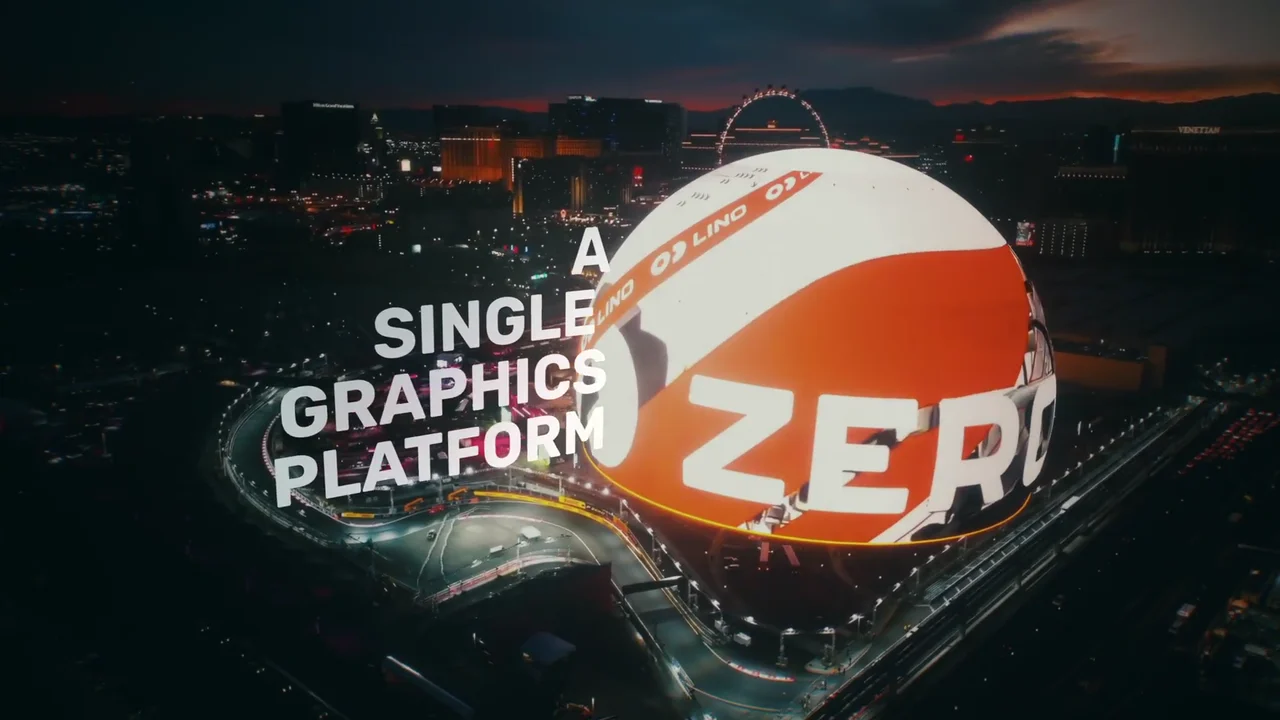
The promise, set on the opening shot: "A single graphics platform". 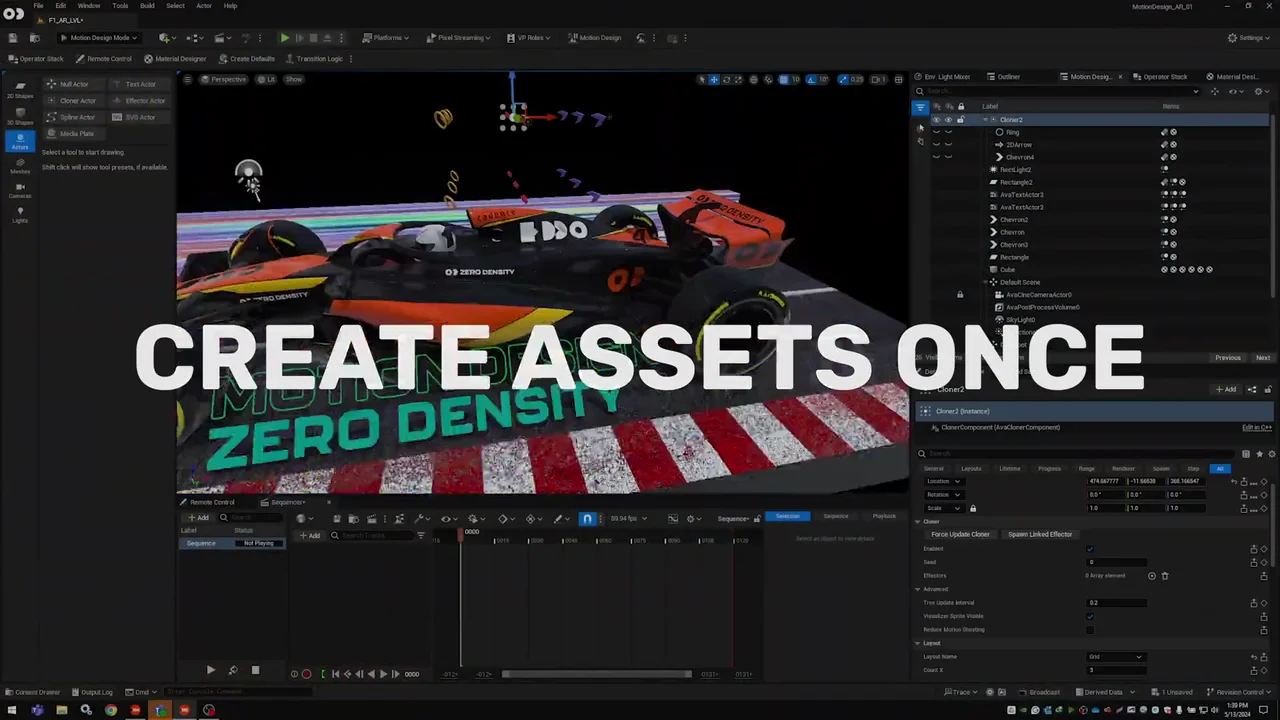
"Create assets once" sits on the real Lino editor, not a mockup. 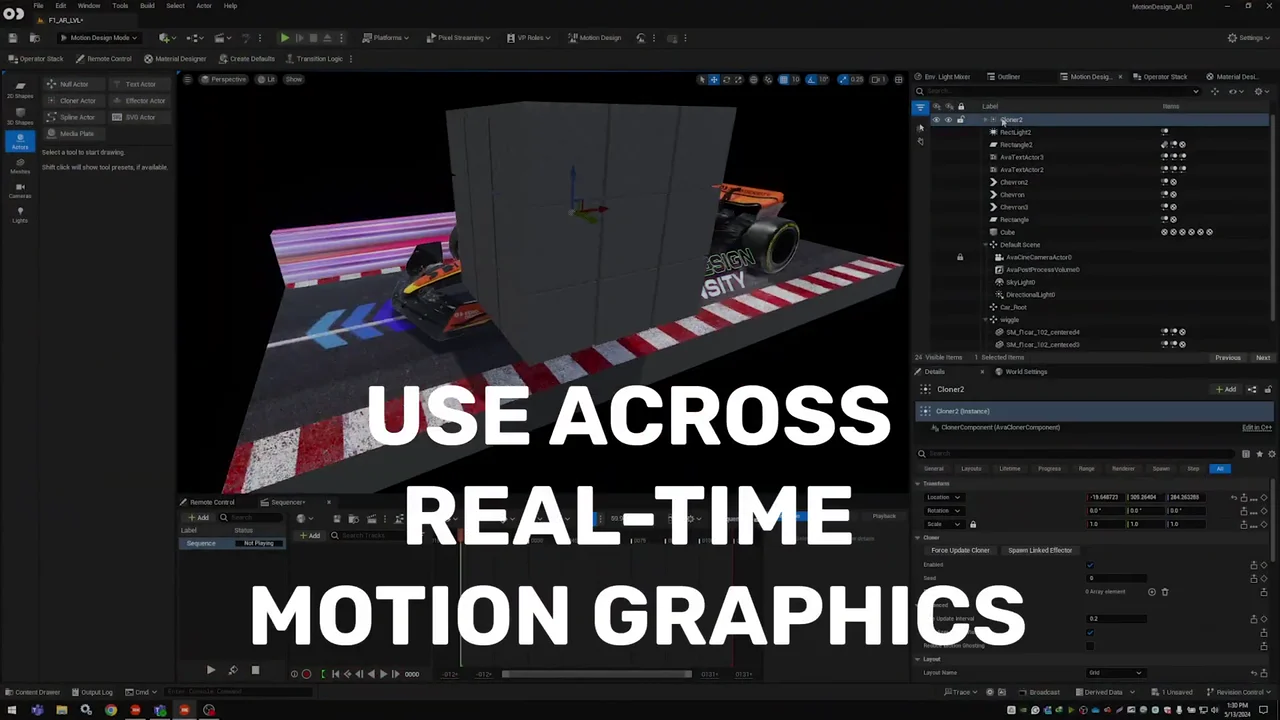
The first workflow, named on the same screen. 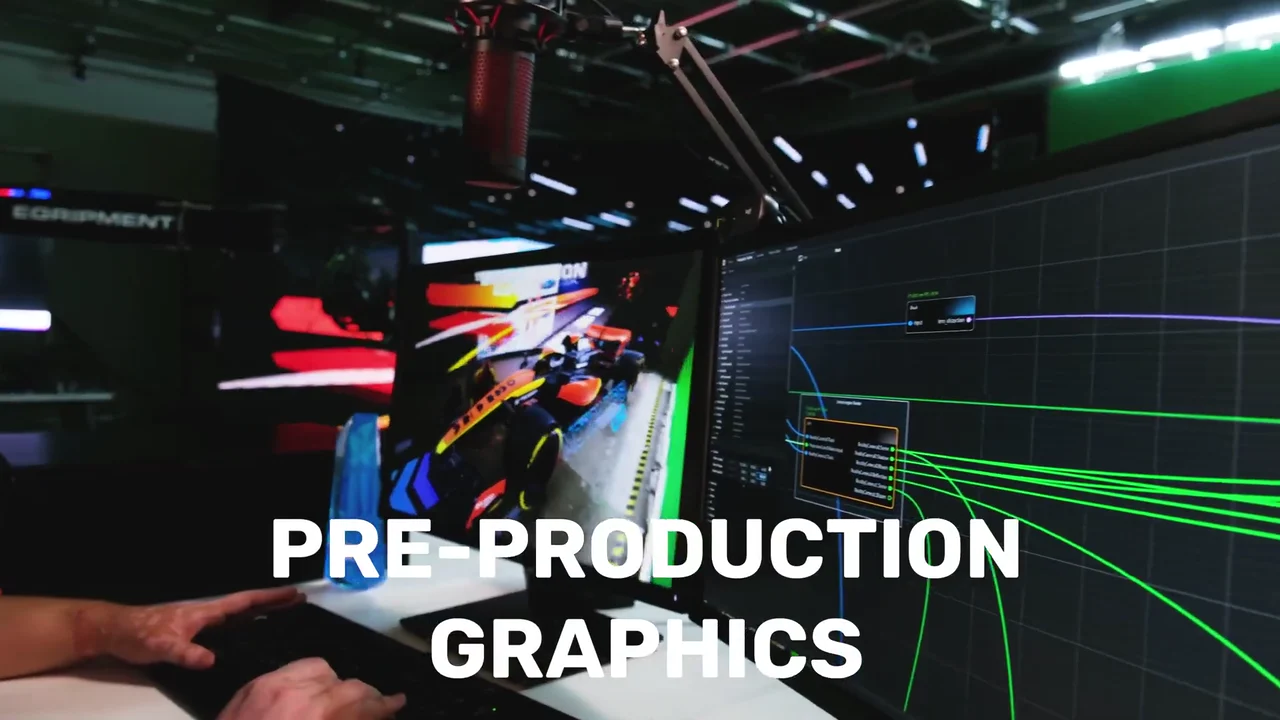
The second workflow: the same car on an operator's screen. 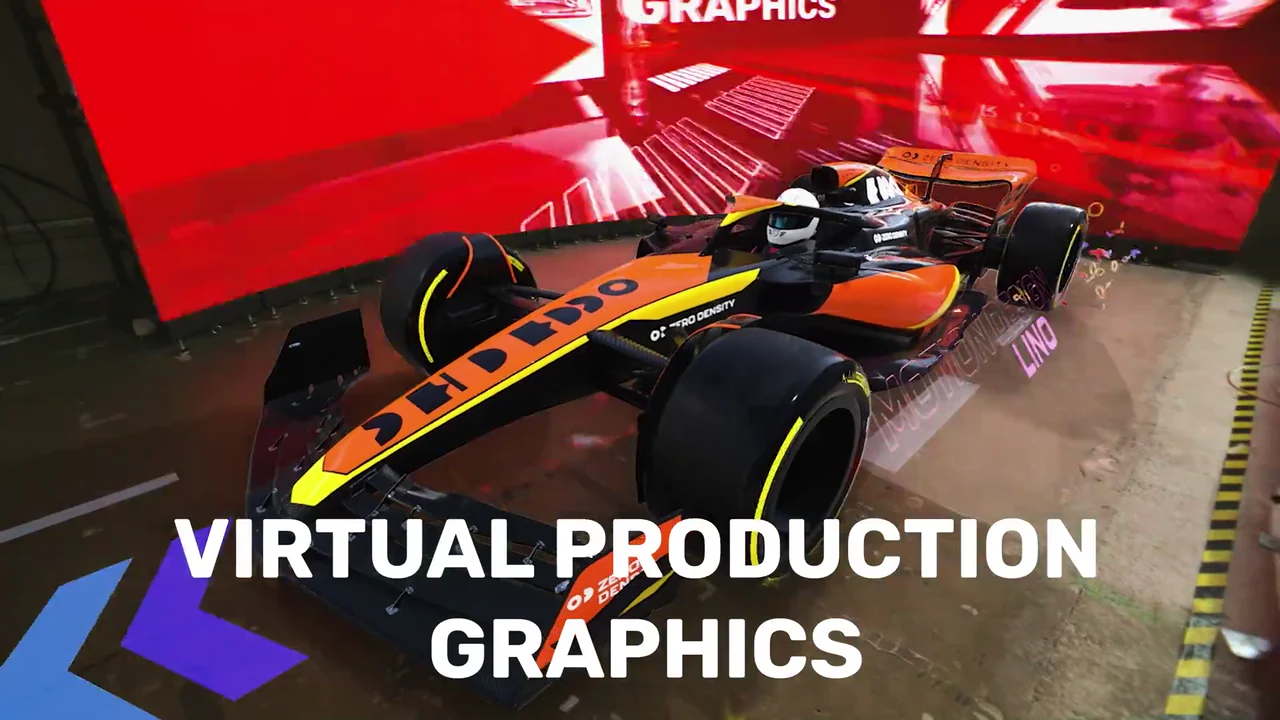
The third workflow: the car composited into a studio set. 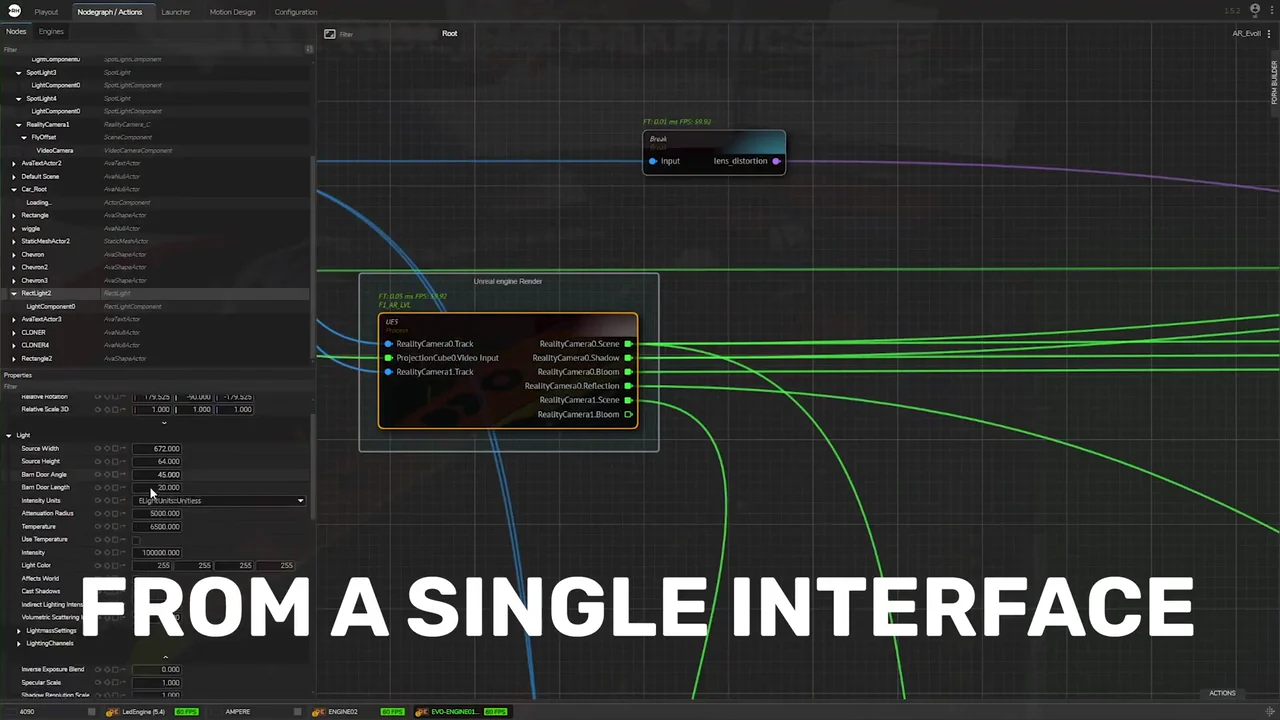
The node graph behind the claim "From a single interface". 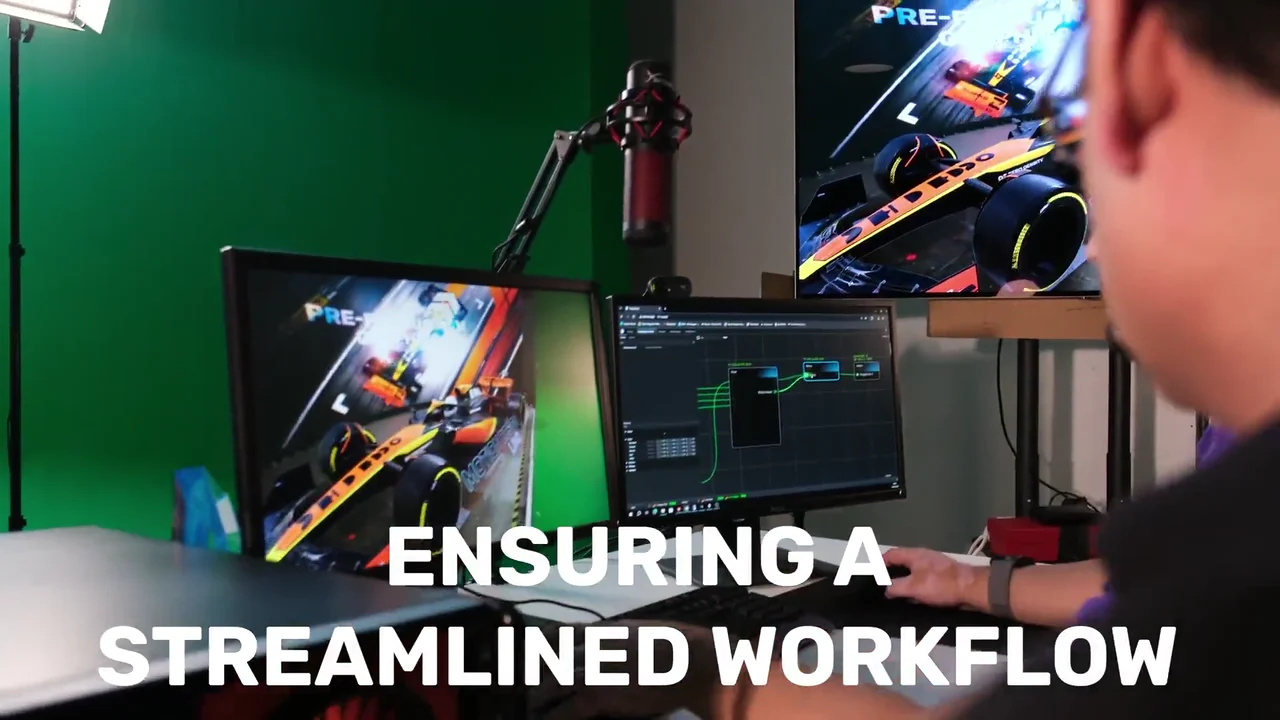
An operator runs the workflow from a multiviewer and the node graph. 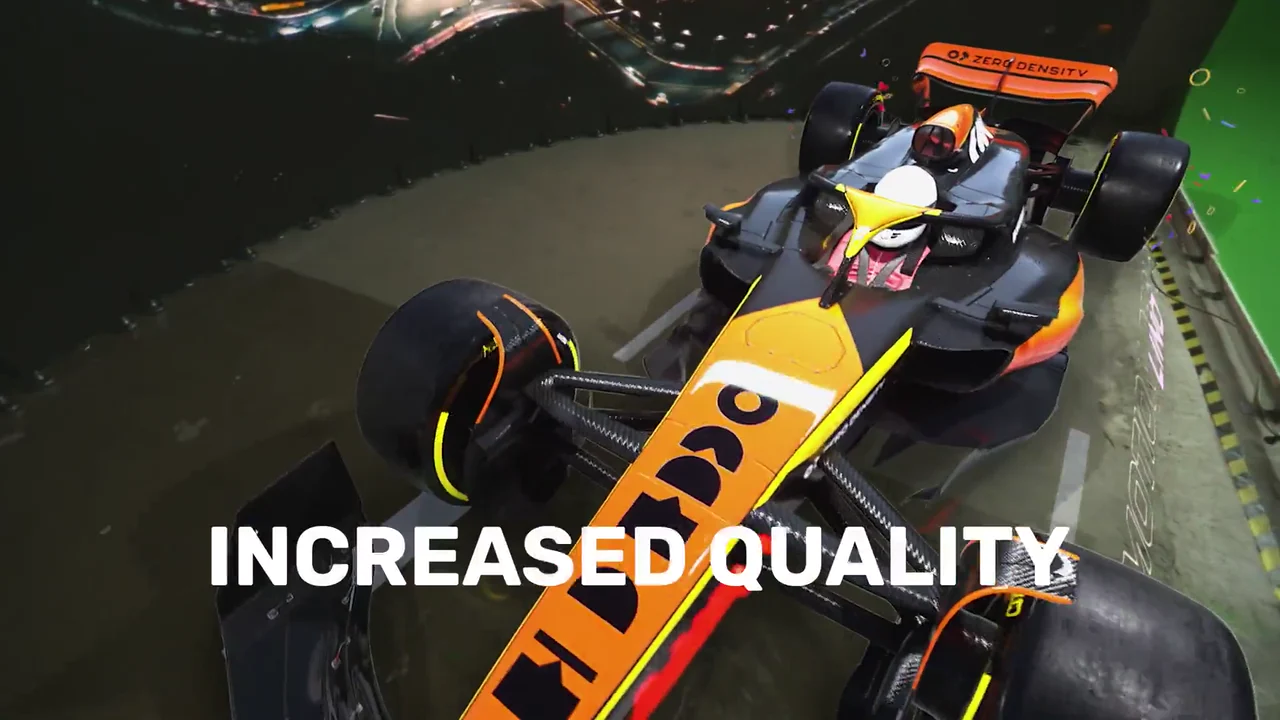
The first benefit, on its own shot: "Increased quality". 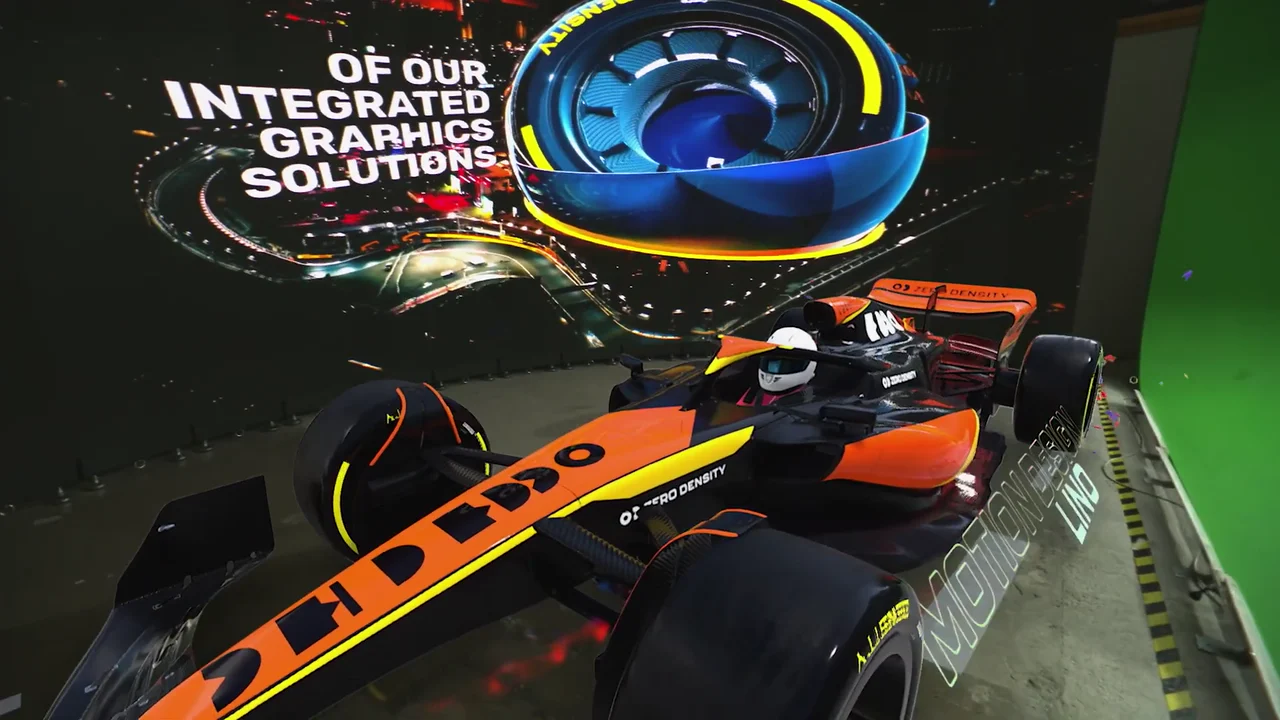
The invitation, over the studio car: "of our integrated graphics solutions". 
The close on Zero Density's line: "Imagine next".
4 decisions behind the Zero Density Lino interface video
Decision 1
Show the real editor, not a mockup
From 0:08 to 0:13 the frame is the actual Lino editor in "Motion Design Mode", with its Outliner, Sequencer and toolbar, and at 0:19 the node graph with its "Unreal engine Render" node. Graphics professionals can check every panel.
Copy it: Record your real product screens at full size and lay each claim over the screen that proves it.
Decision 2
Carry one asset through every workflow
The same orange-and-black race car is built in the editor at 0:09, shown on an operator's screen at 0:14 and composited into a studio at 0:16. Reuse is shown, not stated.
Copy it: Pick 1 hero asset and run it through each use case your product claims, in the same order as the titles.
Decision 3
Put operators at the screens
Designers and operators sit at the tool at 0:04, 0:28 and 0:47, a camera operator works the studio at 0:34, and an operator in an "Imagine Next" shirt sits at the node graph at 0:41. The buyer sees who uses Lino and where.
Copy it: Shoot real users at your product in their real room, so buyers can picture their own team in the seat.
Decision 4
One short title per shot
From 0:32 to 0:36 the benefits arrive as "Increased quality", "Produce faster", "Efficiently" and "Reduce", each on its own shot, 4 lines in about 4 seconds.
Copy it: Cut your benefit list to 1 to 3 word titles and give each one its own cut.
From Lino screens and studio shots to a 59-second interface video
- 3D asset cleanup. The race car model in Zero Density livery was cleaned up so it could appear in the editor, on studio screens and in the composited set.
- Texturing and lighting. The car and track were textured and lit so the livery, the "Zero Density" and "Motion Design" lettering and the curbs read in close-up.
- Real-time renders. Scenes were rendered in real time so the editor, the studio monitors and the composited set show the same asset.
- Motion graphics titles. Each claim became a short title, from "Create assets once" to "Imagine next", timed to its own shot.
- Compositing. Titles, the Lino sphere and dissolves between screen capture and studio shots were composited over the interface and the set.
- Edit, color and sound. The cut was edited to 59 seconds, color graded across screen and studio shots, and finished with sound design.
Scope of work:
Production took 3 to 4 weeks on a budget of $1,200 to $2,000. See the SaaS video production service for how a project like this is scoped.
Questions about the Zero Density Lino interface video
Why does the Lino interface video show the real editor instead of animated screens?
Lino is sold to graphics professionals who know what a real editor looks like. From 0:08 to 0:13 the video shows Lino's actual "Motion Design Mode" with its Outliner and Sequencer under the titles "Create assets once" and "Use across real-time motion graphics".
How does the video prove Lino covers 3 workflows?
It runs one race car asset through all 3 and names each: "Use across real-time motion graphics" at 0:11, "Pre-production graphics" at 0:14 and "Virtual production graphics" at 0:16.
What does the node graph scene show?
From 0:19 to 0:23 the video shows Lino's node graph, with tabs such as "Nodegraph / Actions" and an "Unreal engine Render" node, under "Control production graphics" and "From a single interface". It is the control layer behind the single-platform claim.
Why does the video open on a sphere and not on the product?
The opening sets the promise in Lino's own words, "We imagined the utopia of" and "A single graphics platform", on a giant sphere wrapped in Lino branding. By 0:04 the sphere dissolves onto a designer at the editor, so the promise lands on the product in under 5 seconds.
How are the benefits shown in under a minute?
As one short title per shot from 0:32: "Increased quality", "Produce faster", "Efficiently" and "Reduce". They echo the gains in Zero Density's own description of Lino.
How long did the Zero Density video take, and what did it cost?
Production took 3 to 4 weeks on a budget of $1,200 to $2,000. The scope covered 3D model cleanup, texturing and lighting, motion graphics, real-time rendering, compositing, sound design, editing and color grading.
What Advids clients say
"We had a great experience working with the Advids team... Their process was straightforward and they were able to capture our ideas and translate it into a quality final product."Omar Romero, Founder at ROSE IT Services


Need graphics or production teams to see your software doing the job?
Talk to Advids