Onboarding Video Production for SaaS and Tech:new accounts, live sooner.
First setup, admin rules and training content teams own. Fixed fees from $1,000.
Every new account, set up on screen.
Advids offers onboarding video production for SaaS and tech: videos that walk a new account through its first workflow, show admins how to set roles and approval rules, and give training teams content they can update. Each uses your product's own screens, at fixed fees from $1,000.
Get the first workflow live.
The first setup a new account needs, on real screens.
From blank builder to live workflow.
Every step a new admin adds, in the order they add it.
Configure the approvals once.
Admin setup for the rules every later task depends on.
Map the approval tree.
Each approver joins the chain in order, then it branches.
Let trainers own the content.
Training teams turn one recording into video and a tip sheet.
One recording, 2 formats.
Captions and tags added, then a numbered tip sheet beside it.

of video marketers say video increased user understanding.
Source: Wyzowl, State of Video Marketing 2026, 266 respondents.
Brief to delivery: 3 to 4 weeks.
- Activation metric to move
- Staging login or Figma
- The first setup steps
- User roles and permissions
- Fixed budget upfront
- Script and storyboard sign-off
- One video per setup step
- In-app and email cuts
Fixed fees from $1,000.
Per 60-second video. No hourly billing.
Flat 2D, clear on-screen text.
Motion graphics and animated UI.
A story built around one buyer.
Detailed motion design and 3D.
Animation plus live action.
Rated 5.0 by clients.
Recognized by Clutch for animation

Client stories, on video
Onboarding video FAQ
What should a customer onboarding video show?
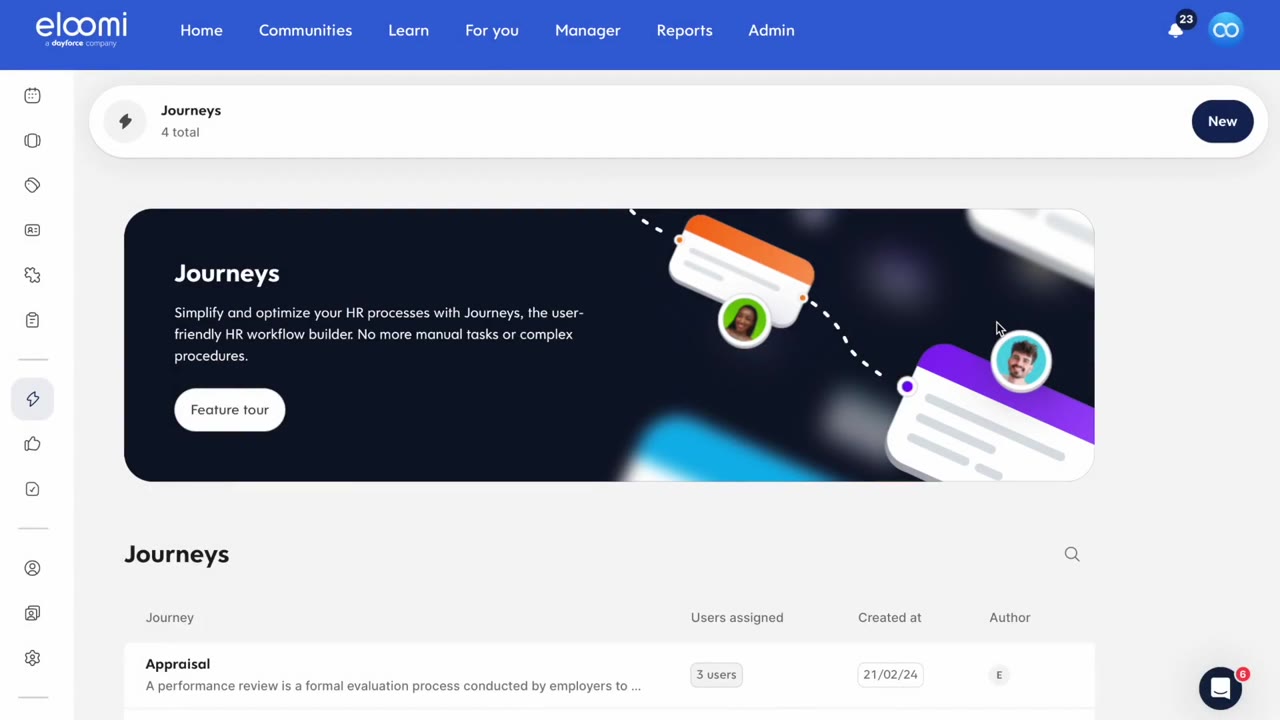
The first workflow a new account must set up to get value, in the order an admin builds it. eloomi's video opens the builder on its "Onboarding" workflow, adds steps from "Welcome To The Team!" to "Week One Check-In", then sets who can see and open each step.
How many onboarding videos does a SaaS product need?
One per setup step that blocks first value, plus one per role that works differently. A typical set covers the first workflow, admin settings such as roles or approvals, and the first task each user role does. Keep each video to one step, so a user can find it again later.
Should onboarding videos show different user roles?
Yes, when each role sees a different screen. eloomi's video switches to the manager's seat after setup: a "Needs your input" view, an appraisal for Claire Meyers and a "Review Meeting" to schedule. The admin who built the workflow and the manager who uses it each see their own part.
How do you show admin setup without boring new users?
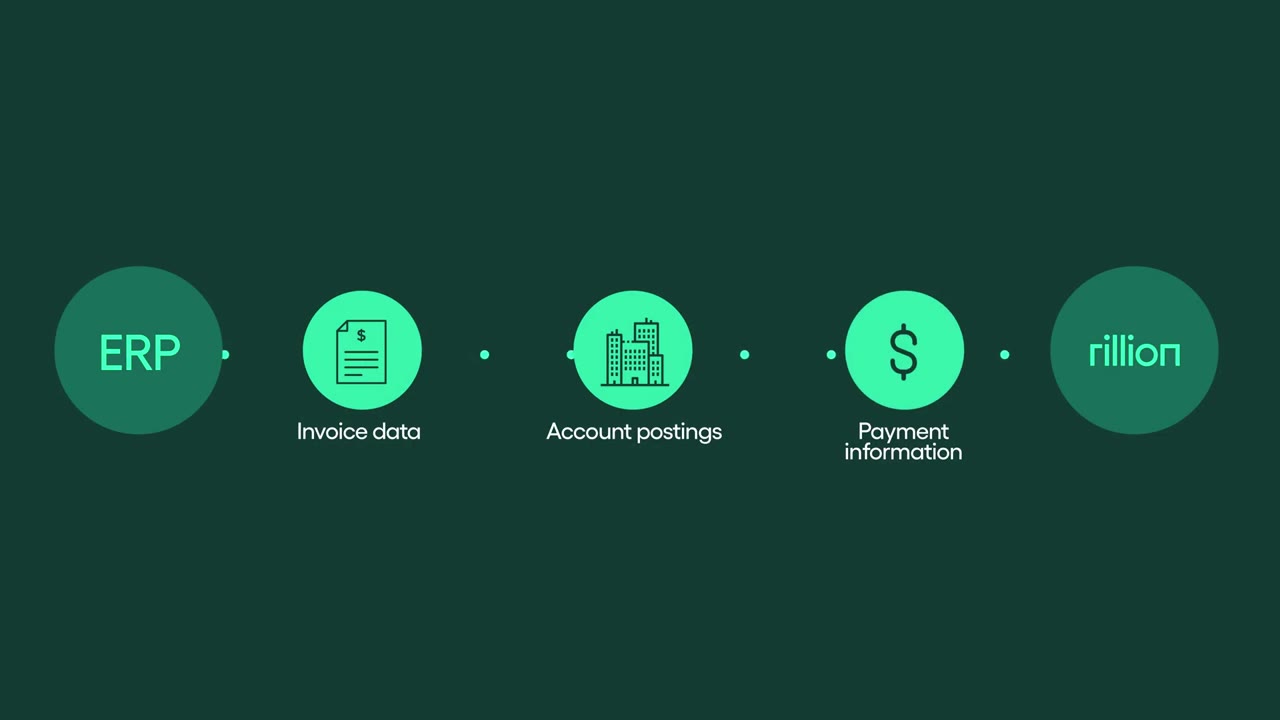
Show the rule as a result, not a settings tour. Rillion's video stacks approver cards for a Sales Manager, a CIO and a CFO, ticks each one, then adds a CMO and a CPO so the approval tree visibly widens. The admin sees what the configuration will do before opening any settings.
Can a training team update onboarding content later?
Plan the series so it can. Jeeves shows one model: a trainer's screen recording gets AI captions and tags, is published, then becomes a tip sheet titled "Nursing Skill Check: Wound Care Dressing procedures". Keep one step per video, so a single step can be replaced after a release without remaking the set.
How much does onboarding video production cost?
Onboarding videos built on product screens usually sit in Engaging Visuals at Advids, a fixed fee from $1,500 to $2,000 per 60 seconds. Short screen-led steps with simple titles can fit Clean Design, from $1,000 to $1,500. A set of setup videos is planned in one proposal, with every fee fixed before production.