UI Video Production for SaaS and Tech:your product, rebuilt in motion.
AI features, dashboards and pro tools, animated clean. Fixed fees from $1,000.
Every interface, animated clean.
Advids offers UI video production for SaaS and tech companies: product screens rebuilt in animation, AI chat interfaces that show a prompt and its result, dashboards whose numbers move, and pro tool interfaces cut to one task. Fixed fees start at $1,000.
Make AI features visible.
Chat panels, prompts and outputs, rebuilt as clean animation.
Prompt in. Result out.
One typed prompt, then the output it returns on screen.
Put the numbers in motion.
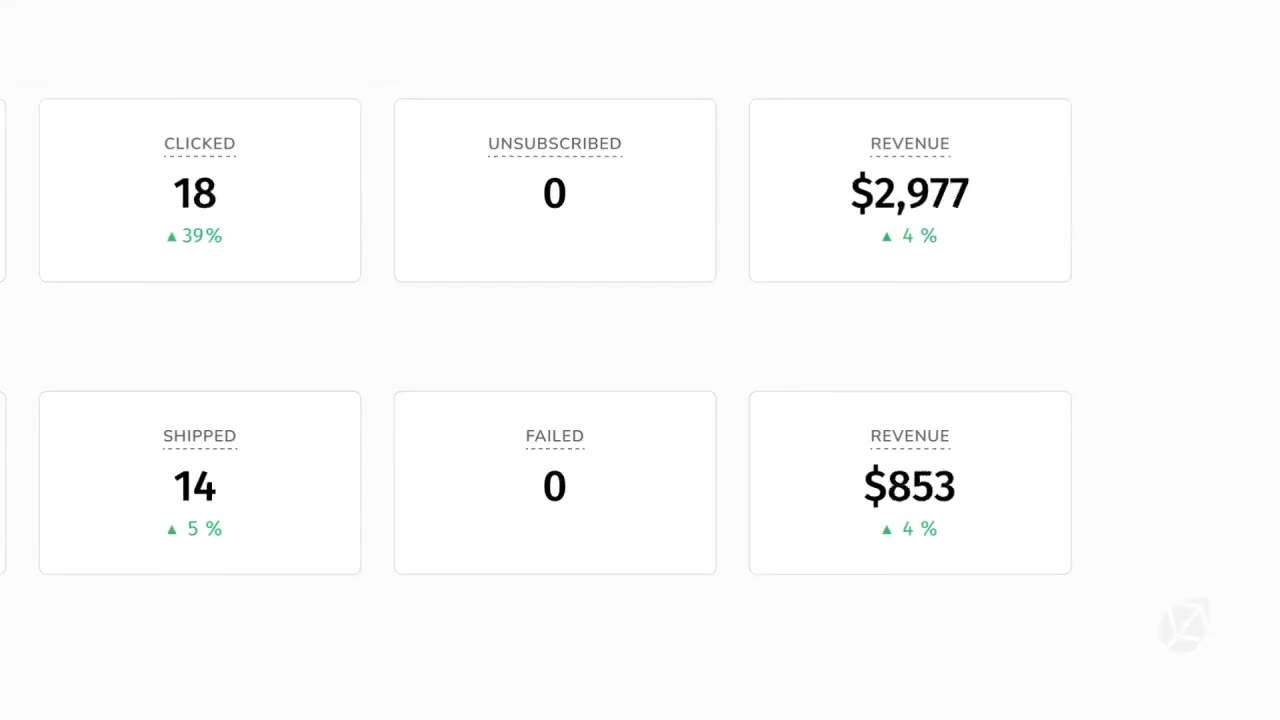
Dashboards and tables that count up as the story moves.
Show the revenue, not the menu.
Metric cards and tables animate in the order buyers read them.
Sell complex software clearly.
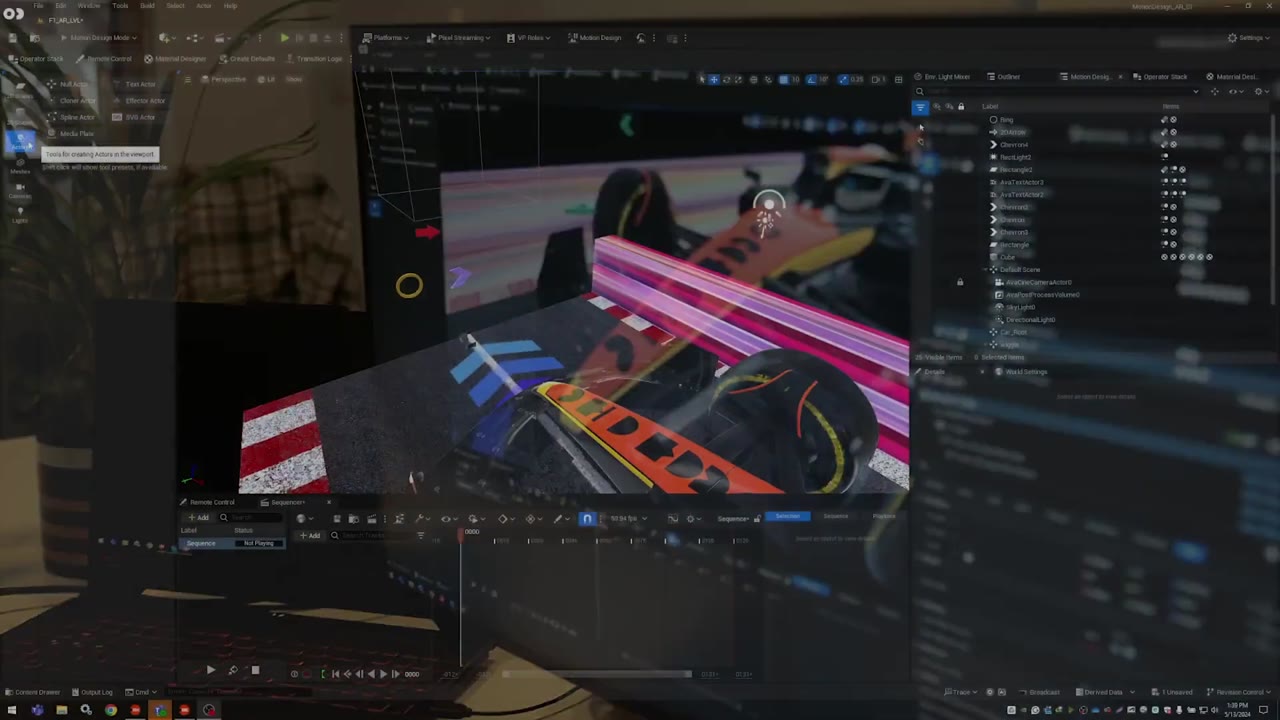
Editors and node graphs, cut down to one asset and one task.
One asset through every job.
Follow one asset across the editor, node graph and studio.
of people would most like to learn about a product by watching a short video.
Source: Wyzowl, State of Video Marketing 2026, 266 respondents.
Brief to delivery: 3 to 4 weeks.
- Goal and target metric
- Figma files or screenshots
- The screens buyers must see
- Brand kit and UI library
- Fixed budget upfront
- Script and storyboard sign-off
- Master UI video
- Silent loops for pages
Fixed fees from $1,000.
Per 60-second video. No hourly billing.
Flat 2D, clear on-screen text.
Motion graphics and animated UI.
A story built around one buyer.
Detailed motion design and 3D.
Animation plus live action.
Rated 5.0 by clients.
Recognized by Clutch for animation

Client stories, on video
UI video FAQ
What is a UI video?
A UI video shows a software product through its interface, rebuilt in animation instead of recorded. Screens stay sharp, clutter and private data drop out, and each click lands on cue. SundaySky's video pairs 5 use cases with the 5 AI features that do them, each shown working on animated product screens.
When is animated UI better than a screen recording?
Pick animated UI when screens change every sprint, hold customer data or carry too much on one page. A rebuilt interface shows only the fields the story needs, and one screen can be edited when the product ships an update. Pick a recording when users must match every button exactly.
How should a UI video present an AI copilot?
Show what the AI hands back, not how the model works. Start on the prompt a user types, then show the result on screen. SundaySky's Copilot scene takes the prompt "A video that drives customers to purchase a" and returns a numbered outline, then a finished "Welcome Jemma!" video card.
Can a UI video animate dashboards and live data?
Yes. Numbers can count up, bars can fill and tables can sort in the order a buyer reads them. FieldRoutes' video puts a Revenue figure beside every campaign, segment and lead in Marketing Pro, and revenue counts up in the campaign table as each new title card names a feature.
What do I need to send for a UI video?
Send the goal, the buyer and the screens the video must show, as Figma files, screenshots or a staging login. Add your brand kit and any UI component library. The screens are rebuilt from those files, so nothing private from a live customer account has to appear in the finished video.
How much does UI video production cost?
A 60-second UI video usually sits in the Engaging Visuals tier at Advids, a fixed fee from $1,500 to $2,000. Simple screen animation with flat titles can fit Clean Design, from $1,000 to $1,500. UI mixed with 3D or live studio shots moves up the tiers. The fee comes with the proposal.